

Why ARM vs x86 suddenly matters
For years, laptop buyers only had one real decision to make: Intel or AMD. That was the extent of the laptop cpu comparison for most people. In 2026, that simplicity is gone. ARM-based laptops have entered the mainstream, promising incredible efficiency, long battery life and quieter designs, while x86 machines continue to dominate performance-heavy tasks.
This shift has created a lot of confusion. Windows ARM laptops now sit next to traditional machines on store shelves. Qualcomm Snapdragon laptop chips compete directly with long-established processors. Even everyday buyers looking for the best budget laptops are now forced to think about architecture, not just price and specs.
Choosing between ARM and x86 is no longer a niche tech debate. It directly affects performance, software compatibility, gaming potential and how long your laptop lasts away from a charger. Understanding the difference helps you avoid buying the wrong platform for your needs.
Verdict: What was once a simple Intel vs AMD choice has evolved into a full-on platform personality test, and picking the wrong one can seriously change how your laptop behaves day to day.
What do ARM and x86 actually mean in laptops?
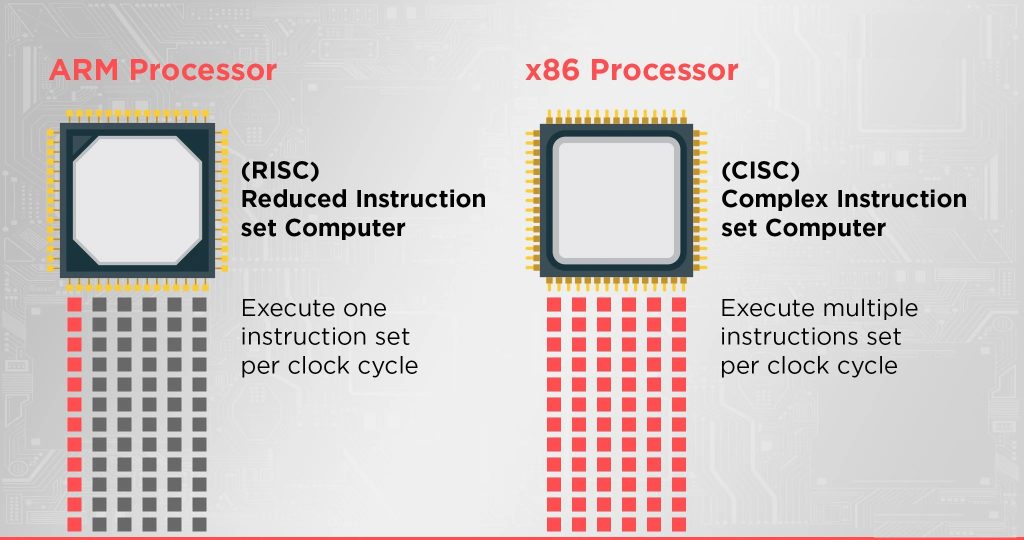
At a basic level, ARM and x86 are two different processor architectures. They define how a CPU understands instructions, manages power and interacts with software. While that sounds technical, the real-world impact shows up in performance, efficiency and compatibility.
ARM processors are designed with efficiency first. They use simpler instructions, consume less power and generate less heat. This is why ARM chips dominate smartphones and tablets. In laptops, this translates to thinner designs, silent cooling and some of the longest battery life numbers on the market.
x86 processors, used by Intel and AMD, focus on raw performance and compatibility. They handle complex instructions well and have decades of software optimisation behind them. This makes x86 laptops more flexible for demanding workloads, gaming and specialised applications. The trade-off is usually higher power consumption and shorter battery life compared to ARM systems.
Verdict: ARM is the calm, energy-efficient marathon runner of the laptop world, while x86 is the powerful sprinter built to handle heavy lifting, just don’t expect it to run as long without a recharge.
Performance and laptop cpu comparison: ARM vs x86
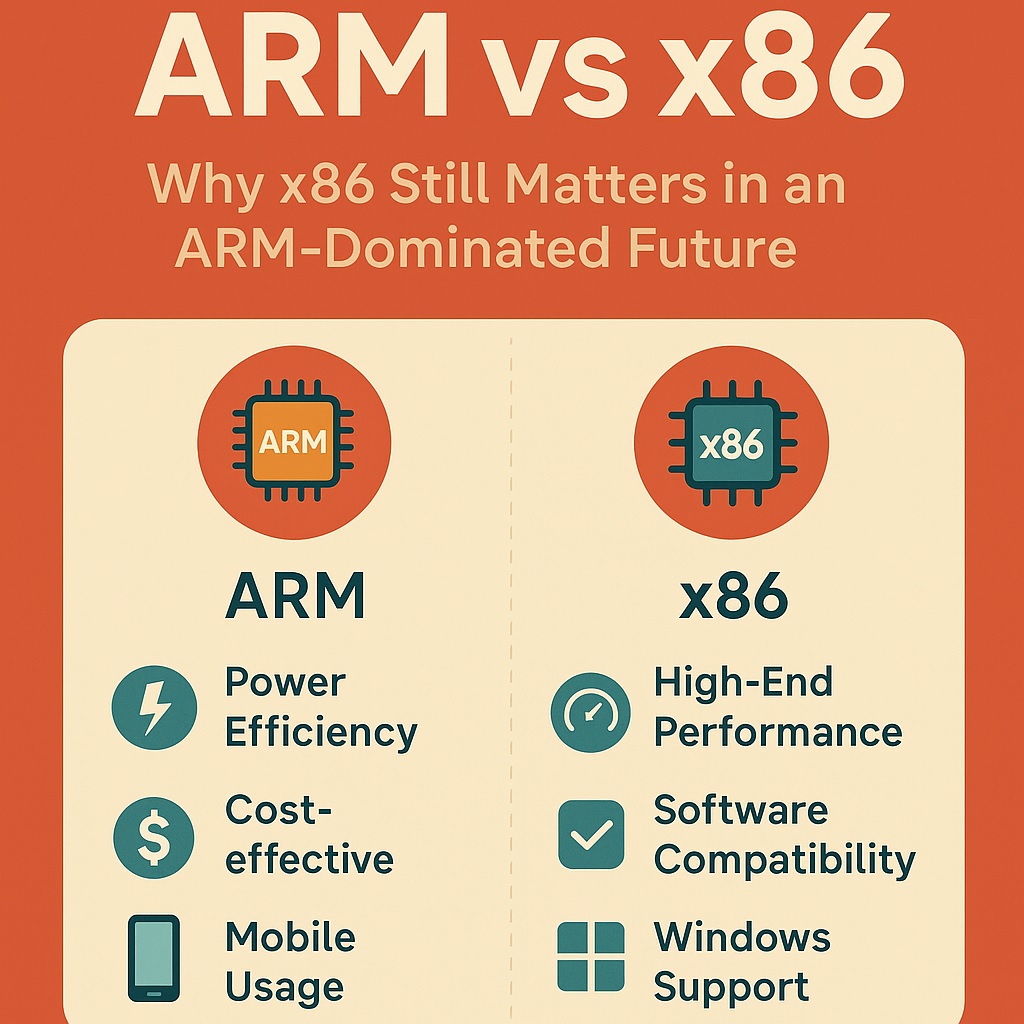
When it comes to performance, the gap between ARM and x86 laptops has narrowed dramatically. Modern ARM chips are no longer just about efficiency, they now deliver serious speed for everyday tasks. Web browsing, office work, video calls and even light creative workloads run smoothly on both platforms.
x86 laptops still hold the advantage in sustained heavy workloads. Tasks like video editing, 3D rendering and software development benefit from higher power limits and better thermal headroom. This is where Intel vs AMD laptops continue to shine, especially in higher-end configurations designed for performance over efficiency.
ARM laptops excel in responsiveness and consistency. They rarely throttle under light to moderate use, and performance feels stable even on battery power. For users who value smooth everyday performance and long unplugged sessions, ARM has become a genuinely competitive option in the laptop cpu comparison conversation.
Verdict: ARM has caught up for everyday speed and smoothness, but when the workload gets heavy, x86 still flexes its muscles and pulls ahead.
Best processor for laptop users in 2026: ARM or x86?
The idea of a single “best processor for laptop” no longer makes sense in 2026. Performance today is less about raw numbers and more about how a chip behaves in real life. ARM and x86 processors approach this very differently, which is why user experience can vary so much even on similarly priced machines.
For everyday users, ARM processors often feel faster than expected. Apps launch instantly, multitasking stays smooth and performance barely changes whether the laptop is plugged in or not. This consistency is one of ARM’s biggest strengths. Light creative work, office tasks and long browsing sessions benefit from this stable, always-on responsiveness.
x86 processors still dominate when workloads get heavy. Video editing, large spreadsheets, software development and sustained multitasking all push CPUs harder over longer periods. In these scenarios, x86 chips scale better, offering higher peak performance and better support for demanding applications. This makes them more suitable for professionals who regularly push their systems to the limit.
Ultimately, the best processor depends on how you actually use your laptop. If efficiency, silence and battery life matter most, ARM is hard to beat. If raw power, compatibility and workload flexibility are priorities, x86 remains the safer and more capable choice.
Verdict: In 2026 there’s no single “best” processor, ARM is the smooth, always-ready daily driver, while x86 is the powerhouse you call in when the heavy lifting starts.
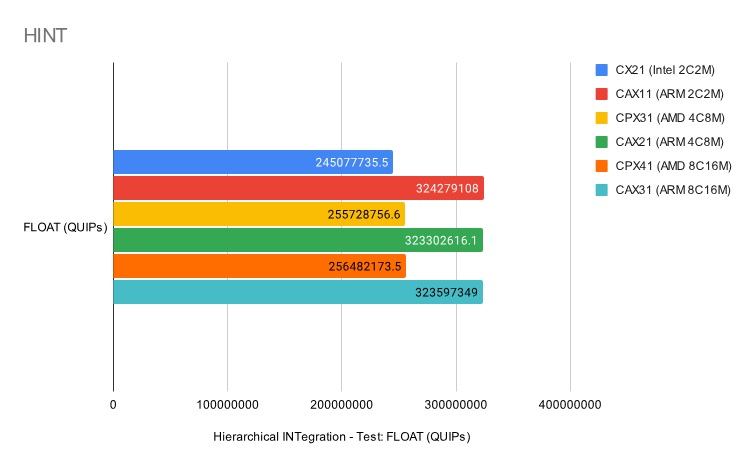
Battery life and efficiency: where ARM pulls ahead
Battery life is the area where ARM laptops truly stand out. Thanks to their mobile-first design, ARM processors sip power rather than gulp it. This allows manufacturers to build laptops that comfortably last a full workday, and often much longer, without sacrificing responsiveness.
Many of the laptops with best battery life in 2026 are ARM-based. Standby drain is minimal, sleep states are instant and background tasks barely dent the battery. This makes ARM laptops ideal for students, remote workers and frequent travellers who live away from wall sockets.
x86 laptops have improved significantly, especially with newer Intel and AMD chips, but they still struggle to match ARM efficiency in light workloads. High-performance x86 systems often trade battery life for speed, while ARM machines prioritise endurance first and performance second. For anyone who values unplugged freedom, ARM currently holds a clear advantage.
Verdict: If battery life is your top priority, ARM laptops are the ones that just keep going, while x86 machines still prefer knowing where the nearest charger is.
Software compatibility and Windows ARM laptops
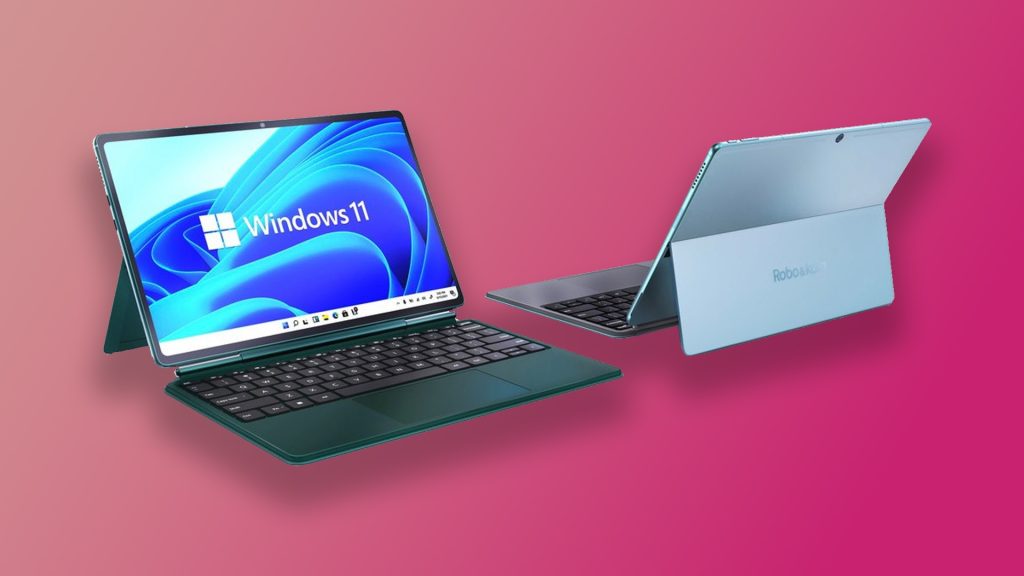
Software compatibility used to be the biggest weakness of ARM laptops, but that story has changed a lot by 2026. Windows ARM laptops now support a wide range of everyday applications, from browsers and office tools to creative and productivity software. For most users, the experience feels surprisingly normal.
Native ARM apps run fast and efficiently, often outperforming their x86 equivalents on battery power. When an app is not yet native, Windows relies on emulation. Modern emulation is far better than it used to be, but it can still impact performance and battery life for heavier programs. Casual users may never notice, while power users running specialised tools probably will.
The rise of Copilot+ PC laptops, powered by chips like the Snapdragon X Elite, has accelerated developer support. As more Qualcomm Snapdragon laptop designs enter the market, software optimisation continues to improve. That said, if your workflow depends on niche Windows applications, legacy drivers or custom tools, x86 laptops remain the safer choice.
Verdict: Windows ARM laptops have grown up fast, most apps run happily now, but if your workflow relies on obscure or heavyweight software, x86 is still the safer grown-up in the room.
Gaming and demanding workloads: ARM vs x86 reality check
Gaming is where the difference between ARM and x86 laptops becomes very clear. Most modern games are still built and optimised for x86 architecture. This gives traditional systems a huge advantage in compatibility, performance and driver support. If you are shopping for the best gaming laptops 2026, x86 remains the obvious choice.
ARM laptops can handle casual and cloud-based gaming, but native game support is limited. Emulation adds overhead, and many titles simply do not run as intended. Graphics driver maturity also plays a role, with x86 systems benefiting from decades of optimisation from GPU vendors.
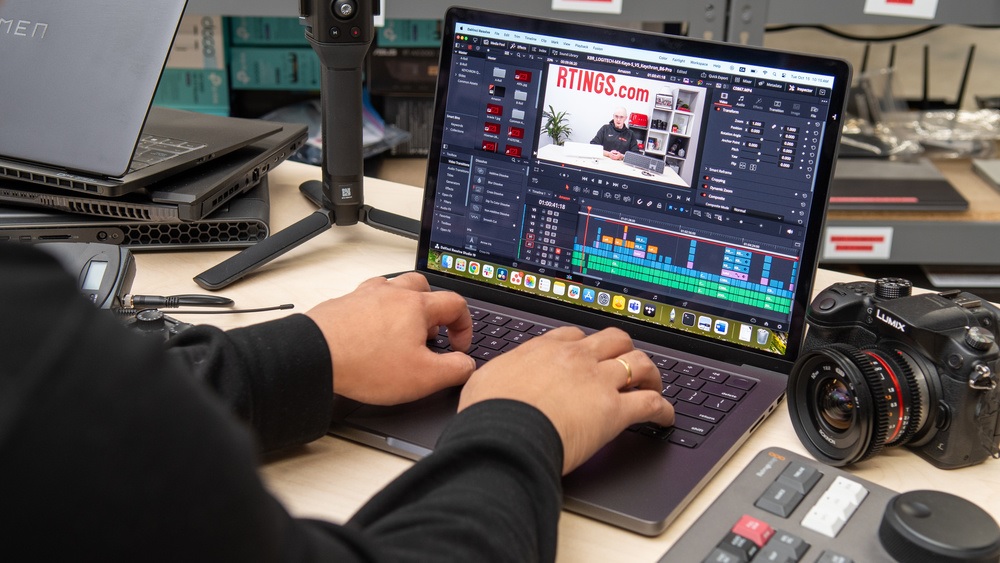
For demanding creative workloads like video editing, 3D modelling and software development, x86 laptops continue to lead. They offer better support for professional applications, external GPUs and specialised hardware. ARM systems are improving fast, but for heavy-duty tasks, x86 still provides the most predictable and powerful experience.
Verdict: When it comes to gaming and heavy workloads, x86 still owns the playground, while ARM is better suited for lighter fun and watching from the sidelines.
Best budget laptops and value for money
When it comes to affordability, both ARM and x86 platforms offer strong options, but they target slightly different buyers. Many of the best budget laptops on the market still rely on x86 processors, mainly because of widespread availability, competitive pricing and broad software support.
ARM laptops are becoming more accessible, but they often appear in mid-range price brackets rather than true entry-level territory. Their value comes from efficiency rather than raw power. Lower heat output, silent operation and excellent battery life can justify the price for users who prioritise portability and everyday productivity.
x86 budget laptops usually offer more flexibility. You can find models with larger storage, upgradeable memory and better port selection at lower prices. For students or first-time buyers who want maximum compatibility and minimal surprises, budget-friendly x86 systems remain the safest option.
Verdict: If you’re shopping on a tight budget, x86 gives you more choices and fewer surprises, while ARM asks you to pay a bit more upfront for calm, quiet efficiency.
Best laptops 2026: which platform dominates each category?
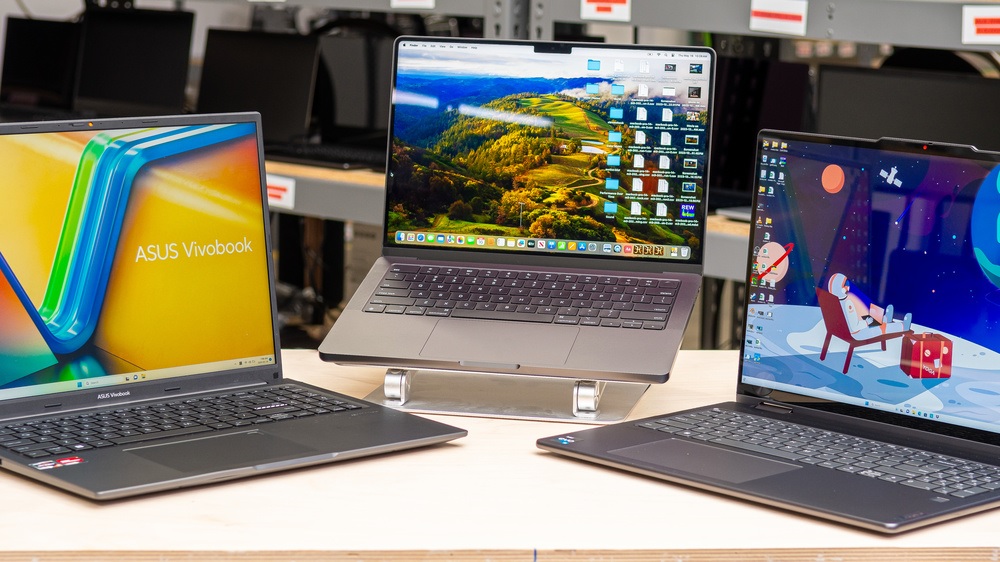
By 2026, choosing a laptop is no longer just about brand or price. The platform underneath plays a major role in what kind of experience you get. ARM and x86 laptops both dominate different categories, and knowing which one leads where can save you from buyer’s remorse.
Best budget laptops
In the budget segment, x86 laptops still have the upper hand. Entry-level Intel and AMD systems are widely available, competitively priced and compatible with almost all software. They are easier to recommend for students and first-time buyers who want flexibility without worrying about app support.
Laptops with best battery life
This category belongs firmly to ARM. Many of the longest-lasting laptops in 2026 use ARM-based processors, delivering all-day and sometimes multi-day battery life. For users who travel frequently or work away from power outlets, ARM laptops are difficult to beat.
Best gaming laptops 2026
Gaming remains an x86 stronghold. Dedicated GPUs, mature drivers and native game support make x86 laptops the only realistic choice for serious gaming. ARM systems may handle cloud gaming or casual titles, but performance-focused gamers should stick with x86.
Productivity and everyday work laptops
For productivity-focused users, the choice is closer than ever. ARM laptops offer fast wake times, smooth multitasking and excellent efficiency. x86 laptops provide more power headroom and broader compatibility. The better option depends on whether you value endurance or versatility more.
Verdict: In 2026 there’s no single laptop king, x86 wins on budget and gaming, ARM rules battery life, and picking the right one saves you from instant buyer’s remorse.
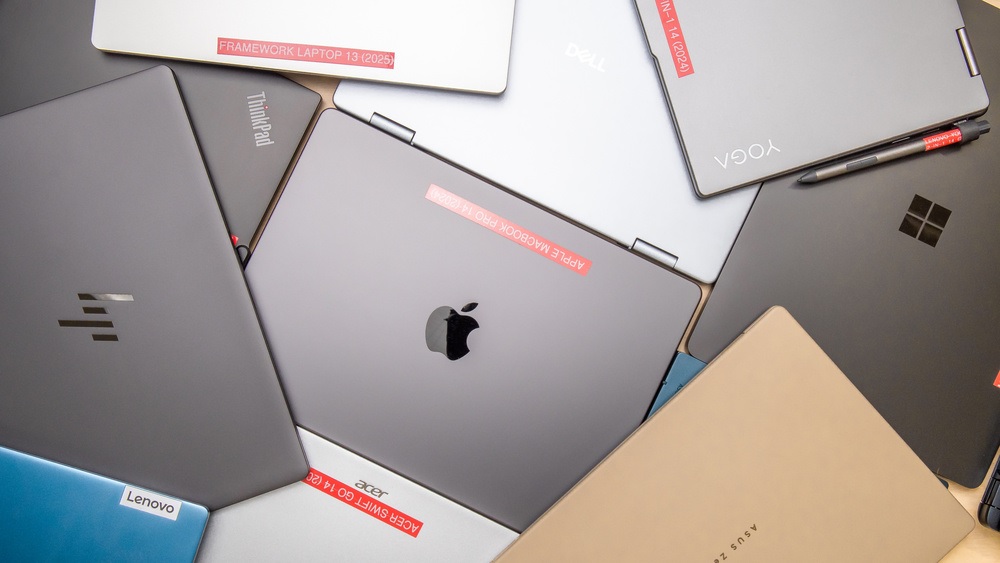
Apple’s approach: what MacBooks tell us about ARM laptops
Apple’s transition to ARM-based silicon reshaped expectations for laptop performance and efficiency. Modern MacBooks demonstrated that ARM laptops could deliver strong performance while maintaining exceptional battery life, forcing the wider PC industry to rethink what was possible.
Apple MacBook battery life remains one of the best benchmarks in the industry. Long standby times, minimal performance loss on battery and quiet operation have become defining traits. This success helped normalise ARM laptops as serious productivity machines rather than experimental alternatives.
While macOS and Windows differ significantly, Apple’s approach proved that ARM architecture works extremely well in laptops when hardware and software are tightly integrated. This momentum has influenced Windows ARM laptops and accelerated development across the entire ecosystem, benefiting consumers regardless of platform choice.
Verdict: Apple proved that ARM laptops can be fast, quiet and marathon-level efficient, setting expectations so high that the rest of the laptop world had no choice but to chase them.
Which platform should you choose based on your needs?
Choosing between ARM and x86 laptops is less about which one is better overall and more about which one fits your lifestyle. Each platform shines in different scenarios, and understanding your priorities makes the decision much easier.
If you care most about portability, silent operation and long battery life, ARM laptops are an excellent choice. They are ideal for students, writers, remote workers and anyone who spends long hours browsing, emailing and working in productivity apps. For users focused on everyday tasks and mobility, ARM feels modern and effortless.
x86 laptops remain the best option for power users. Gamers, creators, engineers and developers benefit from better compatibility, stronger graphics support and access to high-performance components. If your work involves demanding software or you want the freedom to upgrade and customise, x86 offers more flexibility and fewer compromises.
Verdict: Pick ARM if you want a quiet, long-lasting laptop that just gets out of your way, and choose x86 if you need a no-nonsense workhorse ready to handle anything you throw at it.
Conclusion: ARM vs x86 laptops, which one wins?
The ARM vs x86 debate is no longer about experimental technology versus tradition. In 2026, both platforms are mature, capable and designed for very different priorities. ARM laptops excel at efficiency, mobility and battery life, while x86 machines continue to dominate performance, gaming and advanced workloads.
If your laptop is mainly a productivity companion, ARM offers a smooth, quiet and long-lasting experience that feels perfectly suited to modern work habits. For users who demand raw power, broad software support and flexibility, x86 remains the more practical and dependable choice.
There is no universal winner, only the right fit for how you work, play and travel. Understanding the strengths of each platform ensures you invest in a laptop that supports your needs rather than fighting against them.
Frequently asked questions
Are ARM laptops good for everyday use?
Yes. ARM laptops handle everyday tasks like web browsing, office work, streaming and video calls very well. They are especially appealing if you value long battery life, instant wake and quiet operation.
Are Windows ARM laptops worth buying in 2026?
For most mainstream users, yes. Windows ARM laptops have improved app support and performance significantly. As long as you do not rely on niche or legacy software, they offer a smooth and efficient experience.
Which platform has the best battery life?
ARM laptops currently lead when it comes to battery life. They consistently deliver longer unplugged use compared to x86 systems, especially during light and moderate workloads.
Is x86 still better for gaming?
Absolutely. x86 laptops remain the best choice for gaming thanks to native game support, mature graphics drivers and access to powerful GPUs. ARM laptops are not yet ideal for serious gaming.
Which is the best processor for a laptop overall?
There is no single best processor for everyone. ARM processors are excellent for efficiency and mobility, while x86 processors offer better performance and compatibility. The best choice depends on how you plan to use your laptop.
