

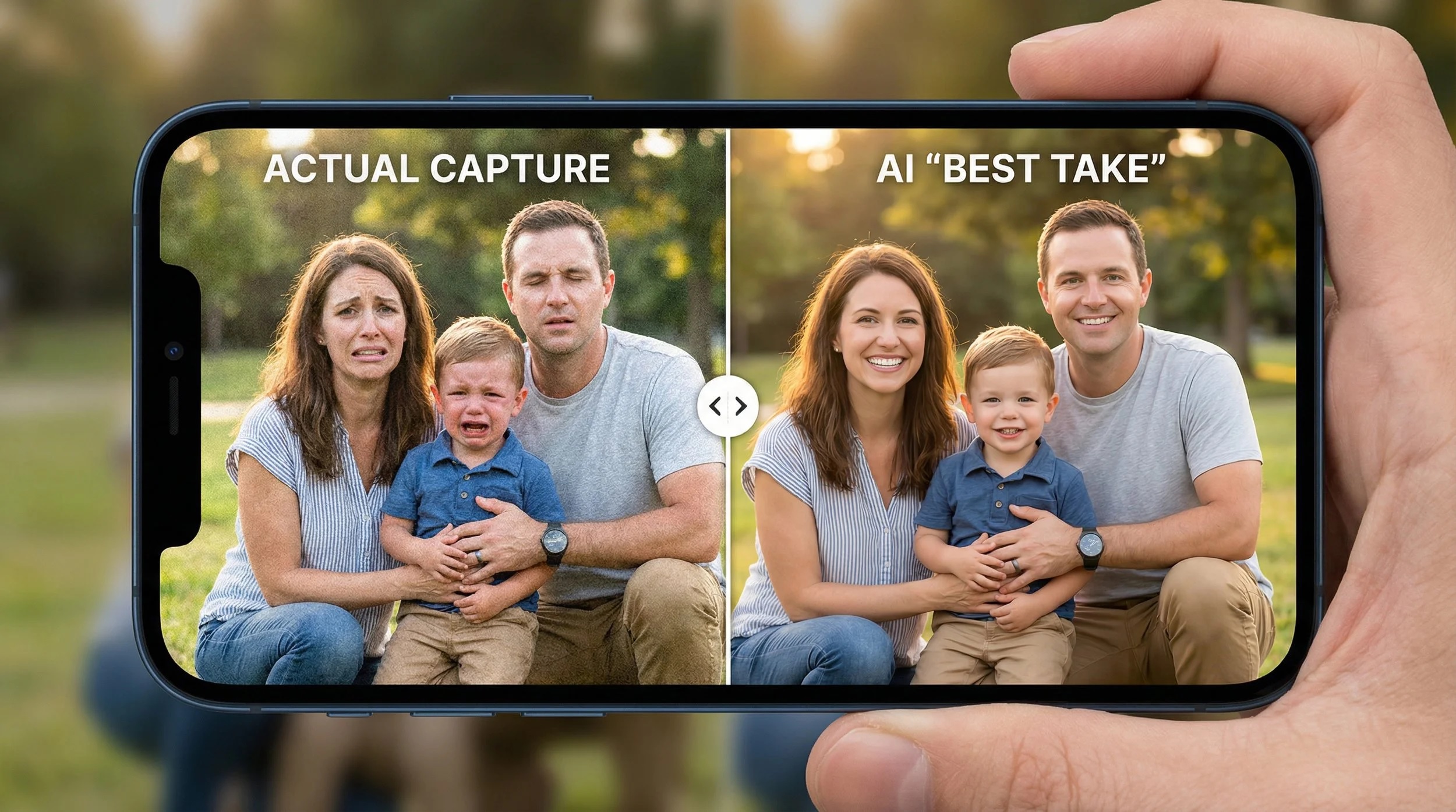
Why your phone photos look so good now
Smartphone cameras have improved so dramatically that they often outperform dedicated cameras in everyday use. This is not because phone lenses suddenly became magical, but because artificial intelligence quietly works behind the scenes every time you tap the shutter. From recognising scenes to enhancing colours, reducing noise, and sharpening details, AI photography is now the real engine driving mobile camera quality.
Modern phones with AI camera systems rely on complex algorithms that analyse each frame in real time. Whether you are shooting a sunset, a night cityscape, or your pet refusing to sit still, your phone is making thousands of micro decisions instantly. Understanding how phones use AI for photos helps explain why even mid range devices can deliver surprisingly professional results.
What is AI photography in smartphones?
AI photography is the use of machine learning and advanced algorithms to improve images automatically before you ever see them. Instead of relying only on hardware, modern AI camera smartphones depend heavily on software intelligence.
When you take a photo, the phone does not simply capture one image. In most cases, it captures multiple frames at different exposures, lighting conditions, and focus levels. AI computational photography then blends, analyses, and optimises those frames into a single final image.
This is why even affordable phones with AI camera features can compete with expensive devices. The software compensates for smaller sensors and lenses by enhancing clarity, dynamic range, and colour accuracy.
Key things AI photography does instantly
- Detects what you are photographing using AI scene recognition camera systems
- Adjusts exposure, contrast, and colour balance automatically
- Reduces motion blur and digital noise
- Enhances faces, skin tones, and backgrounds subtly
- Applies smart sharpening without obvious artifacts
Phones with AI camera technology do this in milliseconds, which is why photos feel instant even though complex processing happens underneath.
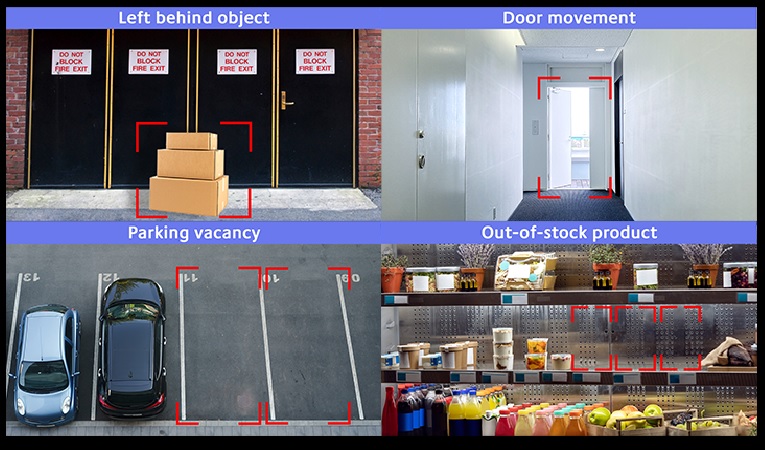
How phones use AI for photos: from shutter tap to final image
When you tap the shutter button, your phone begins a rapid fire process that feels instant but is anything but simple. Smartphone AI image processing works like a miniature photo studio packed inside your device, making smart decisions faster than you can blink.
Step 1: scene analysis in real time
Before the photo is even taken, the AI camera phone analyses the scene. It looks for faces, objects, lighting conditions, movement, and colour patterns. This is where AI scene recognition camera technology comes into play.
Your phone may detect:
- A portrait with one or more people
- A night scene with low light
- A landscape with sky, greenery, and water
- Text, food, pets, or fast moving subjects
Based on this recognition, the phone chooses the best shooting strategy automatically.
Step 2: capturing multiple frames at once
Unlike traditional cameras, AI photo processing phones rarely rely on a single image. They capture several frames at different exposures and focus points. Some frames are brighter, some darker, and some prioritise motion control.
This multi frame capture allows the AI camera smartphone to recover details in highlights and shadows while reducing blur.
Step 3: AI powered image blending
Once the frames are captured, AI computational photography takes over. The system compares each frame pixel by pixel and keeps the best information from each one.
For example:
- Sharp details from one frame
- Clean shadows from another
- Natural colours from a third
These are merged into one balanced image that looks sharper and more dynamic than a single exposure ever could.
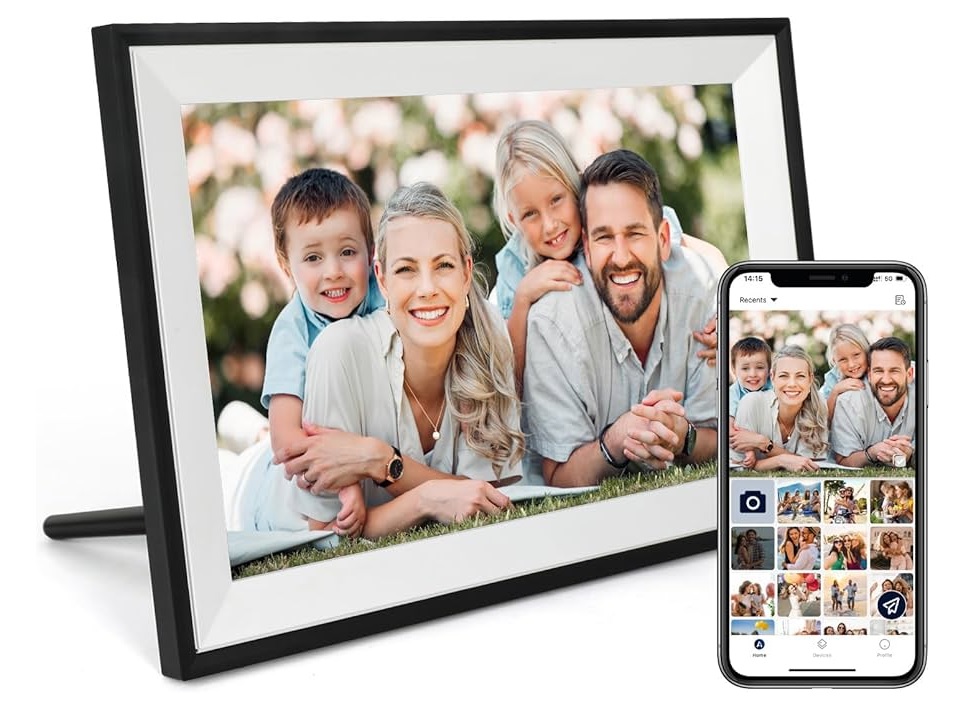
Step 4: intelligent adjustments and enhancements
Now comes the fine tuning. Smartphone AI image processing adjusts contrast, saturation, white balance, and sharpness based on what the scene requires. Faces are treated differently from landscapes, and night scenes receive specialised noise reduction.
This step explains why two phones with similar hardware can produce very different looking photos. The intelligence of the AI software makes a massive difference.
Step 5: final optimisation and saving
Before saving the image, the phone runs a final optimization pass. This ensures the photo looks good on your screen, social media platforms, and even when zoomed in.
The entire process usually takes less than a second.
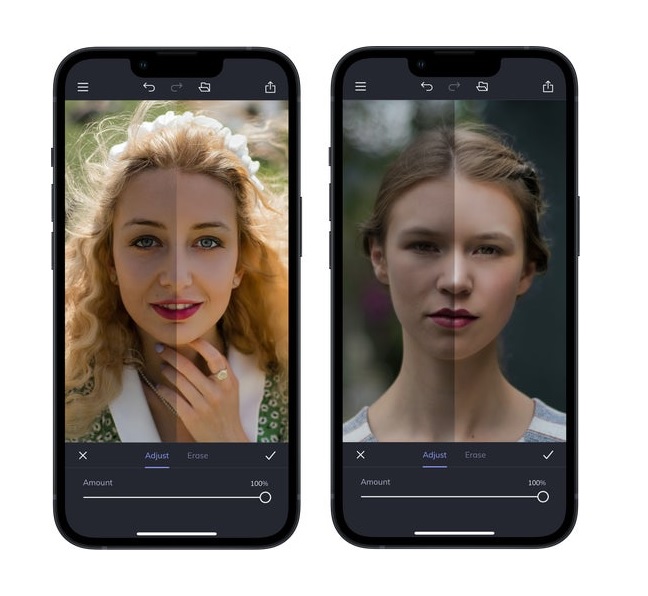
AI computational photography explained: the tech doing the heavy lifting
AI computational photography is the reason smartphone cameras have leapfrogged traditional point and shoot cameras. Instead of relying purely on optics, phones now depend on mathematics, data, and machine learning models trained on millions of images.
At its core, AI computational photography combines computer vision with intelligent decision making. The goal is simple: produce the best possible image regardless of lighting, movement, or sensor limitations.
Why smartphones rely on computational photography
Phone cameras face real physical challenges. Small sensors struggle in low light, tiny lenses capture less detail, and there is limited space for optical zoom. Rather than fight physics, phone makers leaned into software.
AI fills the gap by:
- Enhancing dynamic range in bright and dark areas
- Reconstructing details lost due to sensor size
- Reducing noise without destroying texture
- Simulating depth and background blur
This approach allows even slim devices to deliver impressive results.
HDR powered by AI
High Dynamic Range, or HDR, used to be a simple exposure blend. Today, AI driven HDR is far more advanced. The phone understands which parts of the image matter most.
For example:
- Faces are prioritised over backgrounds
- Skies retain texture instead of becoming flat
- Shadows are lifted without looking washed out
AI camera smartphones use semantic understanding, meaning the phone knows what it is editing, not just how bright or dark a pixel is.
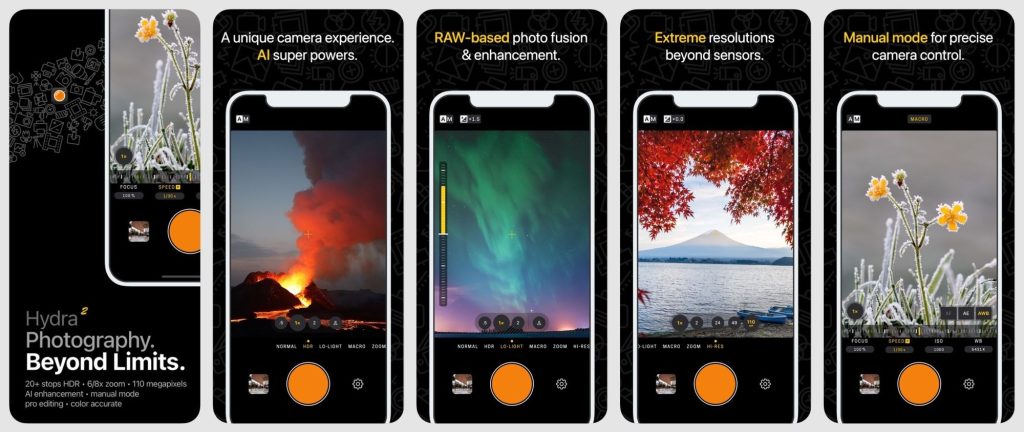
Night photography and AI noise reduction
Low light photography is where AI photo processing phones truly shine. Instead of boosting ISO and creating grainy images, the phone captures multiple low light frames and stacks them intelligently.
AI analyses:
- Motion patterns to prevent ghosting
- Light sources to avoid overexposure
- Texture details to keep photos natural
This is why night mode photos often look brighter than reality but still believable.
Portrait mode and depth mapping
Portrait mode is another showcase for smartphone AI image processing. Phones use depth data from multiple cameras or AI powered depth estimation to separate subjects from backgrounds.
AI ensures:
- Hair edges look natural
- Background blur mimics real lenses
- Facial features remain sharp
While not perfect, modern phones with AI camera systems have narrowed the gap significantly with professional cameras.
AI scene recognition camera systems: how your phone knows what you are shooting
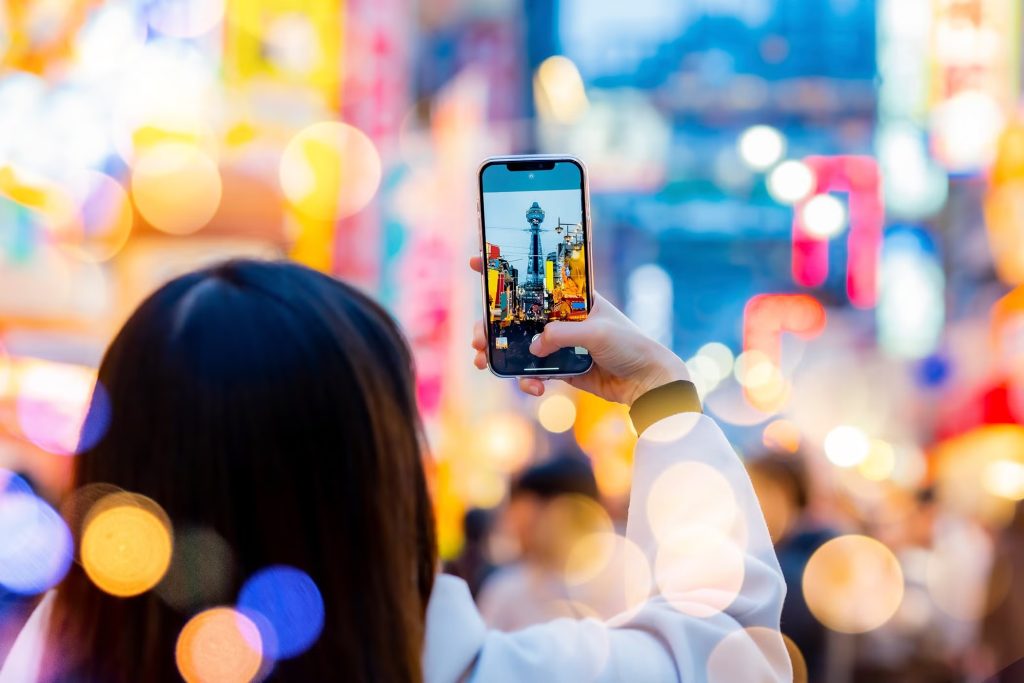
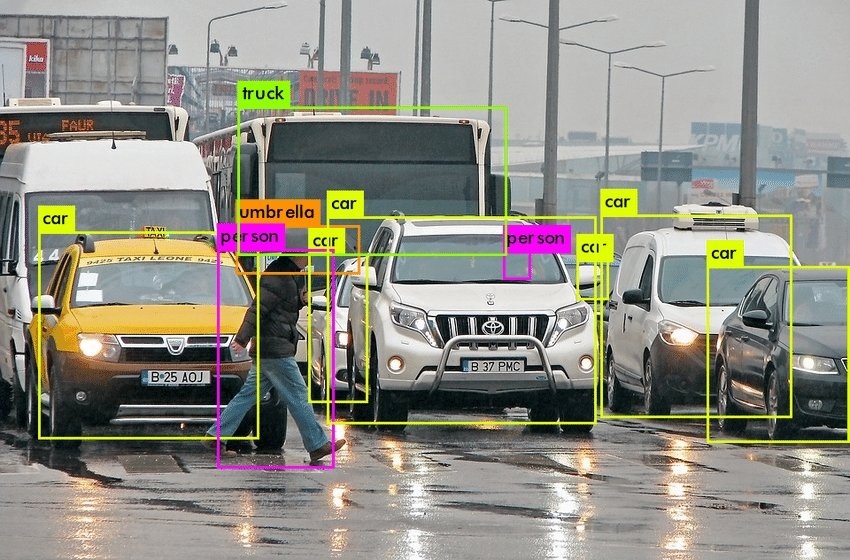
One of the most impressive features in modern smartphone cameras is their ability to understand the scene before the photo is taken. AI scene recognition camera systems allow phones to identify what is in front of the lens and adjust settings automatically, often without you even noticing.
This intelligence is trained using massive datasets containing millions of images. Over time, the AI learns to recognise patterns, shapes, colours, and lighting conditions associated with different scenes.
How AI scene recognition works
When you open the camera app, the AI camera phone begins analysing the live view. It compares the scene against known visual signatures.
It looks for:
- Colour distribution, such as blue skies or green foliage
- Object outlines like faces, buildings, or food
- Lighting conditions including backlight and low light
- Movement patterns for pets, sports, or kids
Within milliseconds, the phone categorises the scene and applies the most suitable image profile.
Common scenes recognised by smartphones
Most phones with AI camera capabilities can detect dozens of scene types. These typically include:
- Portraits and group photos
- Landscapes and sunsets
- Night scenes and city lights
- Food, pets, and text documents
- Macro subjects like flowers or insects
Once recognised, the phone tweaks exposure, colour tone, and contrast to match what looks best for that subject.
Benefits of scene recognition for everyday users
For most people, AI scene recognition removes the need to understand camera settings. The phone becomes a smart assistant that makes decisions for you.
Key advantages include:
- Better results with minimal effort
- Consistent quality across different scenes
- Reduced chance of over or underexposed photos
- Faster shooting without manual adjustments
This is especially useful for casual photographers who just want reliable results.
When AI gets it wrong
While impressive, AI is not flawless. Sometimes scene recognition may oversaturate colours or apply unwanted effects. Fortunately, many phones allow users to disable scene optimisation or switch to a more natural profile.
As AI models continue to improve, these mistakes are becoming less common.
Smartphone AI image processing vs traditional cameras
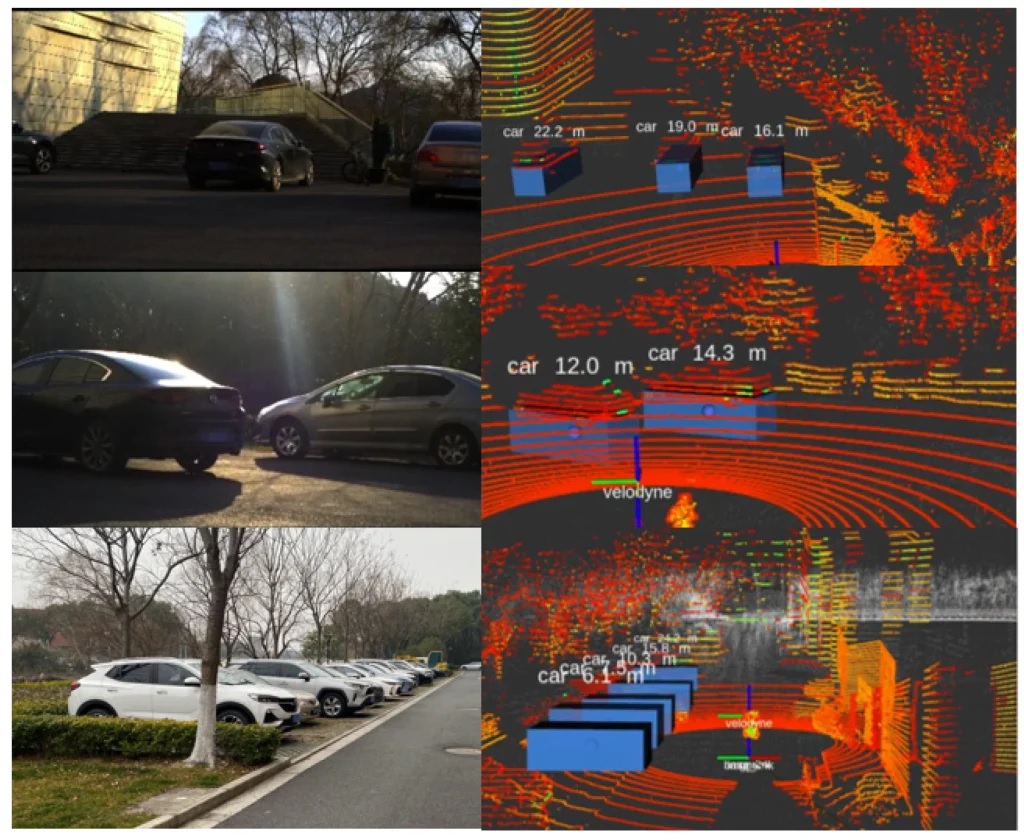
The rise of smartphone AI image processing has changed how people think about photography. While traditional cameras still dominate professional work, phones have redefined what is possible for everyday shooting.
Hardware vs software philosophy
Traditional cameras rely heavily on large sensors, interchangeable lenses, and manual controls. The assumption is that the photographer will handle exposure, focus, and creative choices.
Phones take the opposite approach. An AI camera smartphone uses smaller hardware but compensates with intelligent software that makes decisions automatically.
This difference explains why phone photos often look ready to share straight out of the camera, while photos from traditional cameras usually require editing.
Speed and convenience
Phones win decisively when it comes to speed. AI photo processing phones deliver:
- Instant capture and processing
- Automatic optimisation without manual tweaks
- Seamless sharing to social platforms
Traditional cameras offer more control, but they require time and skill to extract the best results.
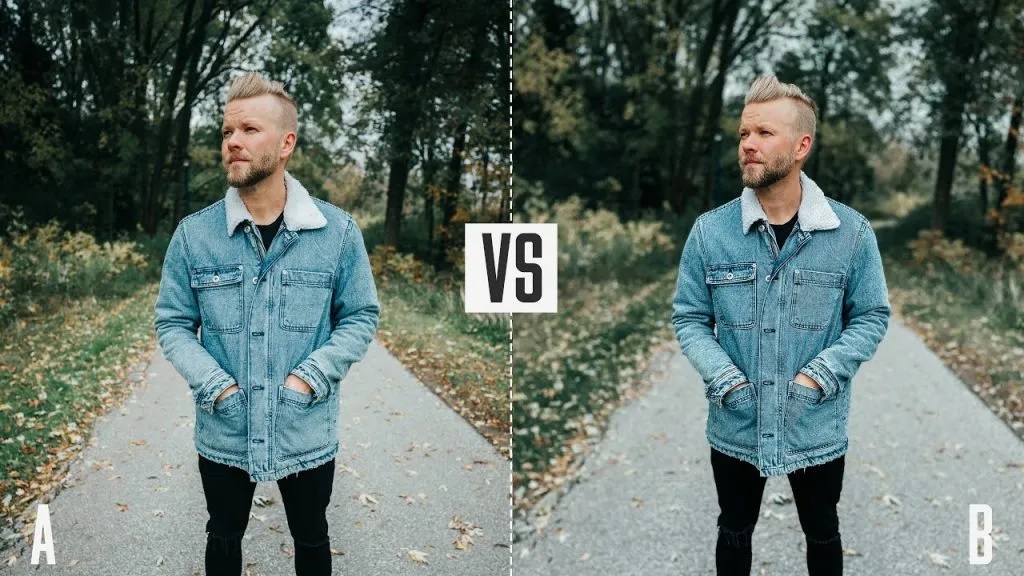
Image quality differences
In good lighting, the gap between phones and traditional cameras is surprisingly small. AI helps phones retain detail, manage highlights, and balance colours effectively.
In challenging conditions:
- Phones excel in low light due to AI noise reduction
- Traditional cameras perform better with natural depth and optical zoom
- Phones rely on digital zoom enhanced by AI
For most everyday scenarios, phones with AI camera systems produce results that satisfy the majority of users.
Creative control and limitations
Traditional cameras still offer superior creative flexibility. Photographers can choose lenses, control depth naturally, and shoot in specialised formats.
Phones prioritise simplicity and consistency. AI makes creative decisions automatically, which is perfect for convenience but limiting for advanced users.
Both approaches have their place, and many photographers now use both depending on the situation.
Phone AI photo editing: what happens after the photo is taken
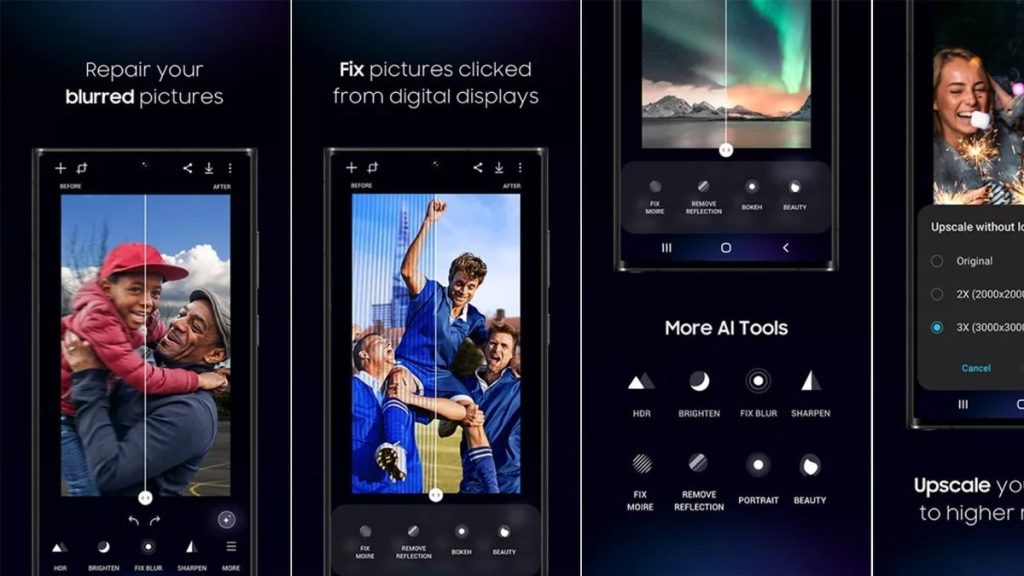
Taking the photo is only half the story. Modern phones continue working on your image even after it appears in your gallery. Phone AI photo editing tools quietly enhance photos in the background, often without requiring any manual input.
This post processing phase is where smartphone AI image processing becomes especially powerful.
Automatic enhancements you do not notice
As soon as the photo is saved, the phone analyses it again. This second pass focuses on refinement rather than capture.
Common automatic adjustments include:
- Fine tuning brightness and contrast
- Correcting colour balance and skin tones
- Enhancing sharpness selectively
- Reducing leftover noise in shadows
These changes are subtle by design. The goal is to improve the image without making it look edited.
Smart suggestions and one tap edits
Most AI camera smartphones now offer suggested edits inside the gallery app. The AI analyses the photo and recommends improvements such as cropping, straightening, or lighting adjustments.
For example:
- A slightly tilted horizon is automatically corrected
- A dull image receives a balanced brightness boost
- Portraits get gentle face enhancement
This makes editing accessible even for users with zero photography experience.
Object and background recognition
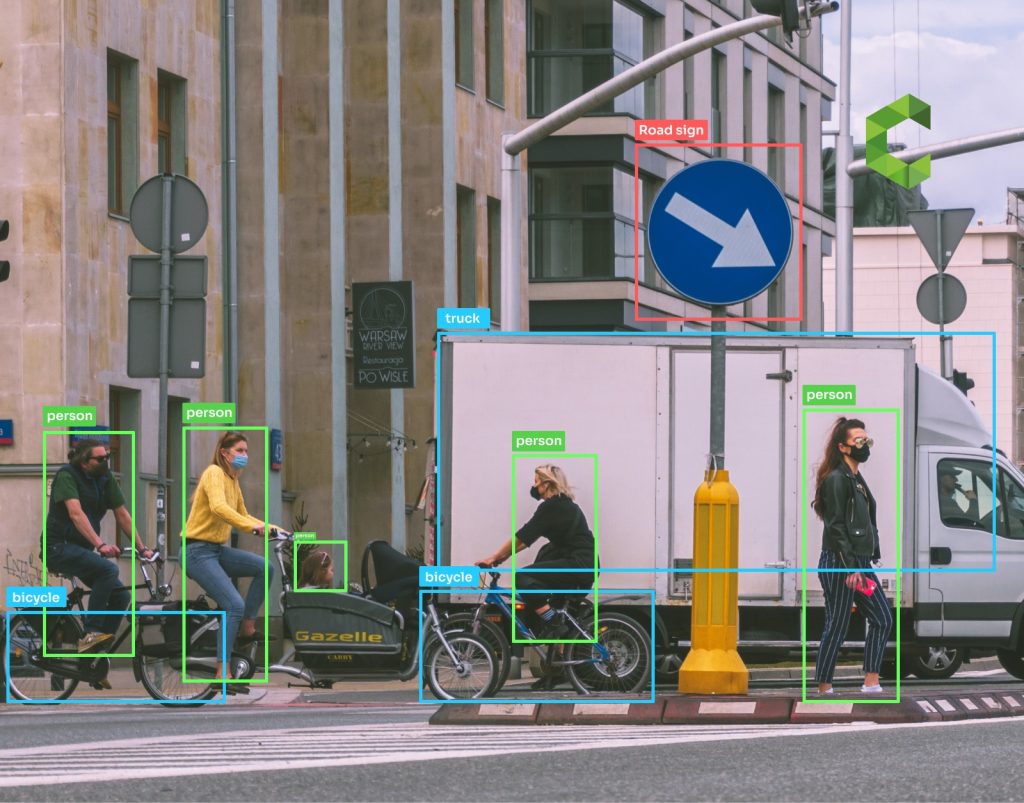
Advanced AI photo processing phones can recognise individual elements within an image. This allows selective editing without manual masking.
Examples include:
- Brightening faces without affecting the background
- Enhancing skies while preserving buildings
- Softening backgrounds while keeping subjects sharp
Some phones even allow object removal or background replacement using AI, turning complex edits into simple taps.
Learning from your preferences
Over time, AI systems learn from how you edit photos. If you consistently increase warmth or reduce contrast, the phone may start applying similar adjustments automatically.
This personalised approach helps photos align more closely with your personal style.
The future of AI photography on smartphones
AI photography is still evolving, and the next few years will push smartphone cameras far beyond simple image enhancement. Phones are moving from improving photos to actively creating and reshaping them in real time.
Generative AI and real time editing
The next wave of smartphone AI image processing will rely heavily on generative AI. Instead of only enhancing what the camera captures, phones will intelligently fill in missing details and adjust images live while you frame the shot.
Future capabilities are expected to include:
- Real time sky replacement while composing photos
- Automatic background cleanup without manual edits
- Intelligent reframing and subject repositioning
- Live style previews that adapt to lighting conditions
This means your phone will not just take a photo, it will help design it instantly.

Video AI improvements
AI photography is no longer limited to still images. Video is becoming the next major focus for phones with AI camera technology.
AI powered video improvements will likely include:
- Advanced stabilisation using predictive motion tracking
- Real time lighting correction in low light video
- Automatic subject focus switching
- Intelligent background blur for video calls and recordings
These upgrades will make smartphones even more dominant for content creators, vloggers, and social media users.

Ethical concerns and realism
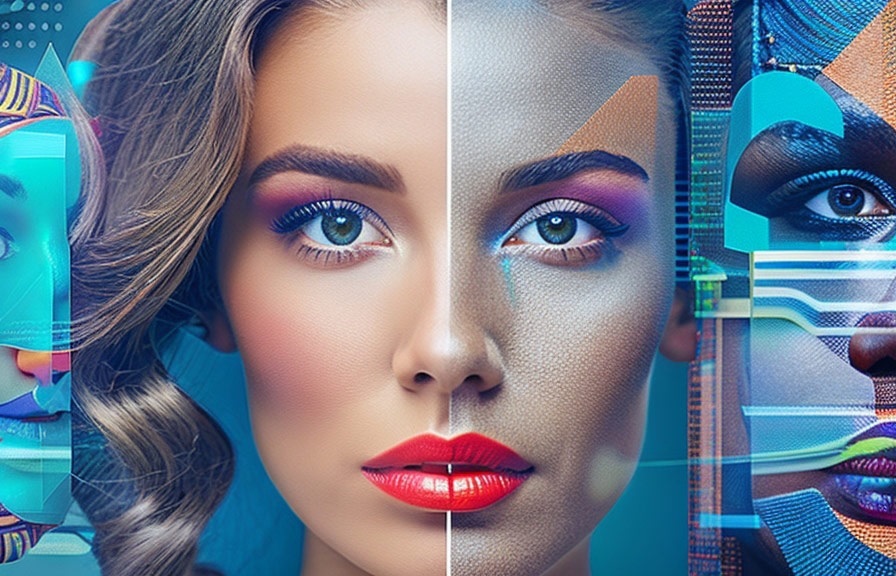
As AI becomes more powerful, questions around authenticity and realism grow louder. AI photo processing phones already enhance reality, but future tools could blur the line between photography and digital art.
Key concerns include:
- Over editing that misrepresents real scenes
- Unrealistic beauty standards from face enhancement
- Trust issues in journalism and evidence based photography
To address this, many brands are working on transparency features that label AI enhanced images or allow users to control how aggressive the processing is. Maintaining user trust will be just as important as technical innovation.
Final conclusion: why AI photography defines modern smartphones
AI photography has transformed smartphones from simple cameras into intelligent imaging systems. By analysing scenes, blending multiple frames, and applying real time enhancements, phones consistently deliver photos that look polished and ready to share.
Smartphone AI image processing removes technical barriers, allowing anyone to capture great photos without understanding complex camera settings. From AI scene recognition camera systems to advanced photo and video editing, the technology works quietly in the background to improve results.
As generative AI and real time editing continue to evolve, phones will become even more creative partners rather than passive tools. Understanding how phones use AI for photos helps users appreciate not just the final image, but the remarkable intelligence behind every tap of the shutter.
Frequently asked questions
What is an AI camera phone?
An AI camera phone uses artificial intelligence to analyse scenes, optimise camera settings, and enhance images automatically. It relies on software intelligence rather than only hardware.
How do phones use AI for photos?
Phones use AI for photos by recognising scenes, capturing multiple frames, blending exposures, reducing noise, and applying smart enhancements before and after the photo is saved.
Are AI camera smartphones better than traditional cameras?
AI camera smartphones are better for convenience and everyday use. Traditional cameras still offer superior control and optical advantages for professional photography.
Do AI photo processing phones edit photos too much?
Most modern phones aim for balanced enhancements. Users can usually reduce or disable aggressive processing if they prefer more natural looking photos.
What makes the best AI camera phones stand out?
The best AI camera phones combine strong software optimisation, dedicated AI processors, quality sensors, and consistent performance across lighting conditions.
