

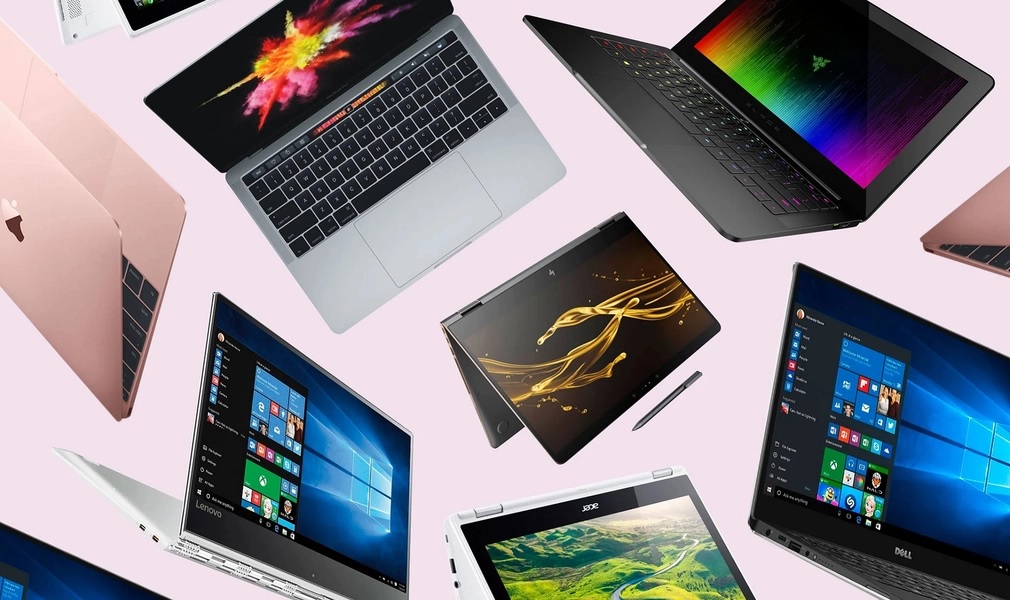
Remote work sounds amazing on paper. Work from anywhere, they said. What they forgot to mention is that “anywhere” often includes cramped airplane seats, noisy cafés, hotel desks designed for decorative purposes only, and backpacks that feel heavier every single hour.
That is where the best lightweight laptops for travel and remote work come in. These laptops are built for real life, not just neat desk setups. They are easy to carry, comfortable to use in awkward spaces, and powerful enough to handle emails, documents, video calls and all the browser tabs you swear you will close later.
A good lightweight laptop does not just save your back, it saves your sanity. When your device slips easily into your bag, starts up instantly and lasts all day without begging for a charger, work suddenly feels far more manageable. You stop fighting your gear and start focusing on what actually matters.
In this guide, we look at the best lightweight laptops for travel and remote work from a real-world perspective. No overhyped specs, no unrealistic use cases. Just honest guidance for freelancers, remote workers and professionals who want a laptop that keeps up without slowing them down.
Why lightweight laptops matter for travel and remote work
At first glance, a few hundred grams might not seem like a big deal. But carry a laptop through an airport, onto a train, into a café, and back home again, and suddenly weight becomes very personal. Lightweight laptops matter because your shoulders absolutely keep score.
The best lightweight laptops make travel easier in ways you do not notice until they are gone. Your bag feels lighter. You move faster. You stop rearranging straps like you are solving a puzzle. And somehow, your laptop stops feeling like the most dramatic item you own.
Size plays a role too. Thin laptops fit comfortably on airplane tray tables without invading your neighbour’s personal space. They sit nicely on café tables that were never designed with productivity in mind. And when you are working from a hotel room, they do not take over the entire desk like a territorial cat.
Battery life is another big reason lightweight laptops matter. Many of these devices are built around efficiency, meaning you spend more time working and less time hunting for power sockets like a tech-savvy detective. For remote work, that freedom is everything.
Lightweight laptops are not just about convenience. They quietly improve your workflow by removing friction. When your gear works with you instead of against you, everything else feels easier.
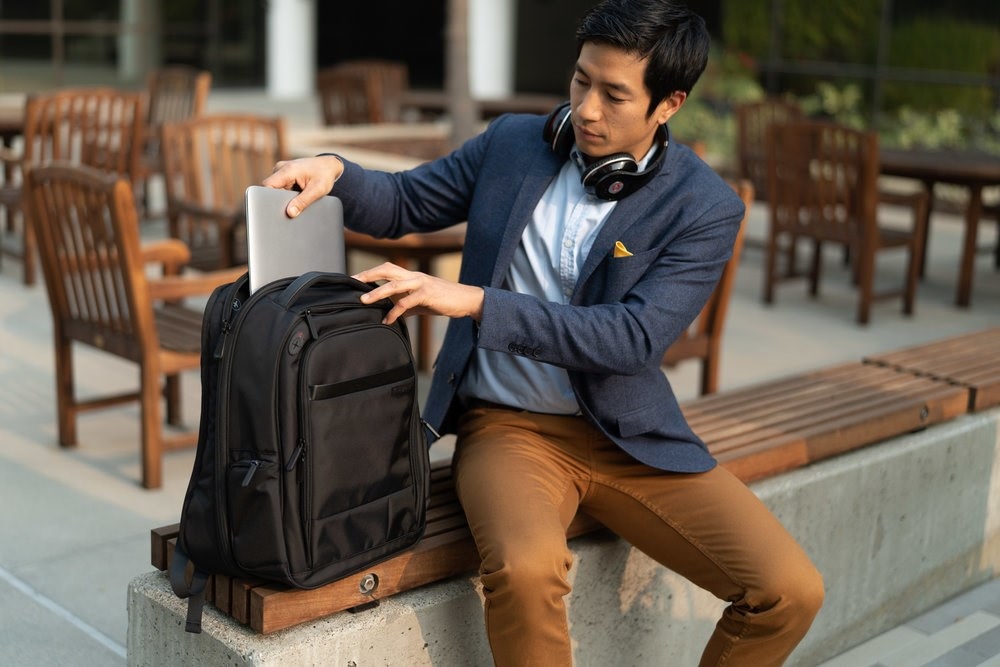
How travel habits influence the choice of a lightweight laptop
Not all travel is created equal, and neither are laptop needs. Someone flying every week has a very different relationship with their backpack compared to someone who travels once a month and mostly works from the sofa.
If you are a frequent traveller, weight becomes the main character very quickly. Sprinting through airports, juggling carry-ons and surviving security checks is far easier when your laptop feels more like a notebook than a dumbbell. Ultralight and compact laptops shine here because every gram saved feels like a small personal victory.
Occasional travellers have a bit more freedom. If your laptop mostly lives on a desk and only travels sometimes, you can afford a slightly heavier thin laptop in exchange for a better keyboard, brighter screen or extra ports. Comfort often wins over extreme portability when travel is not constant.
Digital nomads and international travellers should think about flexibility. USB-C charging is a lifesaver when power sockets change countries and café outlets mysteriously disappear. Carrying one compact charger instead of a bag full of bricks feels like winning at travel efficiency.
Your work environment matters too. If you often work on planes, trains or tiny café tables, compact laptops are simply easier to live with. Larger laptops may offer more screen space, but they quickly become awkward when desk space is measured in centimetres.
In short, the best lightweight laptop is not the lightest one on paper. It is the one that fits how you actually move, work and travel every day.
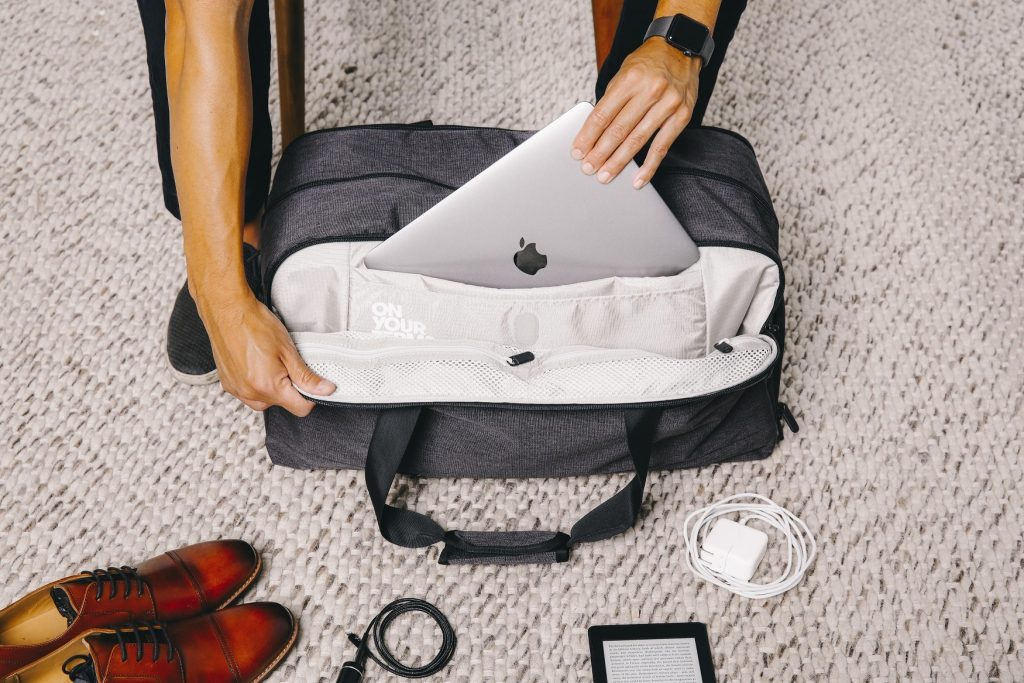
Best 13 inch lightweight laptops for travel and remote work
If lightweight laptops had a greatest-hits category, 13-inch models would be right at the top. They hit that rare sweet spot where portability and comfort shake hands and agree not to fight. Big enough to work properly, small enough to travel happily.
A 13-inch laptop fits on airplane tray tables without drama, slides onto café tables without knocking over drinks, and still gives you enough screen space to work for hours without squinting. For most remote workers and travellers, this size just works.
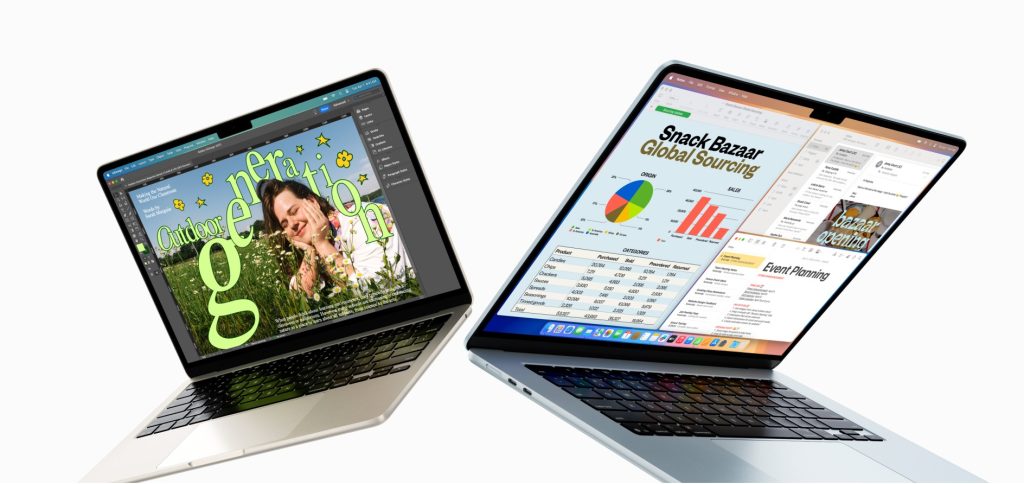
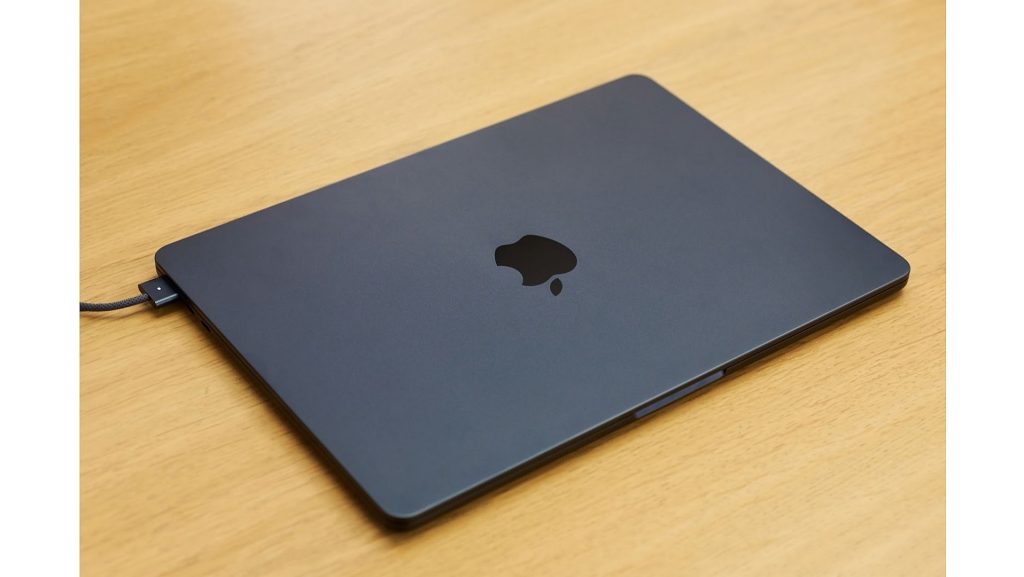
Apple MacBook Air 13-inch
The MacBook Air 13-inch is the laptop many people compare everything else to, and for good reason. It is lightweight, extremely efficient and feels effortless to use. It handles emails, documents, video calls and multitasking without making a fuss, and its battery life is the kind that quietly spoils you.
It is especially popular with freelancers, writers and remote professionals who want something reliable, silent and easy to live with. No fan noise, no overheating, no stress.
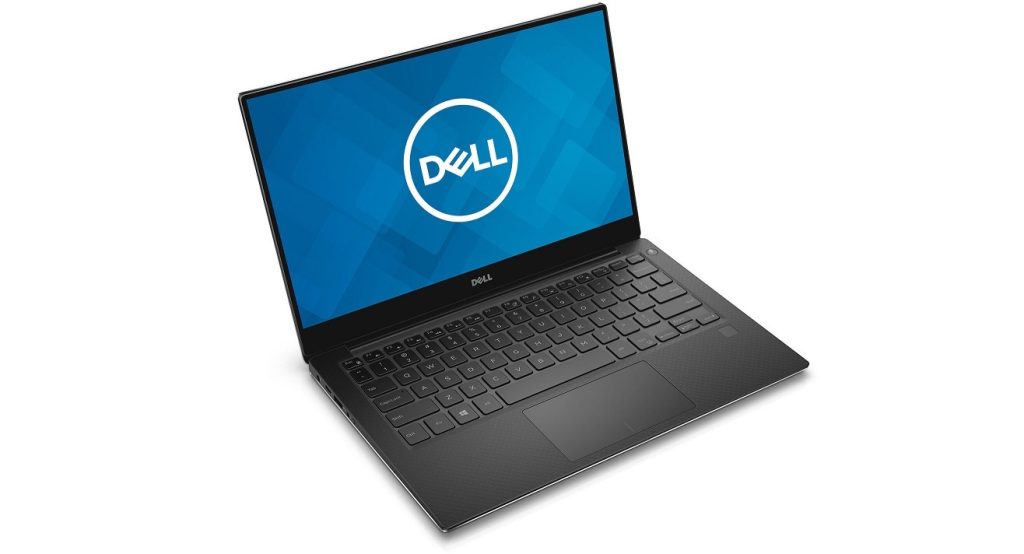
Dell XPS 13
The Dell XPS 13 is a favourite among Windows users who want a premium, compact laptop that still feels powerful. Its near edge-to-edge display keeps the body small while giving you plenty of screen to work with.
For productivity tasks, research, presentations and even light creative work, the XPS 13 performs confidently. It also travels well, which is exactly what you want when your laptop rarely stays in one place.
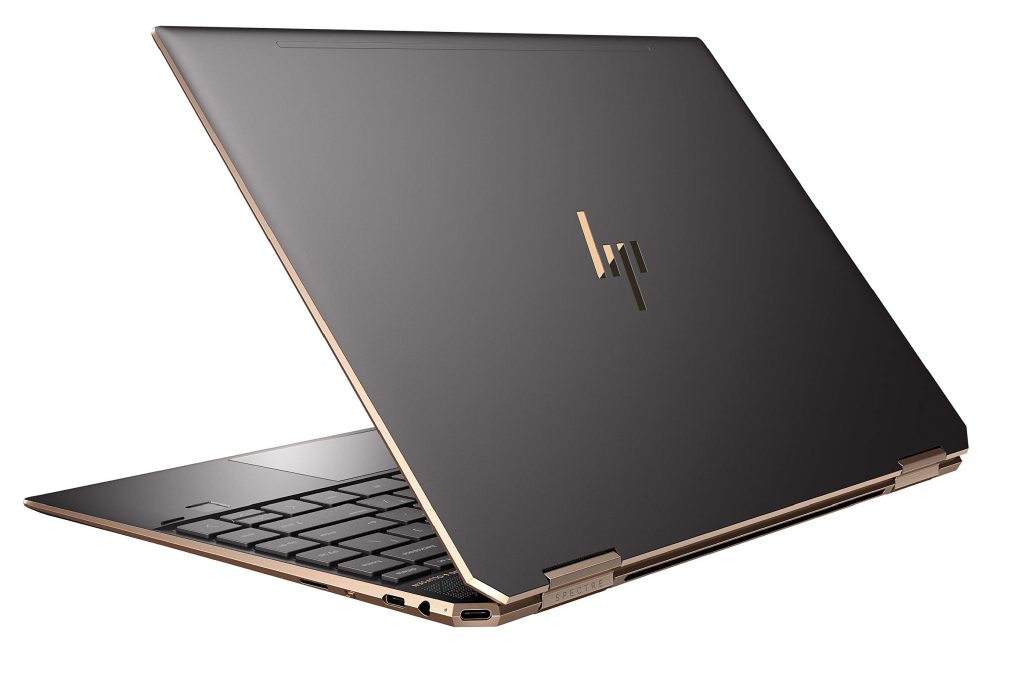
HP Spectre x360 13
If you like flexibility, the HP Spectre x360 13 brings a bit of personality to the 13-inch category. Its convertible design lets it switch between laptop and tablet mode, which is handy for presentations, note-taking or casual browsing.
It is slim, stylish and travel-friendly, making it a good option for people who want a lightweight laptop that feels a little more versatile than the usual clamshell design.
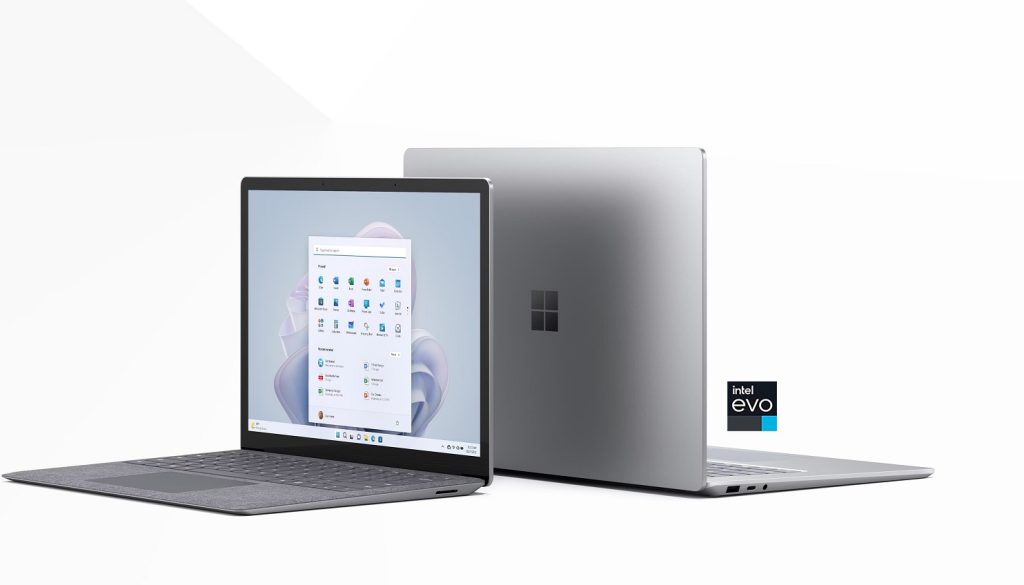
Microsoft Surface Laptop (13-inch range)
The Surface Laptop series is known for excellent keyboards and clean design. For people who type a lot, this matters more than almost anything else. Long writing sessions, emails and reports feel comfortable rather than tiring.
It is a strong choice for professionals who value typing comfort and display quality just as much as portability.
Why 13 inch laptops are such a safe choice
- Easy to carry without feeling cramped
- Comfortable for long work sessions
- Perfect size for planes, cafés and hotels
- Wide range of premium options available
For most people looking for the best laptops for travel, a 13-inch lightweight laptop is the least risky and most versatile option.
Best compact laptops for freelancers and digital nomads
Freelancers and digital nomads live a slightly chaotic laptop life. One day it’s a perfectly organised home desk, the next it’s a café table that wobbles if you breathe too hard. Compact laptops are built for exactly this kind of unpredictability.
The best compact laptops for freelancers focus on portability, comfort and reliability. They are easy to carry, quick to set up and comfortable enough to use for long stretches of work. When deadlines are tight and locations keep changing, the last thing you want is a laptop that demands special treatment.
Apple MacBook Air
It is almost impossible to talk about freelancers and compact laptops without mentioning the MacBook Air. It is lightweight, silent and incredibly easy to live with. For writing, research, client communication, content creation and general multitasking, it just works.
Freelancers love it because it does not interrupt their flow. No loud fans, no sudden slowdowns, just consistent performance wherever you open it.
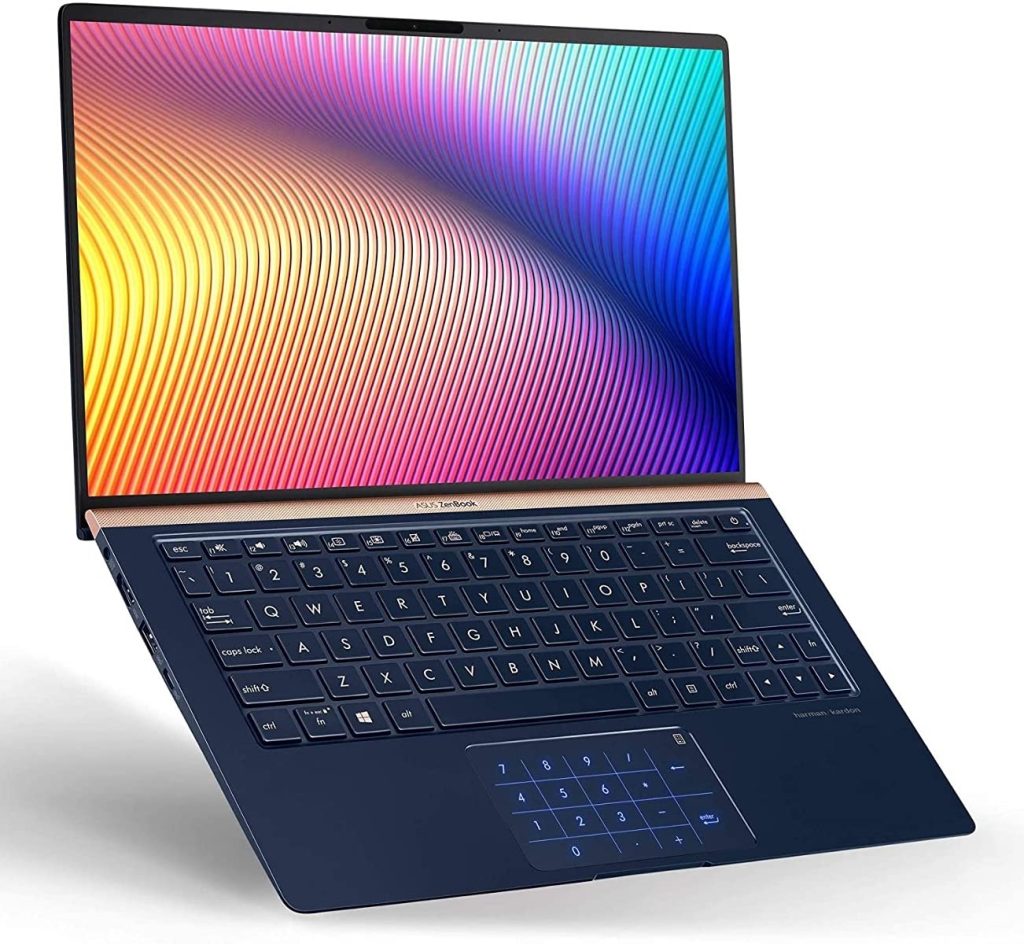
ASUS ZenBook 13
The ASUS ZenBook 13 is a strong choice for freelancers who prefer Windows but still want a lightweight, compact machine. It offers a good balance of performance and battery life, which is ideal for long workdays away from power outlets.
It handles multitasking well and feels fast enough for productivity-heavy workloads like spreadsheets, presentations and browser-based tools.
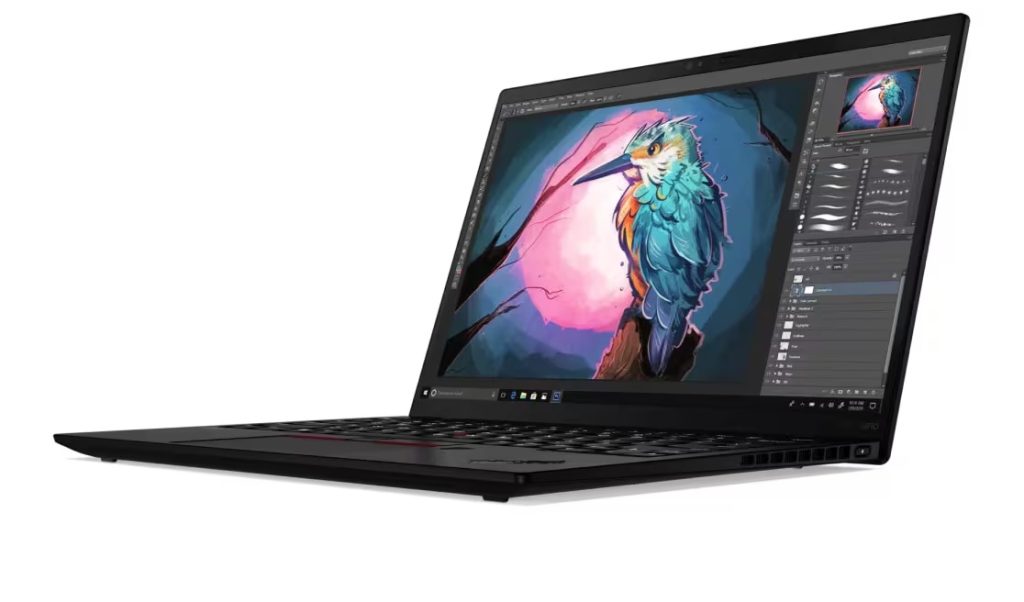
Lenovo ThinkPad X1 Nano
For freelancers who type a lot, the ThinkPad X1 Nano is a dream. It is extremely lightweight and has one of the best keyboards you can find on a compact laptop. Long writing sessions feel comfortable rather than exhausting, which is a big deal when words pay the bills.
It is also built to survive travel, making it a solid companion for freelancers who move between locations frequently.
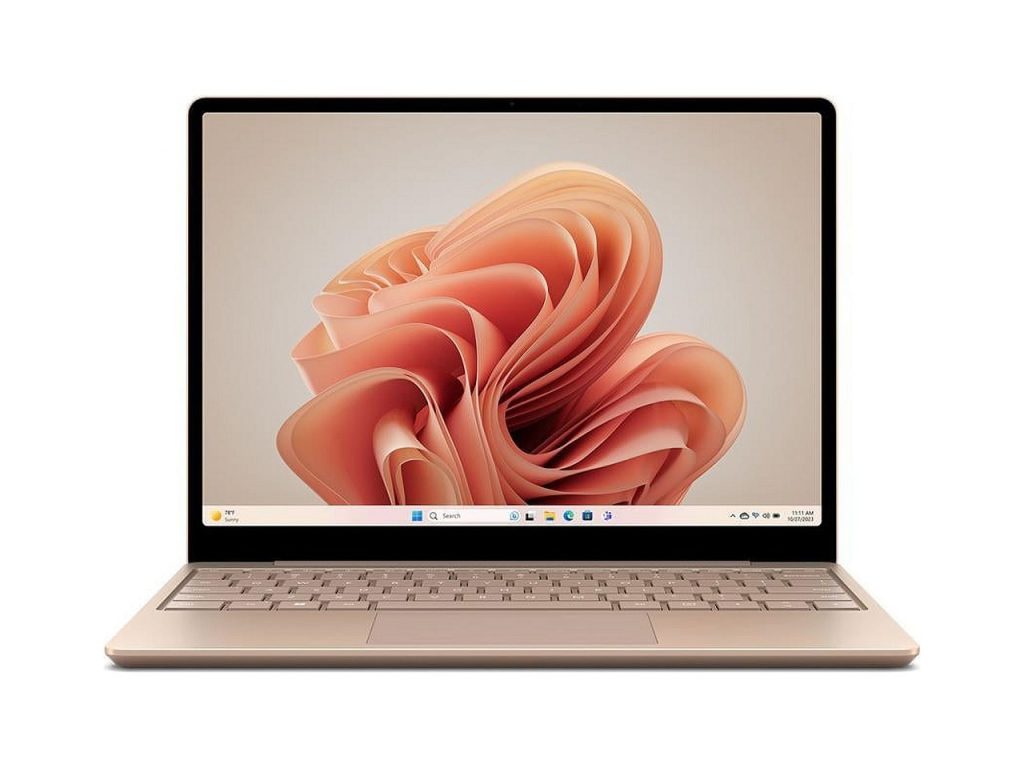
Microsoft Surface Laptop Go
The Surface Laptop Go is a good option for freelancers who want something compact, simple and affordable. It handles emails, documents, video calls and light multitasking without issues.
It is especially useful as a secondary travel laptop or for freelancers who are just getting started and want something easy to carry and use.
Why compact laptops work so well for freelancers
- Easy to move between cafés, co-working spaces and home
- Comfortable for typing-heavy work
- Quick to open and start working
- Less physical strain during travel
Compact laptops give freelancers freedom. They remove friction from daily work and let you focus on clients, creativity and deadlines instead of managing gear.
Best lightweight laptops for travel with long battery life
Battery life is the quiet hero of travel laptops. You do not notice it when it is good, but you definitely notice it when it is bad. Few things kill productivity faster than watching your battery drop into single digits while every airport power socket is already taken.
The best lightweight laptops for travel are built around efficiency. Instead of chasing extreme performance, they focus on lasting long enough to get you through flights, layovers, cafés and full workdays without turning charging into a competitive sport.
Long battery life also changes how you work. You stop hovering near walls. You stop rationing screen brightness like it is water in the desert. You simply open your laptop and get on with it.
Apple MacBook Air
The MacBook Air is famous for its battery life, and for good reason. For everyday productivity tasks, it can comfortably last a full workday and often more. This makes it a favourite for travellers who spend long hours away from reliable power sources.
Whether you are working through a long flight or bouncing between meetings, it offers the kind of endurance that lets you forget about chargers for a while.
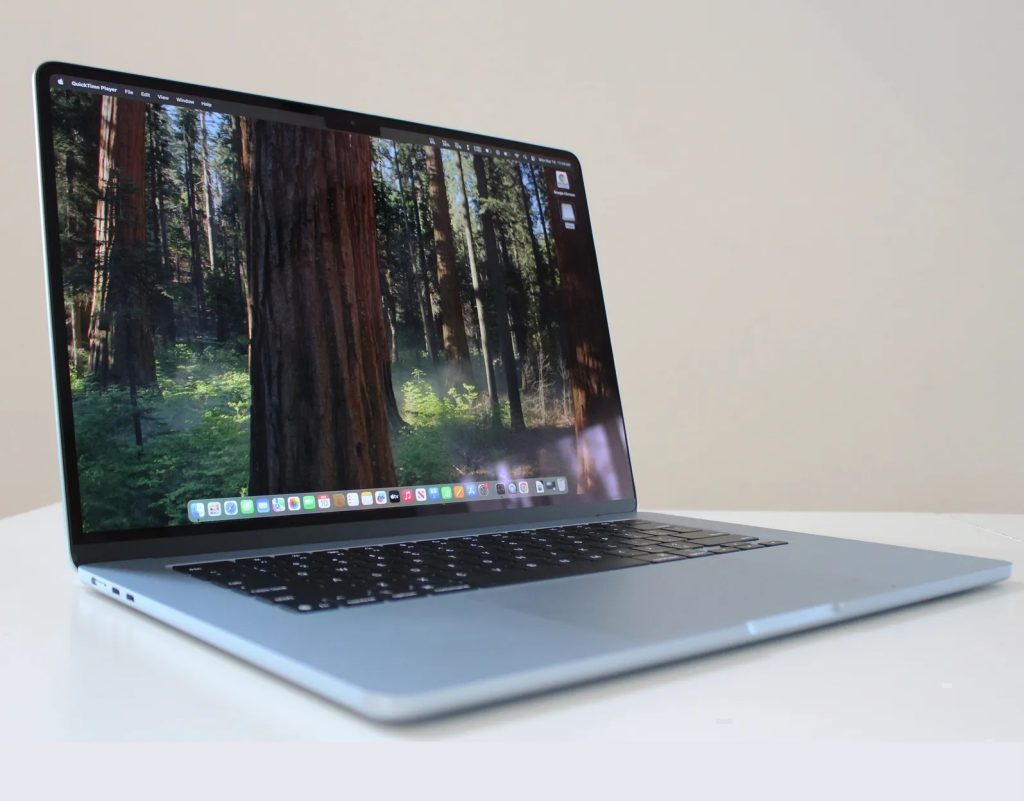
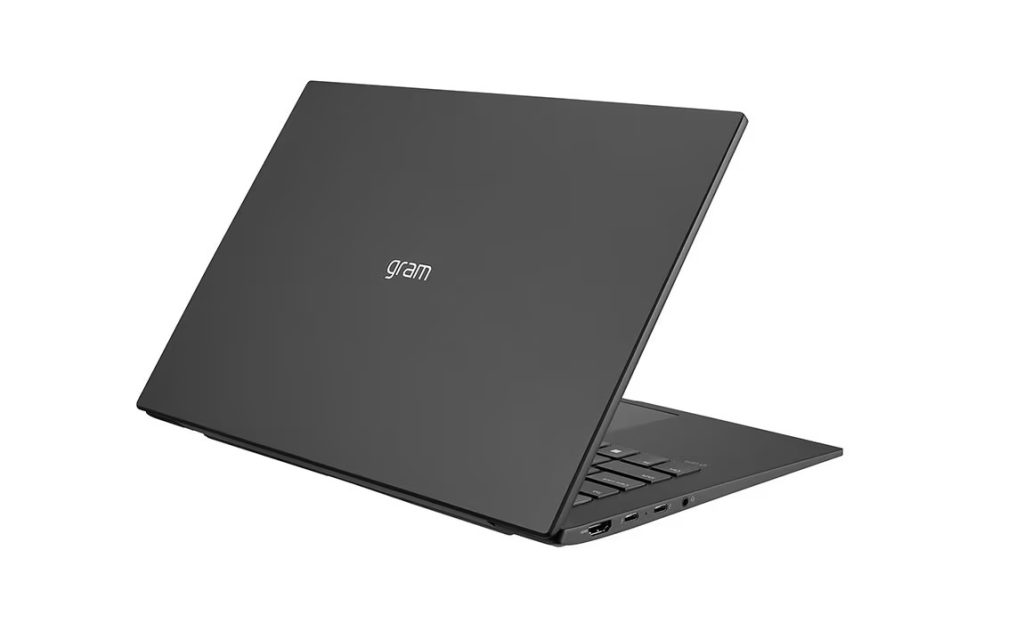
LG Gram 14
The LG Gram 14 combines a larger screen with impressively low weight and strong battery performance. It is ideal for travellers who want more screen space without paying the usual weight penalty.
For long workdays on the road, this balance makes a noticeable difference. You get room to work and the confidence that your laptop will not give up halfway through the day.
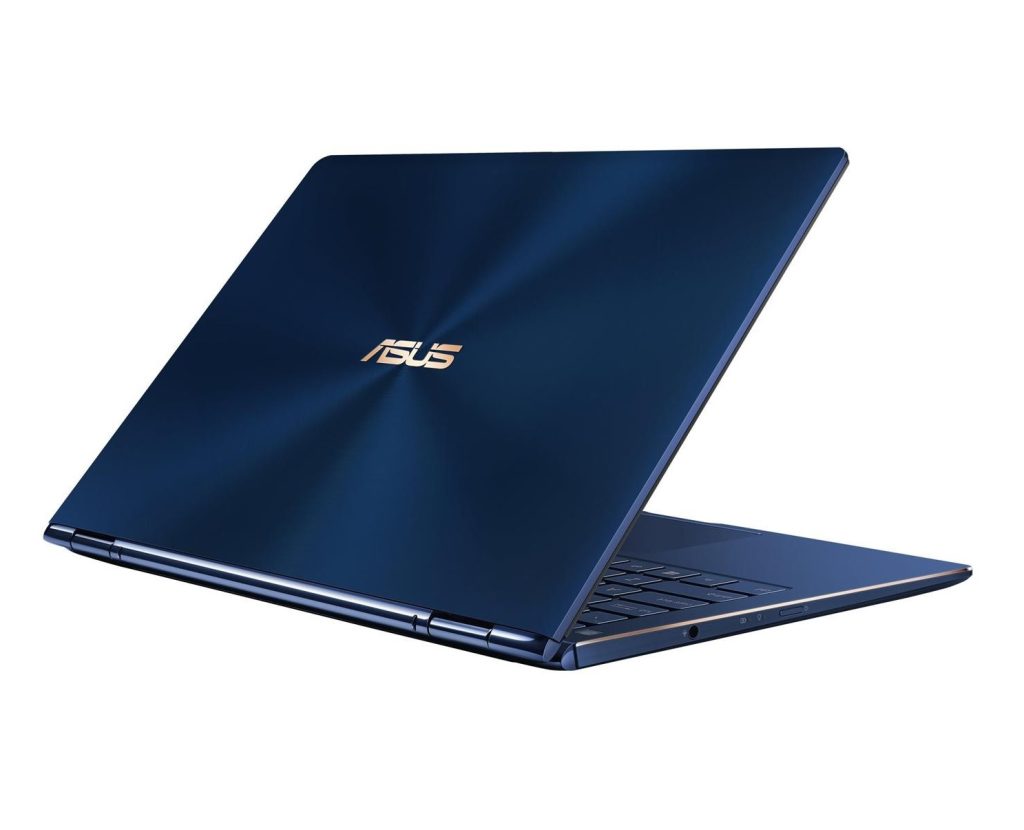
ASUS ZenBook 13
The ASUS ZenBook 13 is another solid performer when it comes to battery life. It handles mixed workloads, multitasking and video calls without draining too quickly, which makes it well-suited for remote work on the move.
Its compact charger is also easy to pack, which is always a win when space is limited.
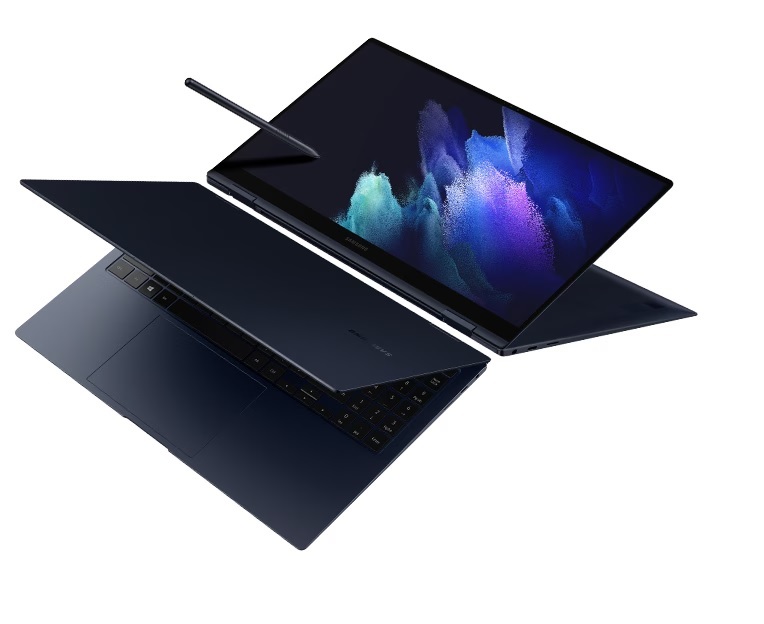
Samsung Galaxy Book Pro
The Galaxy Book Pro series focuses heavily on efficiency. It is slim, lightweight and designed to last through long stretches of work. For travellers who want a Windows laptop with strong endurance, it is a reliable option.
Why battery life matters so much when traveling
- Fewer interruptions during work
- Less reliance on power outlets
- Lighter bags without bulky chargers
- Less stress during long travel days
A lightweight laptop with strong battery life gives you freedom. And when you work while traveling, freedom is one of the most valuable features you can have.
Buying tips for choosing the right lightweight laptop
Buying a lightweight laptop is not about chasing the thinnest or most expensive model on the shelf. It is about choosing something that fits how you actually work, travel and live, not the fantasy version of you who wakes up early and closes browser tabs.
First, be honest about how often you travel. If your laptop leaves the house every day, weight matters a lot. Aim for something under 1.4 kg if possible. Your shoulders will not send thank-you emails, but they will absolutely notice the difference.
Battery life should be near the top of your checklist. A laptop that lasts a full workday gives you freedom. Freedom to work in cafés, airports and co-working spaces without planning your entire day around power sockets. Anything that reliably hits 10 hours or more is a solid travel companion.
Keyboard comfort is another underrated factor. If you type for hours, a bad keyboard will slowly ruin your mood, your posture and possibly your opinion of technology as a whole. Try to prioritise laptops known for good typing experiences, especially if writing or emails are a big part of your work.
Connectivity matters more than it looks. USB-C charging makes life easier. Fast Wi-Fi keeps video calls from turning into awkward freeze frames. Enough ports mean fewer dongles rattling around your bag like tech confetti.
Finally, choose based on your real workflow. Freelancers, remote workers and business professionals all use laptops differently. The best lightweight laptop is not the one with the most hype, it is the one that quietly fits into your day and does not get in the way.
Common mistakes to avoid when buying a lightweight laptop
Buying a lightweight laptop should be exciting, but it is surprisingly easy to get it wrong. Most mistakes happen when expectations meet reality somewhere between checkout and the first café work session.
One common mistake is chasing the lightest laptop available without thinking about performance. Yes, saving weight feels great, but an ultra-light laptop that struggles with multitasking will test your patience very quickly. A slightly heavier laptop that actually keeps up with your work is almost always the better choice.
Another classic error is ignoring keyboard comfort. A thin laptop with a bad keyboard might look great in photos, but after a few hours of typing, regret sets in. If your job involves writing, emailing or note-taking, the keyboard should never be an afterthought.
Battery optimism is also dangerous. Manufacturers love big battery numbers, but real-world usage tells a different story. If a laptop claims all-day battery life, make sure reviews confirm it can survive emails, video calls and multitasking without begging for a charger by mid-afternoon.
Ports are another overlooked detail. Some lightweight laptops look beautifully minimal until you realise you need three adapters just to plug in a monitor and a USB drive. If your workflow involves accessories, make sure your laptop can handle them without turning your bag into an adapter museum.
Finally, avoid paying extra for features you will never use. Touchscreens, ultra-high resolutions and premium materials are nice, but they are not always necessary. Focus on what actually improves your daily work, not what sounds impressive on a product page.
Avoid these mistakes and your lightweight laptop will feel like a smart investment instead of an expensive lesson.
Final thoughts: choosing the best lightweight laptop for your lifestyle
The best lightweight laptops for travel and remote work are not about chasing the thinnest design or the biggest spec numbers. They are about making work feel easier, lighter and far less frustrating, wherever you happen to open your laptop.
When your device fits your lifestyle, everything improves. Your bag feels lighter. Your setup feels faster. Your workday feels less like a battle with cables, chargers and awkward workspaces. Instead of adjusting your environment to your laptop, your laptop adapts to you.
Whether you are a freelancer working from cafés, a remote employee hopping between home and travel, or a business professional constantly on the move, the right lightweight laptop becomes a quiet partner in your daily routine. It shows up, does its job and stays out of the way, which is exactly what good tech should do.
Choose a laptop based on how you actually work, not how you imagine you might one day work. Focus on comfort, battery life, portability and reliability. Get those right, and you will wonder how you ever carried anything heavier.
In a world where work can happen anywhere, your laptop should be ready for everywhere. And ideally, it should not make your backpack feel like it is holding a grudge.
Frequently asked questions
Are lightweight laptops powerful enough for remote work?
Yes. Modern lightweight laptops are designed to handle productivity tasks, multitasking and video calls with ease.
Is a 13-inch laptop good for travel?
Yes. Thirteen-inch laptops are considered ideal for travel because they balance portability and usability.
Do thin laptops overheat easily?
For everyday productivity tasks, modern thin laptops manage heat well and remain quiet during normal use.
Are lightweight laptops suitable for freelancers?
Absolutely. Freelancers benefit from portability, long battery life and flexibility when working from different locations.
Can lightweight laptops replace desktop setups?
For most remote work and productivity tasks, yes. Many users pair them with external monitors when needed.
