

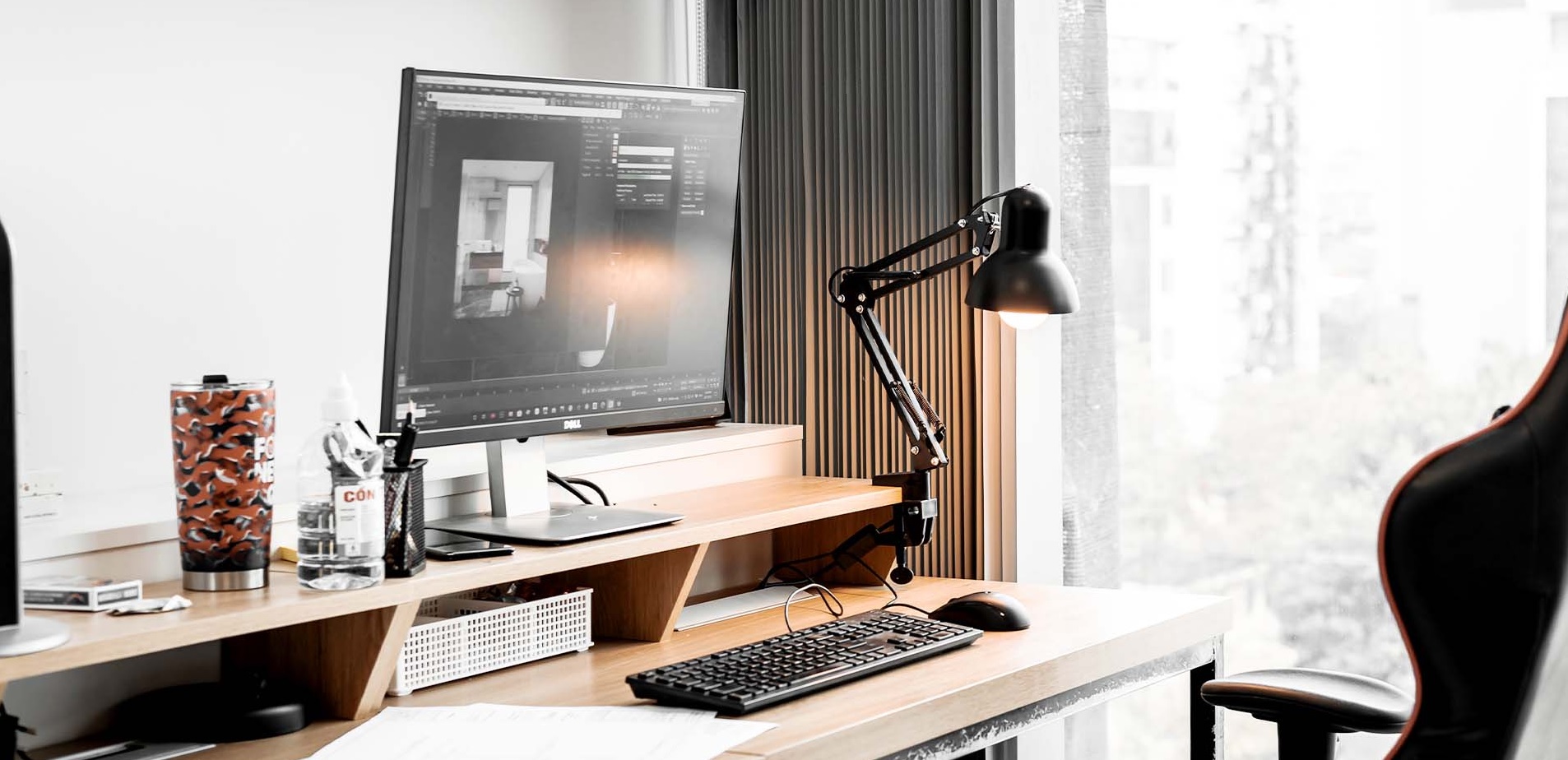
Working from home sounds like a dream until your back hurts, your laptop balance feels like a game of Jenga, and the kitchen chair officially becomes your worst enemy. A well designed home office is no longer a luxury, it’s a productivity requirement.
The best home office setup isn’t about copying influencer desks or buying the most expensive gadgets. It’s about creating an environment that supports focus, comfort and efficiency for long workdays. Whether you want a minimal space, a standing desk setup, or a full dual screen command centre, the right choices can dramatically improve how you work.
In this guide, we’ll explore practical, real world work from home setup ideas that balance ergonomics, productivity and style. No gimmicks, no clutter guilt, just setups that genuinely help you get more done without feeling like a robot and designed for focus and flow.
Ergonomic foundations: start with comfort before aesthetics
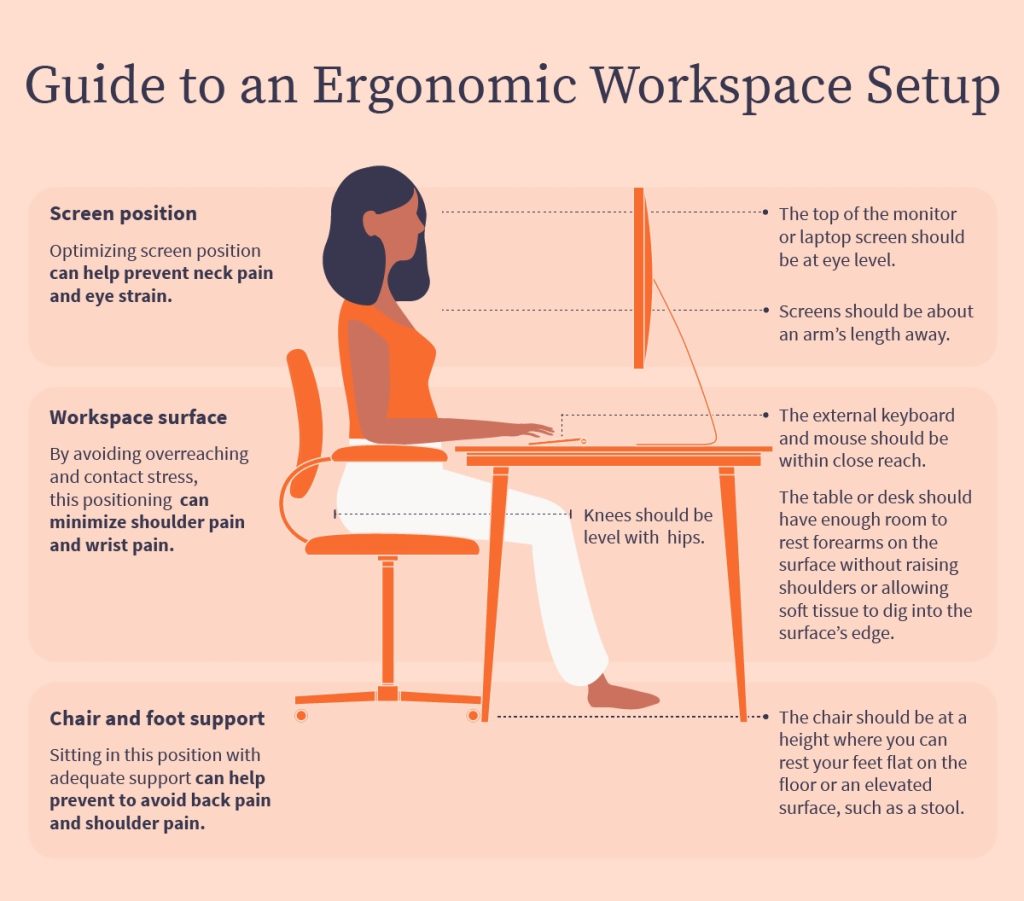
Before you worry about cable management or desk plants, your body should be the priority. An ergonomic home office setup reduces fatigue, improves posture and helps you stay focused longer.
Start with your chair. A good chair supports your lower back, encourages an upright posture and allows your feet to rest flat on the floor. Adjustable armrests and seat height are more important than fancy branding.
Desk height matters just as much. Your elbows should rest at roughly a 90 degree angle when typing. If your desk is too high or too low, even the best keyboard won’t save your wrists.
Monitor placement is another silent productivity killer. Your screen should sit at eye level so you’re not constantly craning your neck like a confused giraffe. If you use a laptop, a simple stand can make a massive difference.
Comfort might not look exciting on Instagram, but it’s the foundation of every productive home office design.
Minimal home office setup: less clutter, more clarity
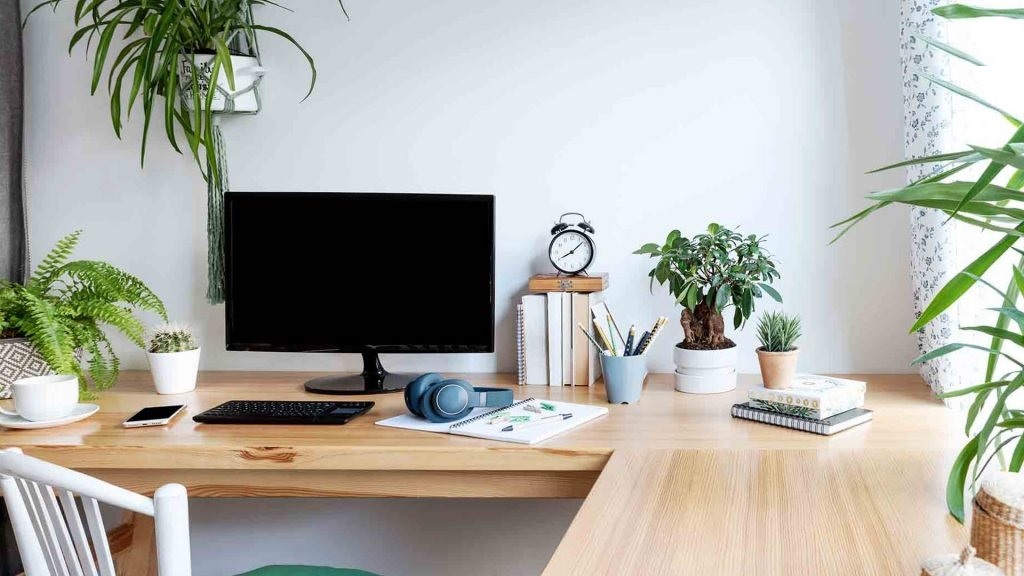
A minimal home office setup isn’t about being trendy, it’s about reducing distractions. Visual noise drains mental energy, even if you don’t realise it.
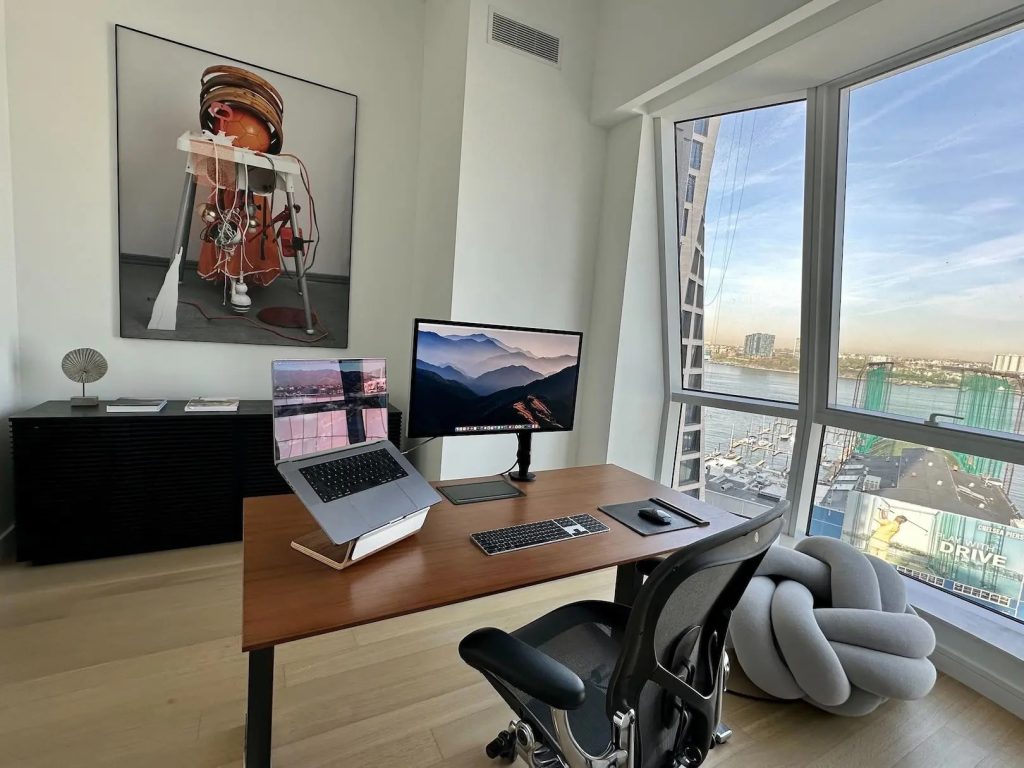
Start by clearing your desk. If you don’t use it daily, it probably doesn’t need to live there. Keep only essentials like your keyboard, mouse, notebook and monitor.
Cable clutter is a sneaky focus killer. Simple cable trays, clips or sleeves instantly make your space feel calmer and more intentional. You don’t need perfection, just less chaos.
Neutral colours work well in minimal setups because they don’t fight for attention. Whites, light woods and soft greys help your brain stay focused on work instead of decor.
This style is ideal for writers, developers and anyone who wants their desk to feel like a calm workspace rather than a storage unit.
Standing desk home office: move more, focus better
Sitting all day isn’t just uncomfortable, it quietly drains your energy. A standing desk home office allows you to switch positions throughout the day, which helps with circulation, posture and alertness.
The key is flexibility. Sit to stand desks let you alternate without disrupting your workflow. You don’t need to stand all day, even short standing sessions can refresh your focus.
Proper setup is crucial here. Your monitor height, keyboard position and foot placement still matter when standing. An anti fatigue mat can make standing far more comfortable, especially on hard floors.
Standing desks are particularly popular among remote workers who struggle with afternoon energy dips. Changing posture can be more effective than a third coffee.
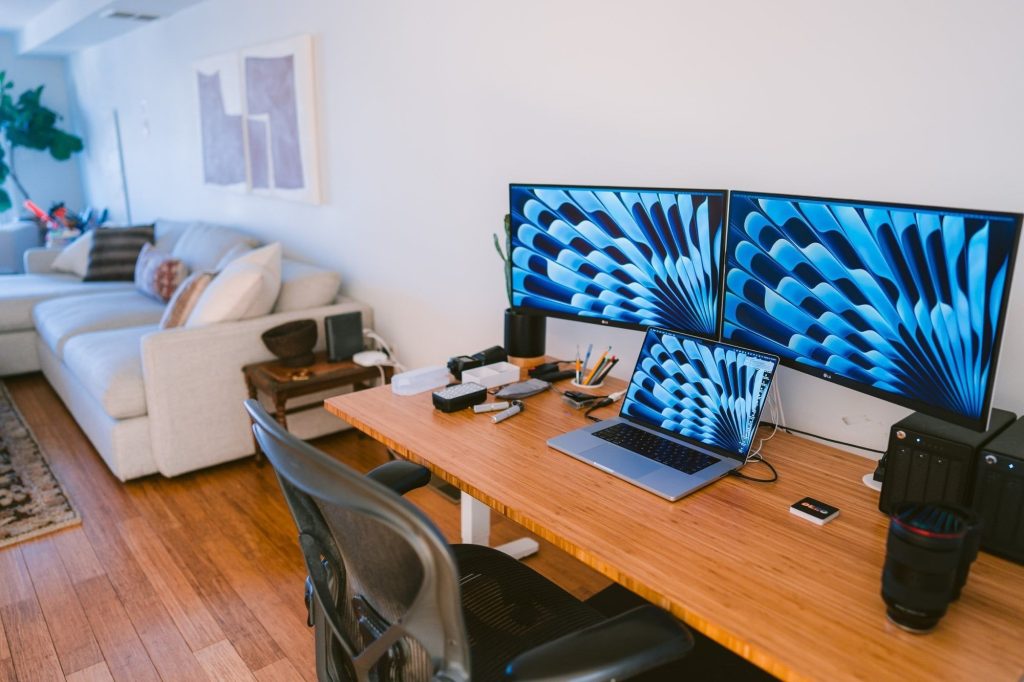
Dual monitor home office setup: productivity without tab chaos
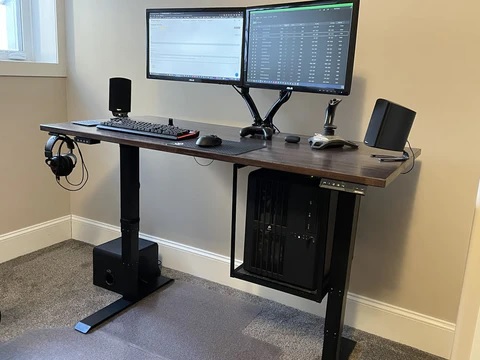
If your work involves multitasking, research or creative projects, a dual monitor home office setup can feel like upgrading your brain.
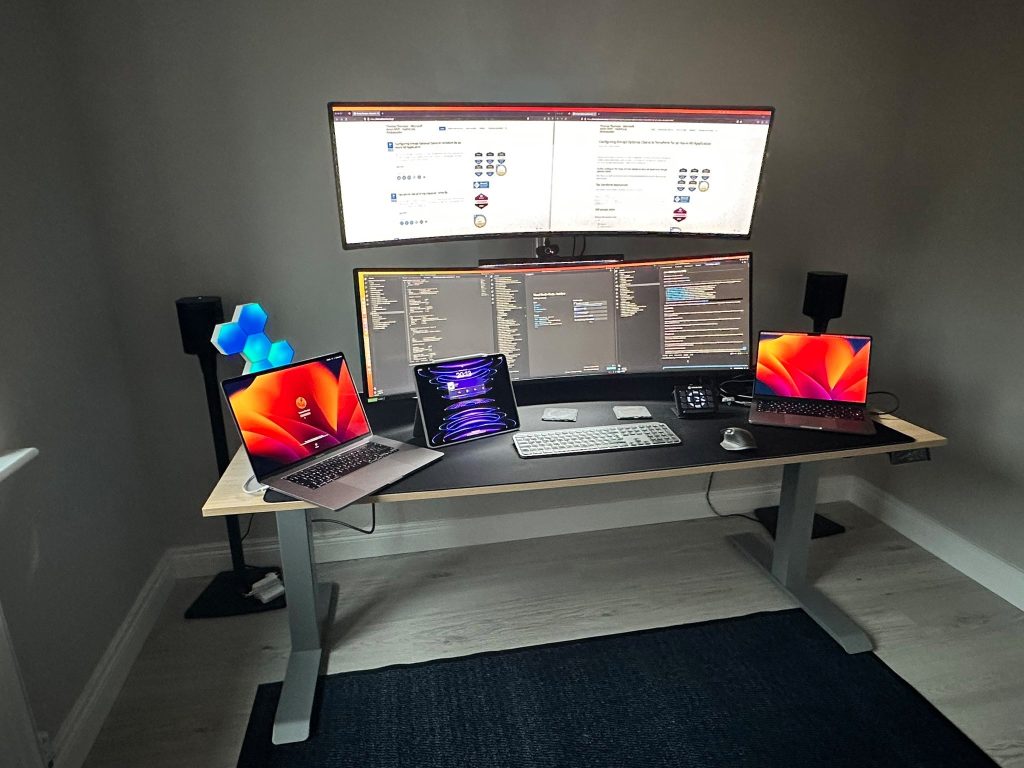
Two screens allow you to keep reference material open while working, compare documents side by side, or manage communication without constant window switching. This reduces cognitive load and saves time.
Monitor size and placement matter more than quantity. Two well positioned screens beat three poorly aligned ones. Keep them at the same height and angle to avoid neck strain.
This setup is ideal for developers, designers, analysts and anyone who lives in spreadsheets or timelines.
Gaming home office setup: when work meets play
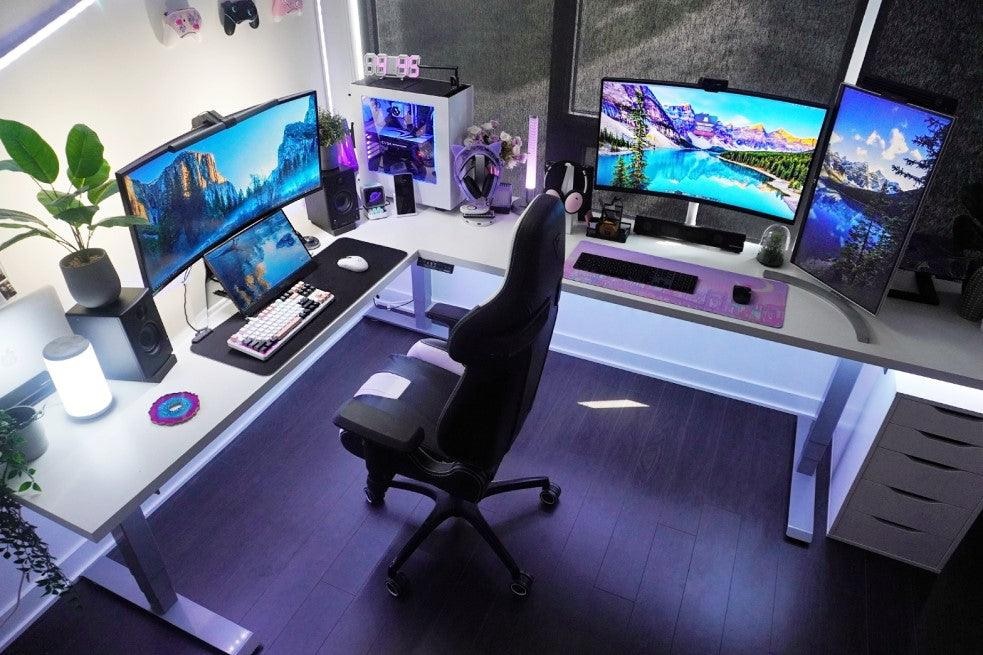
A gaming home office setup isn’t just for gamers. Gaming gear often prioritises comfort, responsiveness and durability, which translates surprisingly well to work.
Gaming chairs, when chosen carefully, can provide excellent lumbar support and adjustability. Mechanical keyboards offer better typing feedback, and gaming mice improve precision during long sessions.
The key is balance. RGB lighting doesn’t need to look like a nightclub at noon. Subtle lighting and controlled colours keep the space professional while still feeling fun.
This setup works well for creatives, streamers, and anyone who wants a workspace that transitions seamlessly from work mode to downtime.
Productive home office design: lighting, layout and mood
Design isn’t just visual, it’s psychological. A productive home office design considers how lighting, layout and mood affect focus.
Natural light is ideal, but not everyone gets a sun soaked corner office at home. In that case, layered lighting helps. Combine ambient light with a task lamp to reduce eye strain.
Desk placement matters too. Facing a wall reduces distractions, while facing a window can boost mood if outside activity is minimal. The best layout depends on your environment and work style.
Adding one or two personal items helps the space feel human. Plants, art or a photo can improve mood without turning your desk into a memory museum.
Home office essentials list: what actually matters
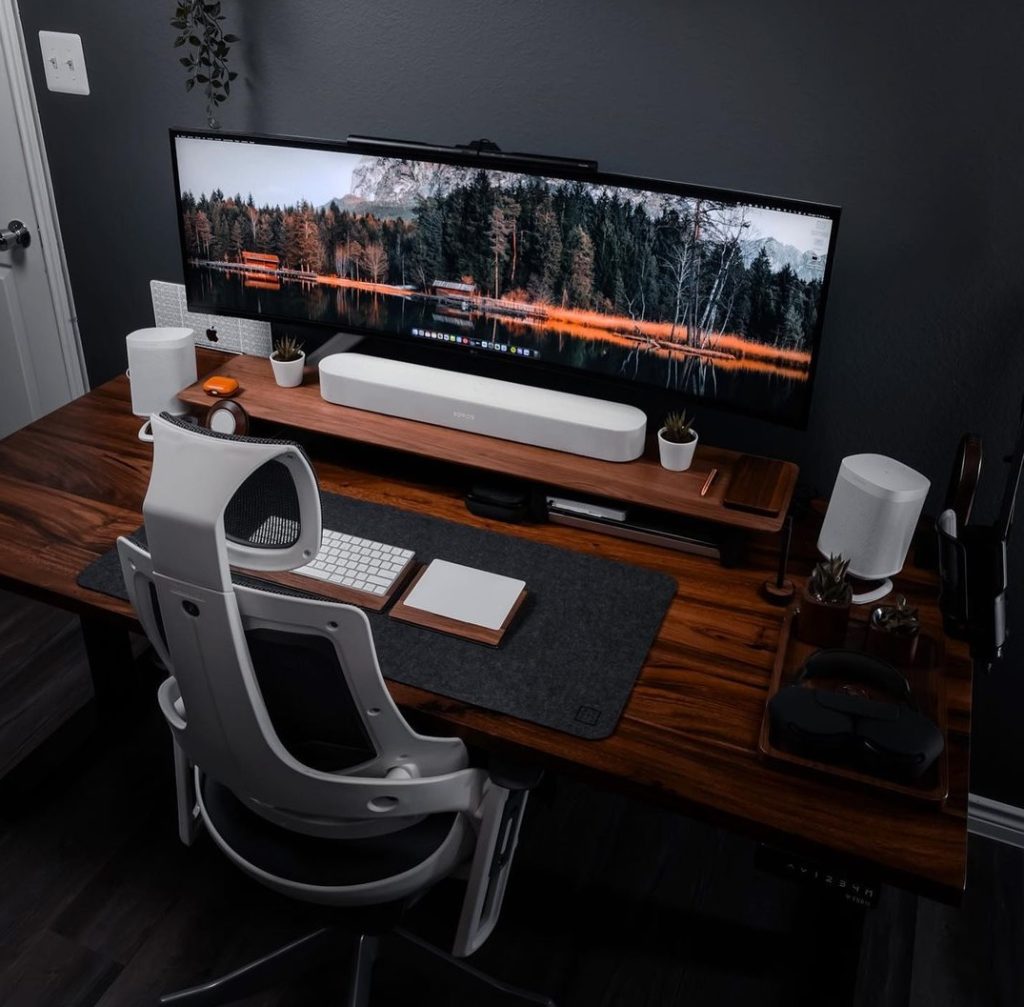
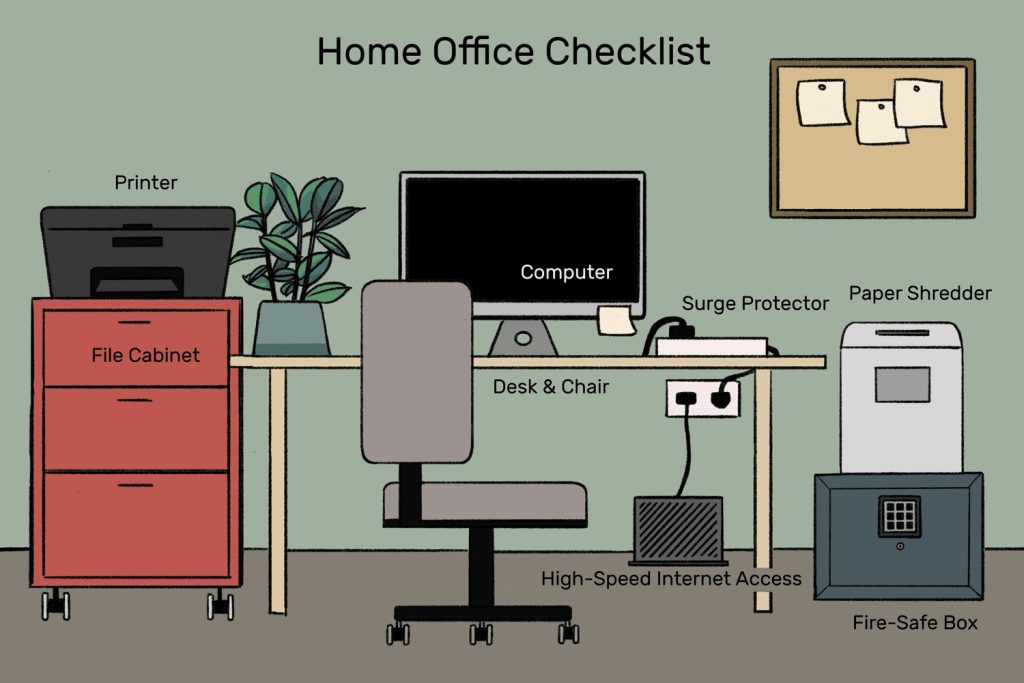
You don’t need a warehouse of gadgets to build the best wfh desk setup. Focus on essentials that improve comfort and efficiency.
A solid desk, supportive chair and reliable monitor come first. After that, consider a quality keyboard and mouse, good lighting and basic cable management.
Noise cancelling headphones can be a game changer if your environment isn’t quiet. A simple desk mat improves comfort and protects your desk surface.
Everything else is optional. If a tool doesn’t improve focus or comfort, it’s probably just desk clutter in disguise.
Common work-from-home setup mistakes that quietly kill focus
Even the best work-from-home setups can fail if a few hidden mistakes creep in. These issues don’t always look dramatic, but over time they drain focus, energy and motivation.
One of the biggest mistakes is prioritising looks over comfort. A desk that photographs well but forces poor posture will sabotage productivity faster than any notification ever could. Comfort should always come first, aesthetics second.
Another common issue is poor lighting. Working in dim spaces or relying only on overhead lights causes eye strain and mental fatigue. A simple desk lamp with adjustable brightness can significantly improve concentration and reduce headaches.
Noise management is often overlooked. Background sounds, household activity or street noise slowly chip away at deep focus. If silence isn’t possible, consistent sound from noise cancelling headphones or white noise works better than unpredictable interruptions.
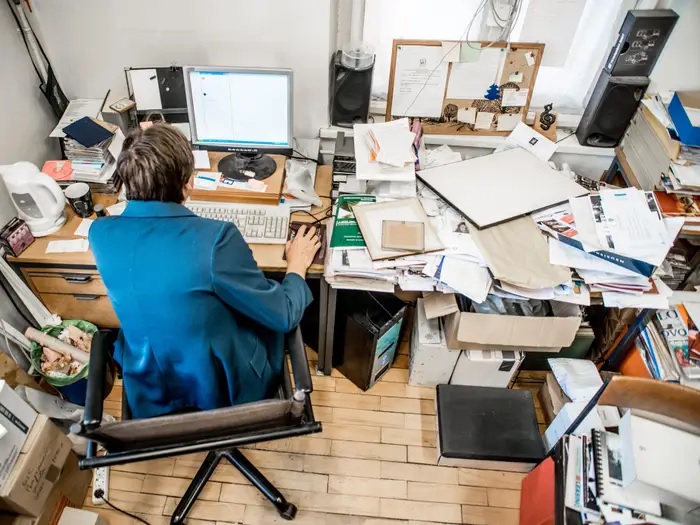
Overcrowding the desk is another silent productivity killer. Too many gadgets, decorations or paperwork create visual clutter that pulls attention away from work. A clear desk makes it easier for your brain to stay on task.
Finally, ignoring movement is a mistake many remote workers make. Staying in one position for hours reduces circulation and mental sharpness. Whether it’s short standing sessions, stretching or quick walks, movement helps reset focus throughout the day.
Best work-from-home setups for different work styles
No two remote workers are the same. The best work-from-home setups depend on how you work.
If you need deep focus, a minimal setup with neutral colours and limited tech works best. If you collaborate often, dual monitors and a quality webcam improve communication.
Creative professionals benefit from flexible layouts and adjustable lighting. Analytical roles often thrive with structured desks and multiple displays.
The goal isn’t perfection, it’s alignment. When your setup matches your work style, focus becomes easier and burnout becomes less likely.
Conclusion: build a setup that works for you, not against you
The best work-from-home setups aren’t about copying someone else’s desk or chasing the latest trends. They’re about creating a space that supports how you think, move and work every single day. When your setup is comfortable, organised and tailored to your workflow, focus becomes natural instead of forced.
Whether you lean towards a minimal home office setup, a standing desk home office, or a dual monitor workspace built for productivity, small improvements add up fast. Better posture reduces fatigue, cleaner layouts reduce mental clutter, and smart design choices help you stay in the zone longer.
Treat your home office as a long term investment in your productivity and wellbeing. A few thoughtful changes today can turn your workday from a grind into something that actually feels sustainable and, dare we say, enjoyable.
FAQs
What is the best home office setup for focus
The best home office setup prioritises comfort, minimal distractions and proper lighting. An ergonomic chair, clear desk and well positioned monitor help maintain focus throughout the day.
Is a standing desk worth it for working from home
A standing desk can improve energy levels and reduce stiffness when used alongside sitting. Alternating positions throughout the day supports comfort and long term productivity.
How many monitors should a home office have
One monitor works for basic tasks, but two monitors make multitasking easier and reduce constant window switching. A dual setup is especially helpful for creative and analytical work.
Can a gaming setup work for professional remote work
Yes, gaming setups often focus on ergonomics and performance. With controlled lighting and a clean layout, they can be comfortable and professional for daily work.
What are the most important home office essentials
A supportive chair, stable desk, proper screen height and good lighting matter most. Extra accessories should only be added if they improve comfort or focus.
