

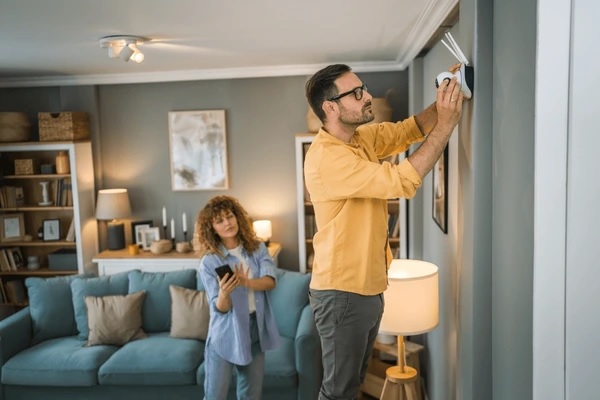
Picture this: you’re halfway through your favorite thriller, and suddenly a thought creeps in—“Did I lock the front door?” That small twinge of paranoia is universal. But here’s the good news: securing your home doesn’t have to mean signing expensive contracts, hiring technicians, or filling your walls with wires. Thanks to DIY smart security systems, peace of mind is now affordable, wireless, and incredibly easy to set up.
The market for affordable home security systems has exploded in recent years. Gone are the days when only homeowners with big budgets could protect their spaces. Now, renters, students, and families alike can enjoy the best DIY home security systems starting at under $100, scaling up to advanced setups rivaling professional-grade security.
Whether you want a wireless home security system, a home alarm system DIY kit, or a complete smart home security camera system, there’s something for every need and budget. In this article, we’ll explore why DIY smart home security systems are disrupting the industry, which systems are best, and how to set one up without breaking a sweat—or your wallet.
Why DIY smart security is the future
For decades, traditional home security companies thrived on long-term contracts, hidden fees, and complicated installations. Today, the story has flipped. With the rise of DIY smart home security systems, people are choosing independence and affordability over outdated models.
Why people love DIY systems:
- No contracts: Pay once, own it forever.
- Quick setup: Most devices install in under 30 minutes.
- Budget-friendly: Options start below $100.
- Smart integration: Connect with Alexa, Google Home, or Apple HomeKit.
- Scalable systems: Start small with a single camera, then expand.
This shift has made wireless home security systems one of the fastest-growing categories in the smart home industry. People are no longer asking, “Can I afford home security?” Instead, they’re asking, “Which affordable smart home security system fits my lifestyle?”
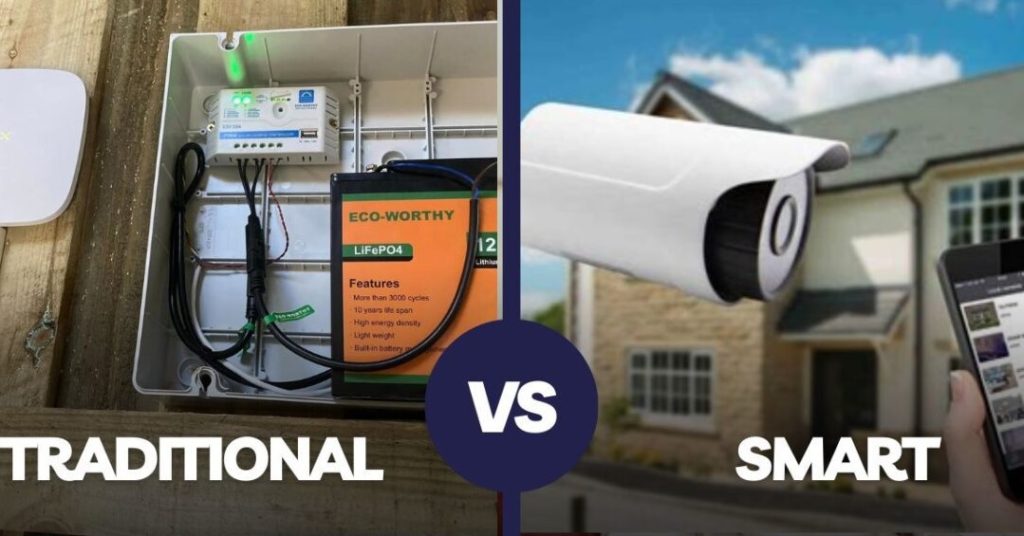
Benefits of DIY smart home security
- Cost savings – No more $50-per-month monitoring contracts.
- Easy installation – Peel-and-stick sensors, wireless cameras, and app-based setup.
- Customizable – Build your system your way, from alarms to cameras.
- Portable – Move your entire system if you change apartments or houses.
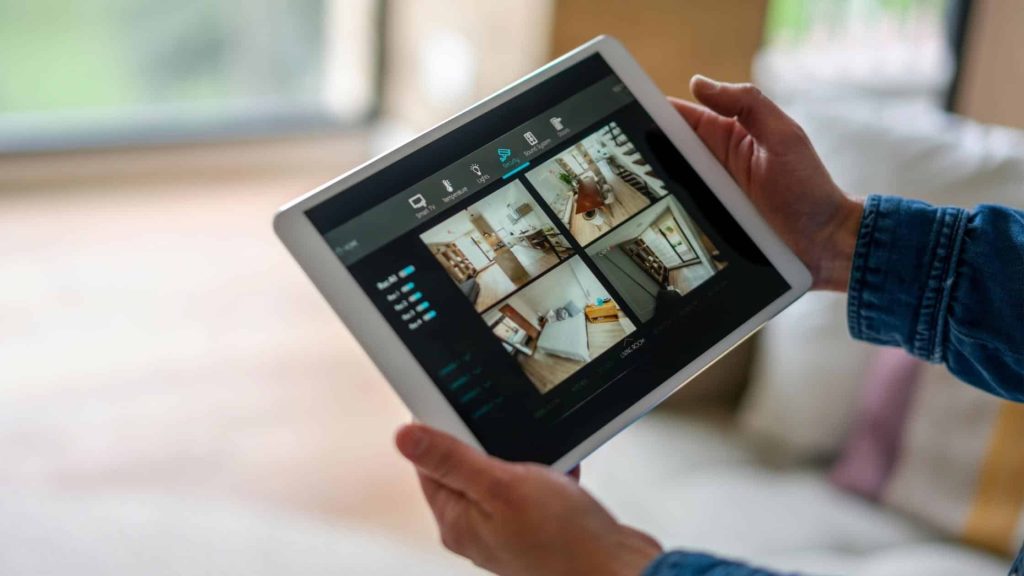
- Remote access – Control everything from a smartphone app.
- Expandable – Start with basics, add more devices over time.
From students renting small apartments to families buying their first homes, DIY home security systems are giving people flexibility and control.
Must-have features in an affordable smart home security system
Not all systems are created equal. When choosing the best affordable home security system, look for these essentials:
- Wireless connectivity: No drilling or rewiring required.
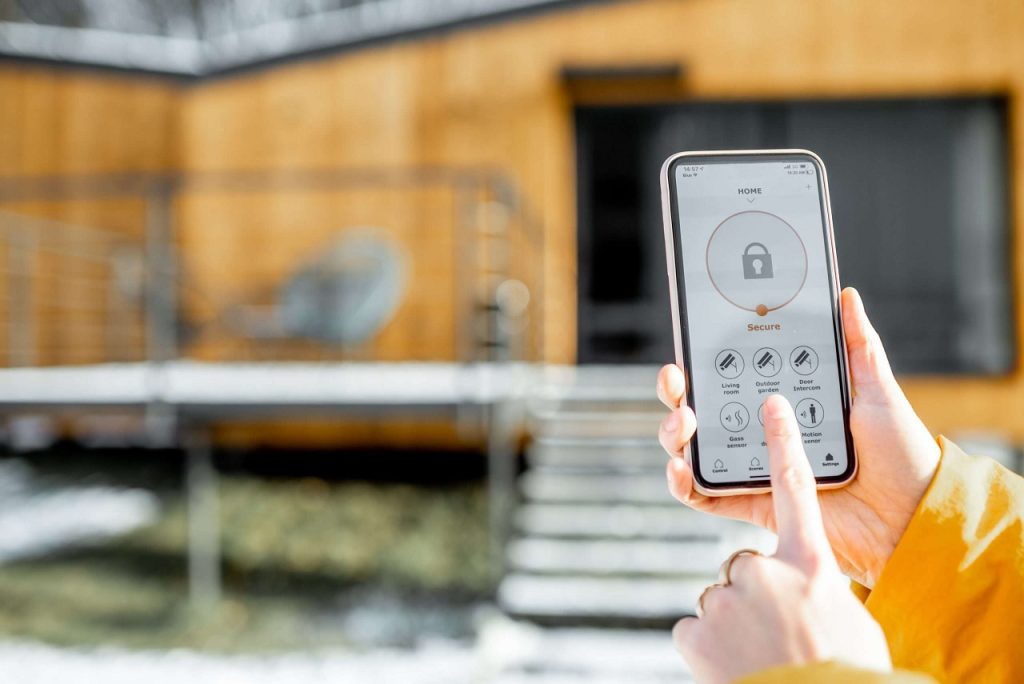
- Smartphone app: Full control at your fingertips.
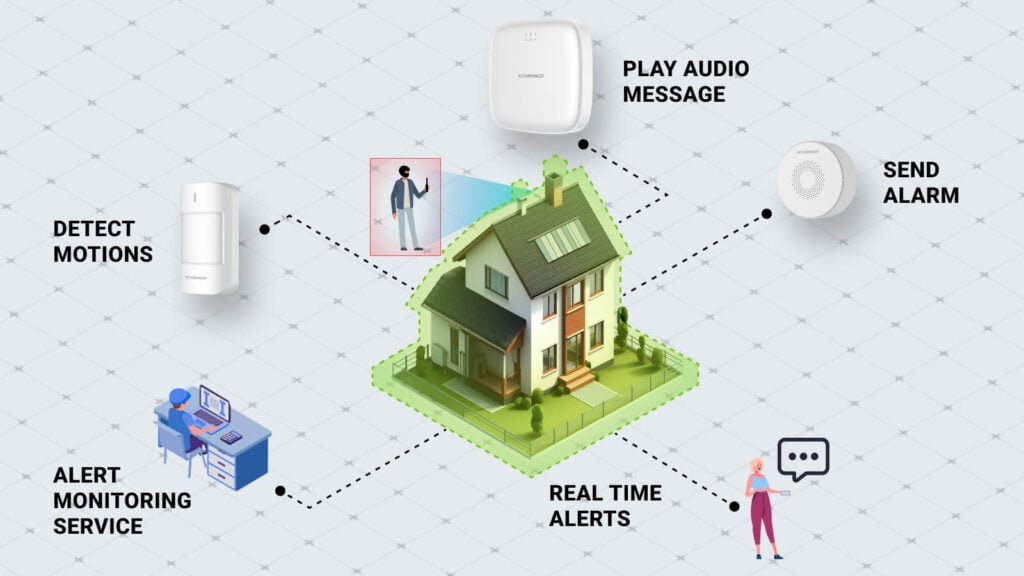
- Entry & motion sensors: Detect movement around doors and windows.
- Indoor & outdoor cameras: Cover both inside and outside.
- Alarms and sirens: Loud enough to scare off intruders.
- Cloud or local storage: Store footage securely.
- Smart assistant integration: Alexa, Google Assistant, and Apple HomeKit support.
Pro tip: Home security camera systems with AI-powered detection reduce false alarms caused by pets or passing cars.
Top 5 best DIY smart home security systems in 2025
We tested dozens of options. Here are the best affordable home security systems for 2025.
1. SimpliSafe – Best overall DIY home security system
- Price: Starter kits from $179
- Why it’s great: Reliable, easy-to-install sensors and cameras.
- Best features: Indoor camera, entry sensors, optional professional monitoring.
- Best for: Families who want best DIY home security system without long contracts.
2. Ring Alarm Pro – Best wireless security system with Alexa integration
- Price: Kits from $249
- Why it’s great: Works seamlessly with Ring cameras and Amazon Alexa.
- Best features: Wi-Fi 6 router built in, battery backup, cellular failover.
- Best for: Smart home enthusiasts who already use Alexa.
3. Wyze Home Monitoring – Best cheap smart home security
- Price: From just $99
- Why it’s great: Rock-bottom pricing without cutting essential features.
- Best features: Indoor/outdoor cameras, motion sensors, cloud storage.
- Best for: Budget-conscious renters or students.
4. Abode Smart Security – Best customizable DIY system
- Price: $229+
- Why it’s great: Works with Alexa, Google Home, and HomeKit.
- Best features: Smart automation, optional professional monitoring.
- Best for: Tech-savvy users who want to mix devices.
5. Eufy Security – Best for no subscription fees
- Price: Kits start at $199
- Why it’s great: Local storage, no monthly cloud costs.
- Best features: AI detection, long battery life, sleek design.
- Best for: People who want a one-time purchase with no hidden fees.
DIY home alarm system setup: Step-by-step
Setting up a home alarm system DIY kit is surprisingly simple:
- Unbox your kit – Organize cameras, sensors, and alarms.
- Install the hub – Connect the main control hub to Wi-Fi.
- Sync devices – Use the app to link cameras and sensors.
- Place sensors – On doors, windows, and high-traffic areas.
- Mount cameras – Cover entrances, driveways, and blind spots.
- Test alarms – Ensure everything triggers correctly.
- Set routines – Auto-arm at night, disarm in the morning.
Pro tip: Wireless home security systems with adhesive mounts are perfect for apartments since they avoid wall damage.
Home security camera systems: Essential for DIY setups
No DIY smart home security system is complete without cameras. Here’s what to consider:
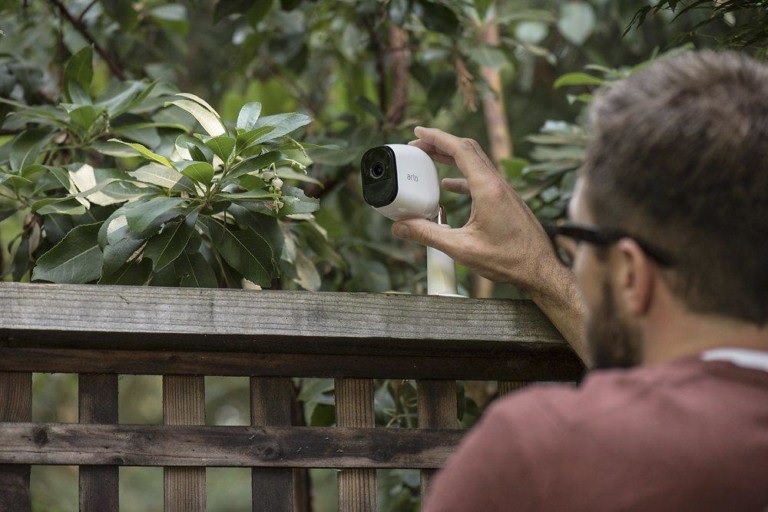
- Indoor cameras: Keep an eye on pets, kids, or valuables.
- Outdoor cameras: Deter intruders before they approach.
- Doorbell cameras: Track deliveries and visitors.
- Wireless cameras: Battery-powered, easy to install anywhere.
Look for AI-enabled home security camera systems that can distinguish between a person, an animal, or a package to reduce false alerts.
Subscription vs. no-subscription systems
One key factor in affordability is whether you want a subscription-free system or are okay paying for extra features.
- Subscription systems (Ring, Wyze, Abode): Offer cloud storage and professional monitoring for a monthly fee.
- No-subscription systems (Eufy, SimpliSafe basic plans): Provide local storage or limited free cloud storage.
If you’re on a strict budget, look for systems with local storage—that way you avoid ongoing costs.
DIY smart home security for different living spaces
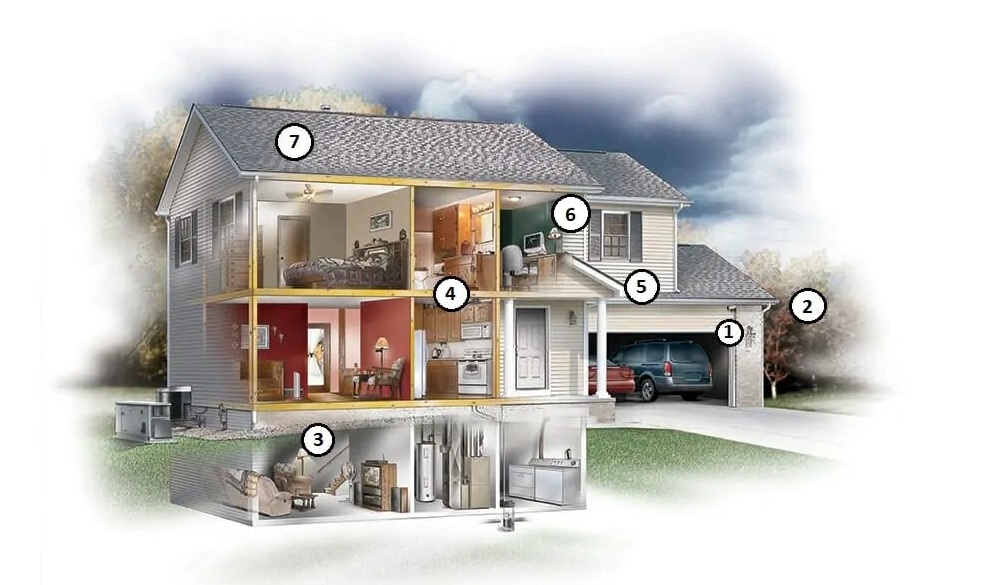
Not all homes need the same level of protection. Here’s how to choose wisely:
- Apartments & rentals: Wireless systems with adhesive mounts; doorbell cameras to track packages.
- Small homes: 1–2 indoor cameras, basic alarm sensors, motion lights.
- Large homes: Complete home security camera systems with outdoor coverage, multiple entry sensors, and central hubs.
- Vacation homes & Airbnbs: Portable wireless systems you can move between locations.
Extra affordable DIY security hacks
Beyond buying a system, here are cheap smart home security tips:
- Smart locks: Control doors remotely.
- Motion-activated lights: Scare off intruders instantly.
- Smart plugs: Turn lights on/off to mimic occupancy.
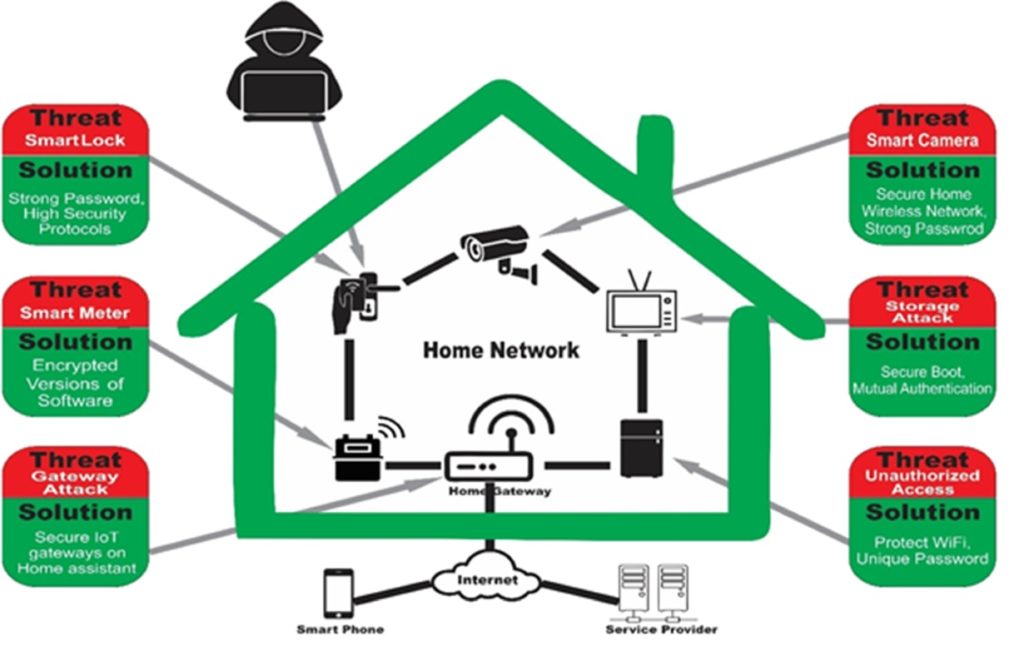
- Wi-Fi security: Strong passwords and encrypted networks protect your system.
- Neighborhood apps: Share alerts with local communities.
Pros and cons of DIY smart home security
Pros
- Affordable and flexible.
- No contracts or technicians required.
- Works well for both renters and homeowners.
- Easy smartphone monitoring.
Cons
- Some systems require subscriptions for full features.
- Reliant on Wi-Fi and power (unless backup included).
- Professional monitoring may cost extra.
Future of DIY affordable smart home security
The next five years will bring exciting upgrades:
- AI-powered alerts that recognize familiar faces.
- Drone patrols linked to security hubs.
- Longer battery life for wireless devices.
- Universal compatibility between brands.
By 2030, affordable smart home security will be a standard utility—just like Wi-Fi.
Final thoughts
Home security has officially entered the DIY era. With options ranging from cheap smart home security kits to feature-rich wireless home security systems, everyone can now protect their space affordably.
Whether you’re a renter installing your first DIY smart home security system, a family seeking the best affordable home security system, or a tech enthusiast eager for AI-powered features, 2025 offers plenty of choices.
The bottom line: security is no longer a luxury—it’s accessible, flexible, and surprisingly fun to set up. With the right DIY home security systems, peace of mind is just a few clicks (and maybe a few adhesive strips) away.
FAQs
1. What is the best affordable home security system?
The best affordable home security systems in 2025 include SimpliSafe, Ring Alarm Pro, Wyze, Abode, and Eufy. These options balance cost, reliability, and scalability, making them ideal for renters and homeowners alike.
2. Can I install a DIY smart home security system myself?
Absolutely. Most DIY home security systems are designed for quick, tool-free installation using adhesive mounts and mobile apps. If you can set up Wi-Fi, you can set up a home alarm system DIY kit without calling a technician.
3. Are wireless home security systems reliable?
Yes. Today’s wireless home security systems come with battery backups and cellular failover options. This means even if your power or Wi-Fi goes out, the system can still function, making them highly reliable.
4. What’s the difference between cheap smart home security and premium systems?
Cheap smart home security kits provide the basics—cameras, sensors, and alarms. Premium systems add advanced AI, smart assistant integrations, and 24/7 monitoring. The right choice depends on your needs and budget.
5. Do DIY home security camera systems require subscriptions?
Not all. Some, like Eufy, offer local storage with zero monthly fees. Others, like Ring and Wyze, provide cloud-based recording for a small fee. Subscription-free options are great for cutting long-term costs.
6. What is the best wireless security system for large homes?
For larger properties, Ring Alarm Pro and SimpliSafe stand out. Both systems support multiple sensors and cameras, making them perfect for covering big spaces while keeping everything wireless.
7. Are DIY smart home security systems safe from hacking?
While no system is 100% hack-proof, using strong Wi-Fi passwords, enabling two-factor authentication, and keeping devices updated greatly reduces risks. The best DIY home security systems prioritize strong encryption for safety.
