

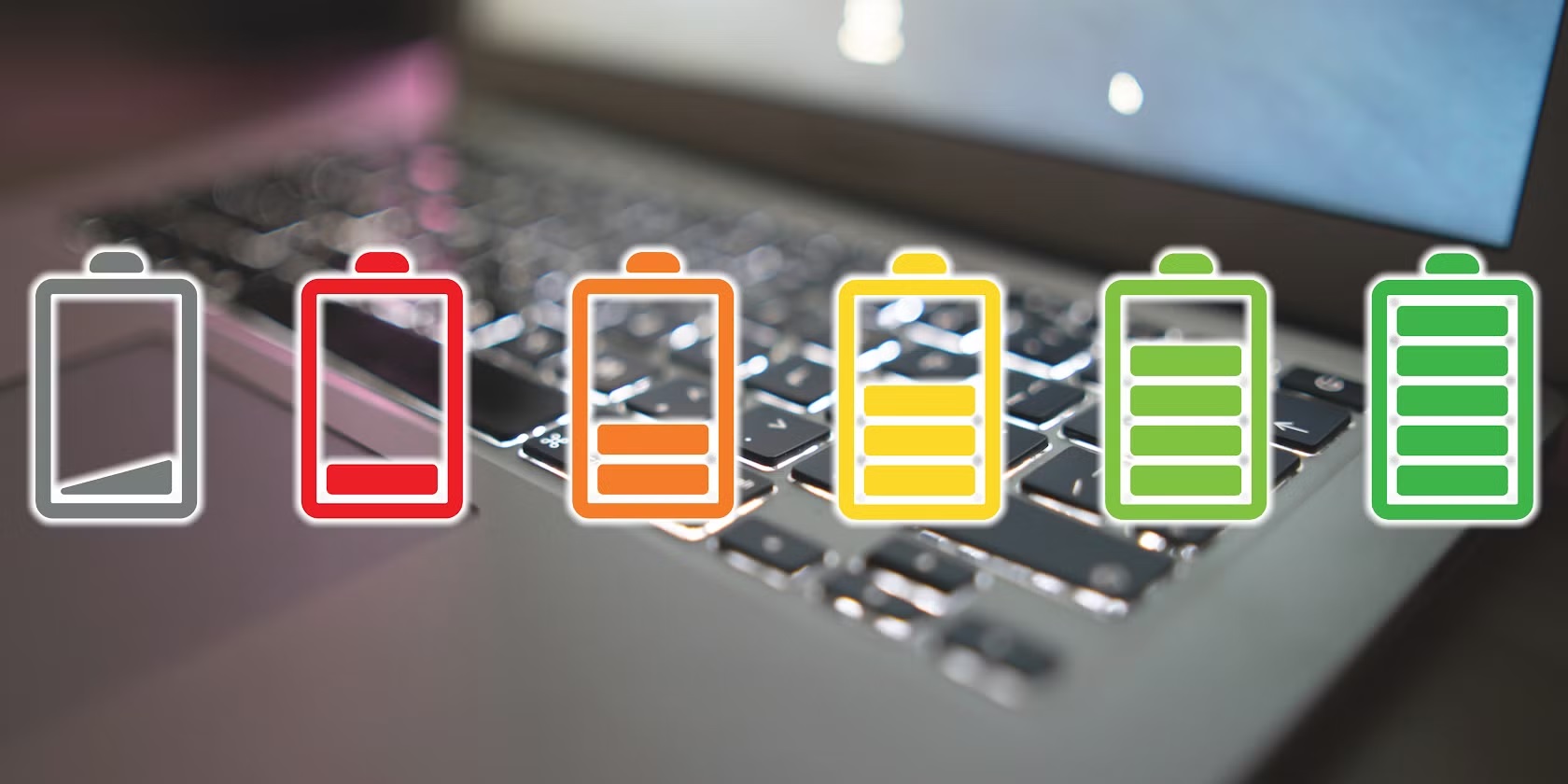
Your laptop battery is a bit like a gym membership. You pay for it, rely on it, and slowly ruin it with bad habits while promising yourself you’ll “fix it later.” The good news? Laptop battery health is not mysterious, fragile magic. It is predictable, manageable, and very much influenced by how you charge and use your laptop every day.
In this guide, we are breaking down laptop battery health in plain English. No engineering degree required. We will cover how long laptop batteries last, what actually hurts battery lifespan, whether you should unplug the laptop when fully charged, and the best charging habits for laptop battery longevity. Expect practical advice, not recycled myths.
What laptop battery health actually means (and why it matters)
Laptop battery health refers to how much capacity your battery can hold compared to when it was new. Over time, every lithium ion battery loses the ability to store a full charge. This is normal, unavoidable, and not a personal failure.
Think of battery health like a water bottle. When it is new, it holds a full litre. After years of use, it might only hold 700 ml. You can still use it, but you will refill it more often.
When battery health drops:
- Your laptop discharges faster
- Battery percentages jump unpredictably
- You rely on the charger more than you want to admit
- Replacement becomes inevitable
Good laptop battery maintenance slows this process dramatically.
How long should laptop battery last in real life?
This is one of the most searched questions for a reason. The honest answer is: it depends on usage, charging habits, and heat exposure.
Typical laptop battery lifespan
- Average lifespan: 2 to 4 years
- Average charge cycles: 300 to 1000 full cycles
- Heavy users hit the lower end faster
A charge cycle does not mean plugging in once. It means using 100 percent of battery capacity total, even if spread across multiple charges.
If your laptop battery health drops below 80 percent within a year, something in your usage pattern is off.
Laptop battery health check: how to see your battery’s condition
Before fixing anything, you need to know where you stand.
On Windows
Windows has a built in battery report.
- Open Command Prompt
- Type: powercfg /batteryreport
- Press Enter
- Open the generated HTML file
You will see design capacity vs current full charge capacity, which is your real battery health indicator.
On macOS
- Hold Option and click the battery icon
- Select Battery Health
- View maximum capacity percentage
Doing a laptop battery health check every few months helps you catch problems early.

The biggest myth: should I unplug the laptop when fully charged?
Short answer: not necessarily.
Long answer: it depends on heat and charging limits.
Modern laptops stop charging once they hit 100 percent. However, keeping your laptop plugged in all day can still cause slow battery wear due to heat and micro charging cycles.
When staying plugged in is fine
- Laptop has battery charge limit features (like 80 percent cap)
- Device stays cool
- Mostly used at a desk
When unplugging helps
- Laptop runs hot
- No charge limit settings available
- Battery stays at 100 percent constantly
If your laptop allows it, setting a charge limit between 70 and 85 percent is one of the best charging habits for laptop battery longevity.
Best charging habits for laptop battery (that actually work)
Let’s clear the noise and focus on what matters.
Avoid constant 0 to 100 charging
Lithium batteries hate extremes. Running your laptop down to zero and charging to full every day speeds up wear.
Aim for:
- Plug in around 20 to 30 percent
- Unplug around 80 to 90 percent
Do not treat your laptop like a phone
Phones are replaced often. Laptops are long term investments. Gentle charging habits make a noticeable difference in laptop battery lifespan.
Use the original or certified charger
Cheap chargers cause unstable voltage and excess heat. Both are silent battery killers.
Charge in a cool environment
Heat is worse than overcharging. If your laptop feels hot while charging, you are shortening battery life.
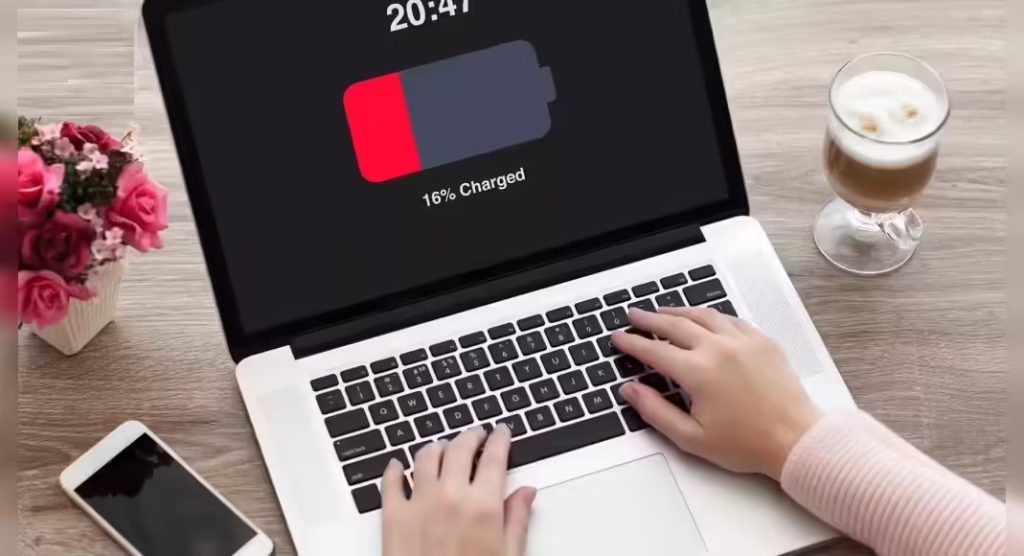
Laptop battery calibration: when and why it matters
Laptop battery calibration helps your system accurately read battery percentages. It does not magically restore capacity, but it fixes annoying issues like sudden shutdowns at 20 percent.
When to calibrate
- Battery percentage jumps suddenly
- Laptop shuts down early
- Battery health readings seem wrong
How to calibrate
- Charge to 100 percent
- Keep plugged in for one hour
- Unplug and use until it shuts down
- Leave off for several hours
- Charge back to 100 percent without interruption
Do this every 2 to 3 months, not weekly.
Laptop battery life tips for everyday use
Small habits add up over years.
Reduce background drain
- Close unused apps
- Disable unnecessary startup programs
- Lower screen brightness slightly
Use power saving modes smartly
Power saver is useful when on battery, not when plugged in all day.
Keep software updated
Battery optimizations often improve with updates.
Avoid gaming on battery
High performance tasks on battery create heat and deep discharge cycles.
These laptop battery life tips are boring but effective. Boring is good when it comes to batteries.
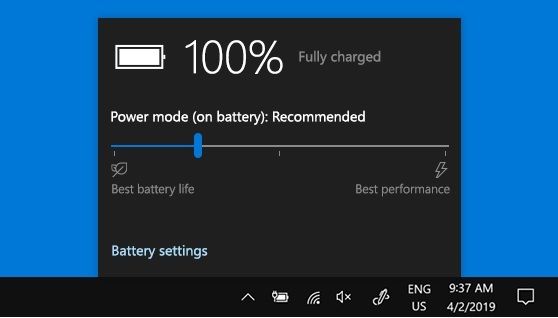
Laptop battery maintenance: what most users ignore
Battery maintenance is mostly about prevention.
Keep vents clean
Dust traps heat. Heat kills batteries.
Do not store fully charged or fully empty
If storing your laptop long term, leave it around 50 percent.
Replace the battery when needed
A worn battery strains internal components. Replacing it is often cheaper than replacing the laptop.
Laptop battery maintenance is not glamorous, but it saves money.
How to extend laptop battery life long term
If you want your battery to age gracefully:
- Avoid extreme charge levels daily
- Minimize heat exposure
- Use smart charging limits
- Perform occasional calibration
- Stop obsessively charging to 100 percent
How to improve laptop battery health is mostly about consistency, not perfection.
Advanced factors that quietly damage laptop battery health
Most guides stop at charging percentages, but real world battery wear is often caused by things happening silently in the background.
Heat from CPU and GPU boost
Modern laptops are aggressive. Turbo boost, performance cores, and discrete GPUs all spike temperatures quickly. Even if your battery is not charging, internal heat accelerates chemical aging.
If your fans sound like a jet engine during simple tasks, your battery is bathing in heat stress.
Practical steps:
- Use balanced or optimized power modes instead of performance
- Disable unnecessary turbo boost for daily work
- Avoid placing laptops on soft surfaces that block airflow
Background apps draining cycles
Cloud sync tools, launchers, and browser extensions constantly nibble at battery capacity. Each small drain contributes to cumulative charge cycles over time.
Laptop battery lifespan is shortened more by frequent shallow drains than most users realize.
Work-from-home vs travel use: charging habits should change
One-size-fits-all battery advice does not work. Your charging habits should match how you actually use your laptop.
Desk-bound users
If your laptop lives on a desk:
- Enable charge limits if available
- Keep battery between 40 and 80 percent
- Occasionally unplug and discharge to keep calibration accurate
Mobile and travel users
If you rely on battery power:
- Avoid deep discharges whenever possible
- Carry a charger or power bank
- Use power saving modes aggressively on the go
How to extend laptop battery life depends heavily on usage patterns, not just theory.

Laptop brands and battery management: why results vary
Not all laptops manage batteries equally.
Windows laptops
Many manufacturers include battery protection features, but they are often buried in software utilities users never open. Some brands allow strict charge caps, others do not.
macOS laptops
macOS uses optimized charging based on usage patterns. It learns when you unplug and delays full charging accordingly. This helps, but heat still matters.
Gaming laptops
Gaming laptops are the hardest on batteries. High wattage charging, constant heat, and performance spikes mean battery degradation happens faster no matter how careful you are.
Laptop battery health is influenced by hardware design as much as user behavior.
Common laptop battery myths that refuse to die
Let’s put a few stubborn myths to rest.
Myth: You must fully drain your battery once a month
False. This only helps calibration occasionally, not health.
Myth: First charge must be 12 hours
Outdated. Modern batteries do not need this.
Myth: Keeping it plugged in always ruins batteries
Partially false. Heat and lack of charge limits are the real problems.
Myth: Batteries have memory effect
Lithium batteries do not suffer from memory effect. That myth belongs to older battery types.
Believing these myths leads to unnecessary battery stress.
How to improve laptop battery health without obsessing
You do not need perfect discipline. You need reasonable consistency.
Focus on:
- Avoiding daily extremes
- Reducing heat exposure
- Monitoring battery health occasionally
- Adjusting habits when you notice faster drain
Laptop battery health improves most when users stop micromanaging and start avoiding obvious mistakes.

Laptop battery lifespan vs replacement reality
At some point, optimization stops helping.
Signs replacement is near:
- Battery health below 70 percent
- Random shutdowns
- Battery swelling
- Less than 1 hour of usable runtime
Replacing a battery is often cheaper and smarter than replacing the entire laptop, especially for premium models.
Laptop battery maintenance includes knowing when to let go.
Realistic expectations: what good battery health looks like
A well-maintained laptop battery after two years should:
- Retain 80 to 85 percent capacity
- Deliver predictable discharge
- Avoid sudden percentage drops
If your battery meets these benchmarks, you are doing things right.
Final checklist: best charging habits for laptop battery longevity
Bookmark this mental checklist:
- Plug in around 20 to 30 percent
- Unplug around 80 to 90 percent when possible
- Avoid constant heat while charging
- Use original or certified chargers
- Enable charge limits if available
- Calibrate occasionally, not frequently
- Stop worrying about perfection
Consistency beats paranoia every time.
Final thoughts: battery health is about habits, not hacks
There is no secret trick to triple your laptop battery lifespan. There are only habits that quietly extend it and habits that slowly destroy it.
If you treat your laptop battery with moderate care, avoid heat, and charge intelligently, it will last longer than most users expect. If you ignore it completely, it will remind you by dying at the worst possible moment.
Laptop battery health is not glamorous, but it is one of the easiest ways to protect your investment.
FAQs
How long should a laptop battery last before replacement?
Most laptop batteries last between 2 and 4 years. Lifespan depends on usage intensity, heat exposure, and charging habits over time.
Should I unplug the laptop when fully charged?
Unplugging is helpful if your laptop runs hot or lacks charge limit features. Otherwise, modern laptops manage charging safely but heat still matters.
Does charging to 100 percent damage laptop batteries?
Occasional full charges are fine, but keeping a battery at 100 percent daily accelerates long term wear, especially in warm conditions.
How often should laptop battery calibration be done?
Calibrate every 2 to 3 months or when battery percentages behave inconsistently. Calibration improves accuracy, not actual battery capacity.
What is the fastest way to ruin laptop battery health?
Constant heat, frequent deep discharges to zero, and staying at 100 percent charge for long periods cause the most damage.
