

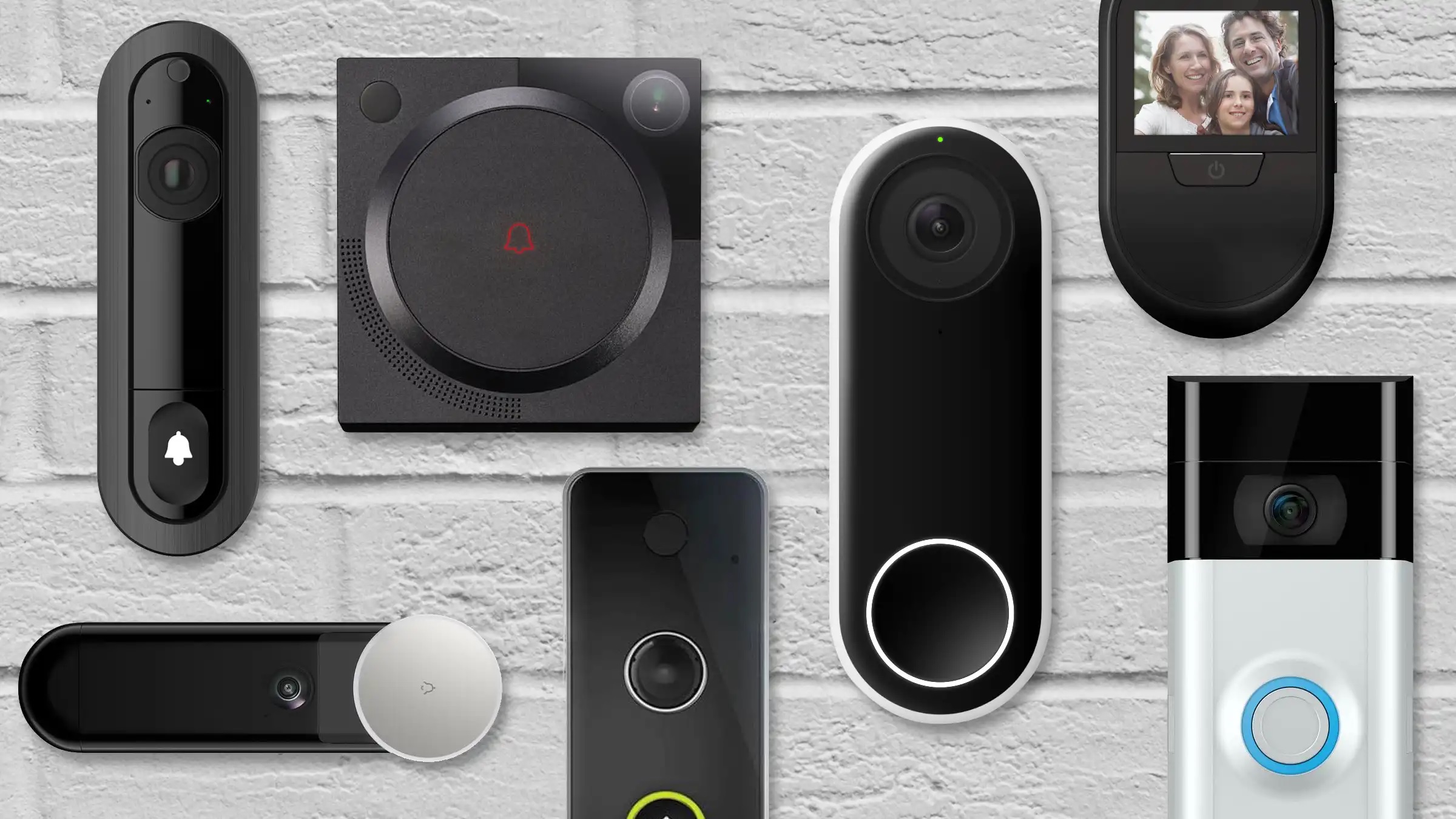
Home security has changed a lot in the last few years. Instead of peeking through curtains or rushing to the door, many homeowners now rely on a smart doorbell to see, hear and talk to visitors from anywhere. Whether you are dealing with deliveries, unexpected callers or just keeping an eye on your front porch, video doorbells for home security have become a must-have upgrade.
But with so many options available, choosing the best smart doorbell can feel overwhelming. Some focus on affordability, others on video quality, and a few push advanced features like facial recognition or local storage. This smart doorbell comparison breaks everything down clearly so you can decide which one actually keeps your home safest.
We will compare popular brands, explore key features, and help you choose the best video doorbell for your needs, whether you are on a tight budget or building a fully connected smart home.
What makes a smart doorbell good for home security?
Not all smart doorbells are created equal. While most models let you see who is at your door, the safest options go far beyond basic live video. Understanding what actually matters will help you avoid paying for flashy features that do not improve security.
Video quality and field of view
Clear video is essential. A smart doorbell with camera should offer at least 1080p resolution so faces, packages and license plates are easy to identify. A wider field of view also matters, especially for spotting activity near your door rather than just directly in front of it.
Motion detection and alerts
Smart doorbells with motion detection act like an early warning system. The best models allow you to adjust sensitivity, set motion zones and reduce false alerts from passing cars or pets. Instant notifications can make the difference between stopping a theft and watching it happen later on playback.
Storage options: cloud vs local
Where your footage is stored affects both privacy and cost. Some smart doorbells rely entirely on cloud subscriptions, while others offer local storage using built-in memory or a base station. A smart doorbell with local storage can save money long term and give you more control over your data.
Smart home compatibility
If you already use Alexa, Google Assistant or Apple HomeKit, compatibility is important. The right smart doorbell should integrate smoothly with your existing devices, allowing voice commands, smart displays and automated routines.

Best smart doorbell brands at a glance
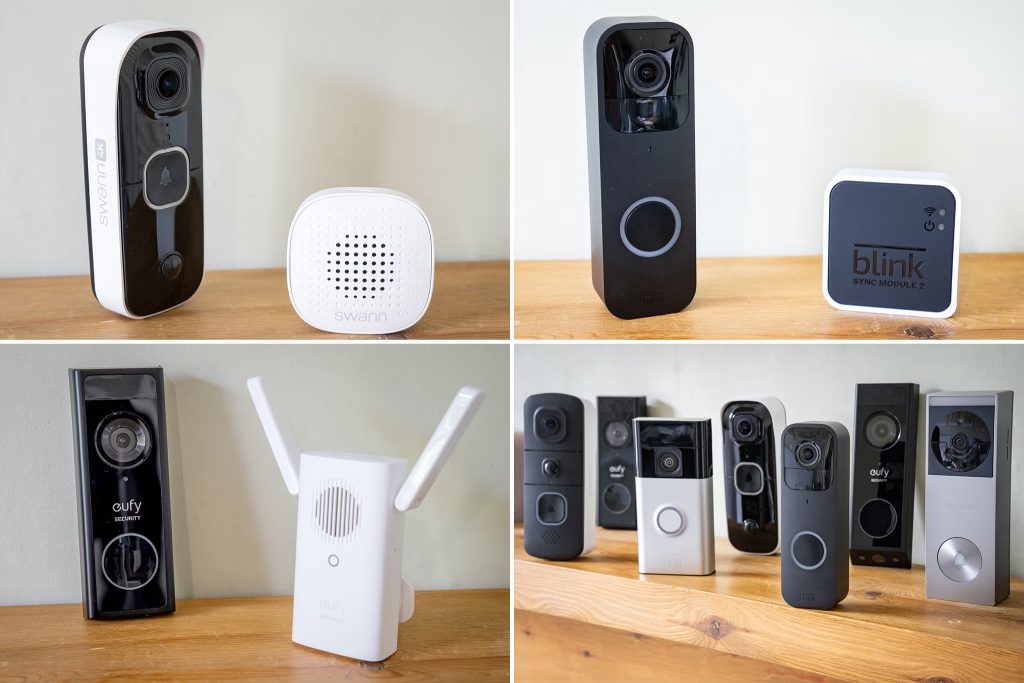
Before diving into detailed comparisons, it helps to understand what each major brand is known for. Each has its own approach to security, privacy and pricing.
Ring
Ring is often the first name people think of when shopping for a video doorbell for home security. Known for strong motion detection and a wide range of models, Ring doorbells work best with Alexa. Cloud storage requires a subscription, which is a dealbreaker for some users.
Google Nest
Nest doorbells focus on smart features and clean design. They shine in homes already using Google Assistant and smart displays. Nest models are often praised for intelligent alerts and video quality, but advanced features usually require a subscription.
Eufy
Eufy has built a reputation around privacy and value. Many models include local storage, eliminating monthly fees. This makes Eufy a strong contender for the best budget smart doorbell without sacrificing core security features.
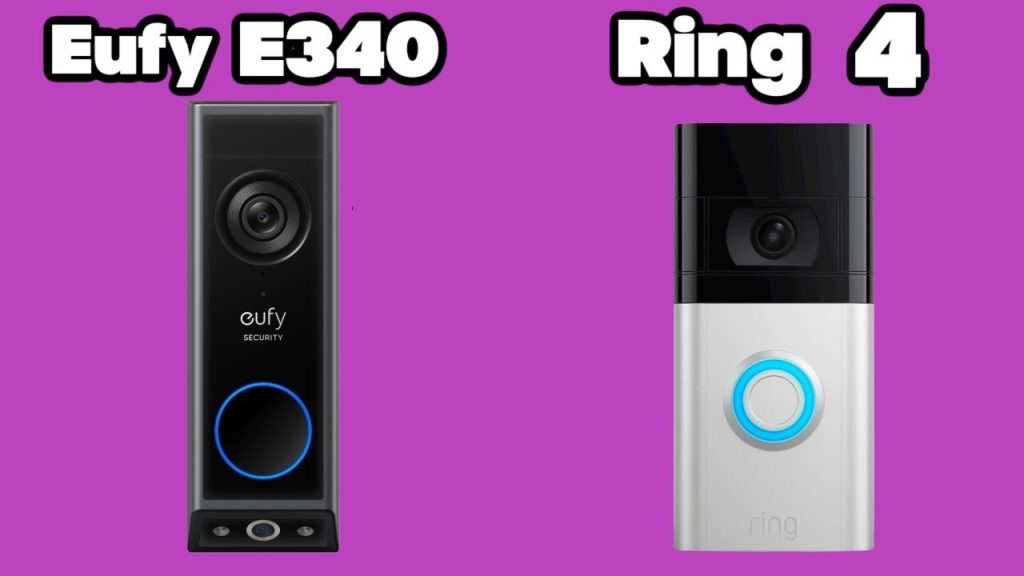
Ring video doorbell vs Eufy: which is safer?
One of the most common comparisons shoppers make is Ring video doorbell vs Eufy. Both offer reliable performance, but their priorities differ.
Ring excels in motion detection accuracy and ecosystem support. If you already own Alexa devices or Ring cameras, the integration feels seamless. However, most Ring models depend on cloud storage, meaning ongoing subscription costs.
Eufy focuses on privacy and affordability. Many Eufy doorbells store footage locally, which appeals to users who want control over their recordings. While Eufy’s app and ecosystem are not as extensive as Ring’s, the core security features are solid and dependable.
For users prioritizing privacy and cost, Eufy often feels safer long term. For users invested in a smart home ecosystem, Ring delivers convenience and reliability.
Ring vs Nest doorbell: smart features vs simplicity
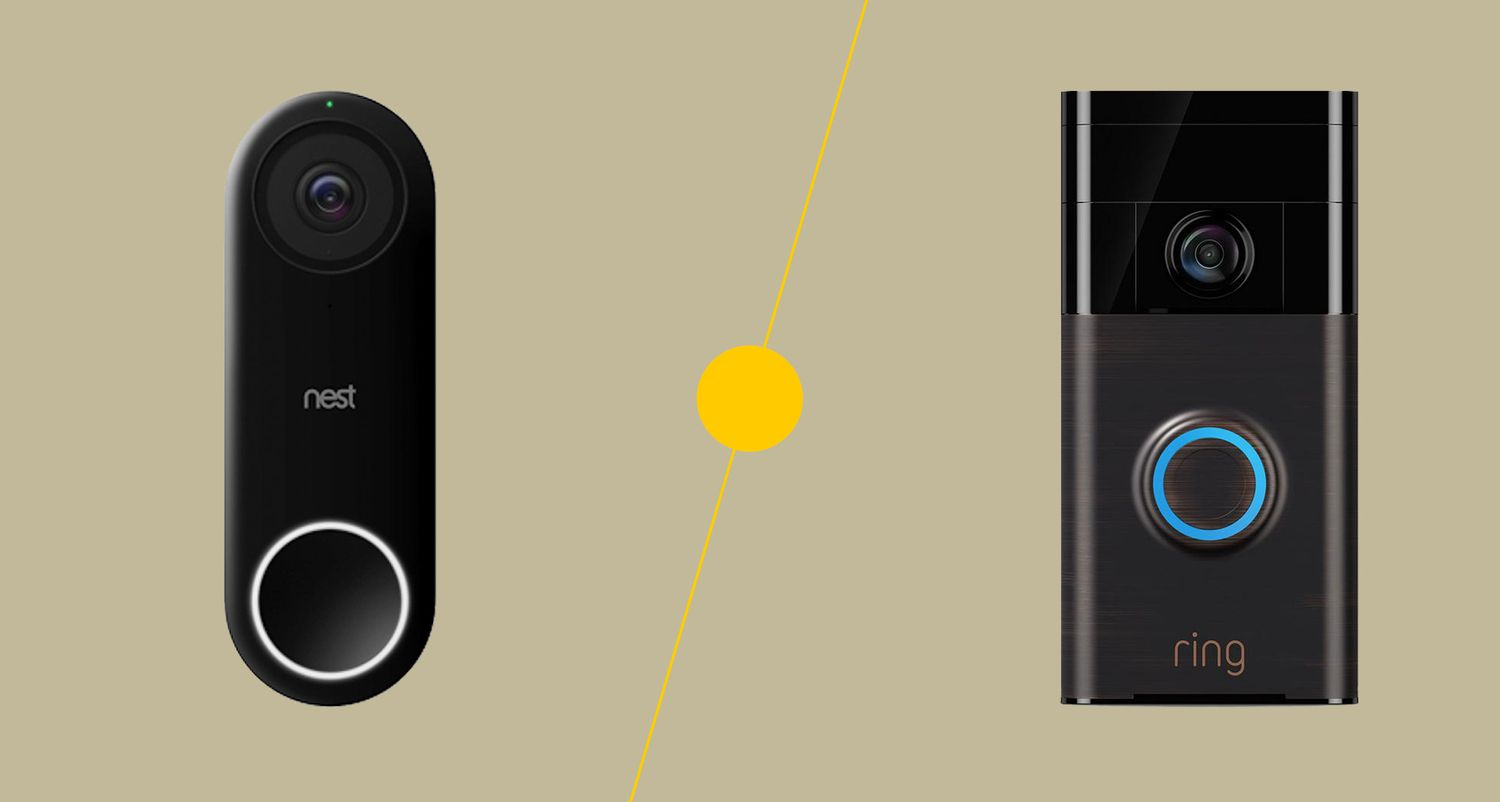
Another popular debate is Ring vs Nest doorbell. Both brands deliver high-quality video and dependable alerts, but their strengths differ.
Nest doorbells stand out for intelligent notifications. Some models can distinguish between people, packages and vehicles, reducing unnecessary alerts. Google’s AI-driven approach makes Nest appealing for users who want smarter automation.
Ring focuses more on community features and security alerts. The Neighbors app and extensive device lineup give Ring an edge for broader home monitoring.
Choosing between them often comes down to which smart assistant you use and whether you value AI-based alerts over ecosystem flexibility.
Smart doorbell vs security camera: do you need both?
Many homeowners wonder whether a smart doorbell vs security camera setup is enough on its own. The answer depends on your property and security concerns.
A smart doorbell with camera is ideal for monitoring front-door activity, deliveries and visitors. It covers the most common entry point and adds convenience through two-way audio.
Security cameras, on the other hand, provide broader coverage. They are better for monitoring backyards, garages or side entrances. For maximum protection, many homes benefit from using both together.
Smart doorbells with facial recognition: useful or overkill?
Facial recognition is one of the more advanced features now appearing in smart doorbells. On paper, it sounds impressive. Your doorbell can recognize familiar faces and alert you differently depending on who is at the door.
In real-world use, facial recognition works best in well-lit areas and with consistent camera angles. It can help reduce unnecessary alerts and provide more detailed notifications, such as distinguishing family members from strangers. Some systems even log visits from known faces, which can be helpful for busy households.
However, this feature often comes with limitations. Facial recognition is usually tied to cloud subscriptions, and privacy concerns are a common drawback. If maximum privacy is a priority, this feature may feel unnecessary. For users who want smarter alerts and already rely on AI-driven smart home tools, it can be a valuable addition.
Smart doorbells with local storage: privacy and long-term value
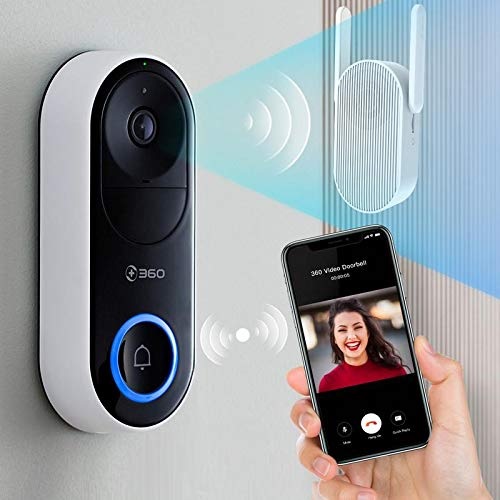
Local storage has become a major selling point for many homeowners. A smart doorbell with local storage records footage directly to internal memory or a home base station, rather than sending everything to the cloud.
This setup offers several benefits. First, there are no monthly fees, which makes it cost-effective over time. Second, your video footage stays within your home network, improving privacy and reducing reliance on internet connectivity.
The trade-off is limited storage capacity. Once memory fills up, older clips are overwritten unless manually saved. Still, for users who value privacy and predictable costs, local storage is one of the safest and most practical features to look for.
Best smart doorbell picks for different needs
There is no single option that works best for everyone. The safest choice depends on your budget, smart home setup and expectations.
Best budget smart doorbell
If affordability is your main concern, the best budget smart doorbell should still include reliable motion detection, clear video and two-way audio. Models in this category often skip premium AI features but cover essential security needs without ongoing fees.
Best video doorbell overall
The best video doorbell balances video quality, app reliability and alert accuracy. Strong performance in low light and customizable motion zones are key factors here. These models usually suit users who want dependable protection without excessive complexity.
Best smart doorbell for advanced features
For users who want facial recognition, package detection and deep smart home integration, premium models are worth considering. These doorbells often work best within established ecosystems like Alexa or Google Assistant and offer the most refined user experience.
Is a smart doorbell enough for full home security?
A smart doorbell is an excellent first step toward better home protection. It deters thieves, provides video evidence and lets you monitor your front door remotely. For apartments and small homes, it may be enough on its own.
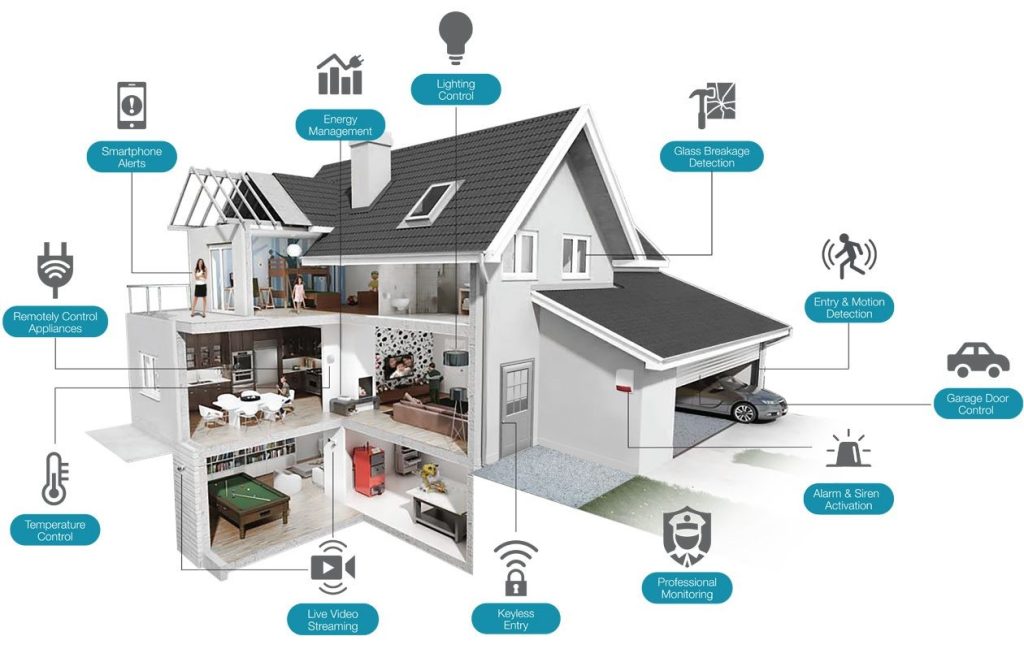
Larger homes or properties with multiple entry points may need additional devices. Pairing a smart doorbell with outdoor cameras, smart lighting and alarms creates a layered security setup that is far more effective.
Final verdict: which smart doorbell keeps your home safest?
After comparing features, privacy options and ecosystems, the safest smart doorbell is the one that fits your lifestyle and priorities. If you want seamless smart home integration and powerful motion alerts, ecosystem-focused brands deliver strong protection. If privacy and long-term value matter more, locally stored footage provides peace of mind without subscriptions.
This smart doorbell comparison shows that safety is not just about brand names. It is about reliable alerts, clear video and how comfortably the system fits into your daily routine.
Frequently asked questions
What is the best smart doorbell for most homes?
The best smart doorbell offers clear video, reliable motion detection and a user-friendly app. It should also integrate smoothly with your existing smart home devices for daily convenience.
Are smart doorbells worth it for home security?
Yes, smart doorbells improve front-door security by deterring theft and recording visitor activity. They also let you respond to visitors remotely, even when you are not at home.
Do smart doorbells work without a subscription?
Some smart doorbells work without subscriptions by using local storage. Cloud-based features like extended video history often require a monthly fee.
Can a smart doorbell replace a security camera?
A smart doorbell protects your front door but does not cover the entire property. Security cameras are better for monitoring backyards, garages and side entrances.
Is facial recognition safe to use on smart doorbells?
Facial recognition can make alerts smarter by identifying familiar faces. However, it may raise privacy concerns and usually depends on cloud-based processing.
