

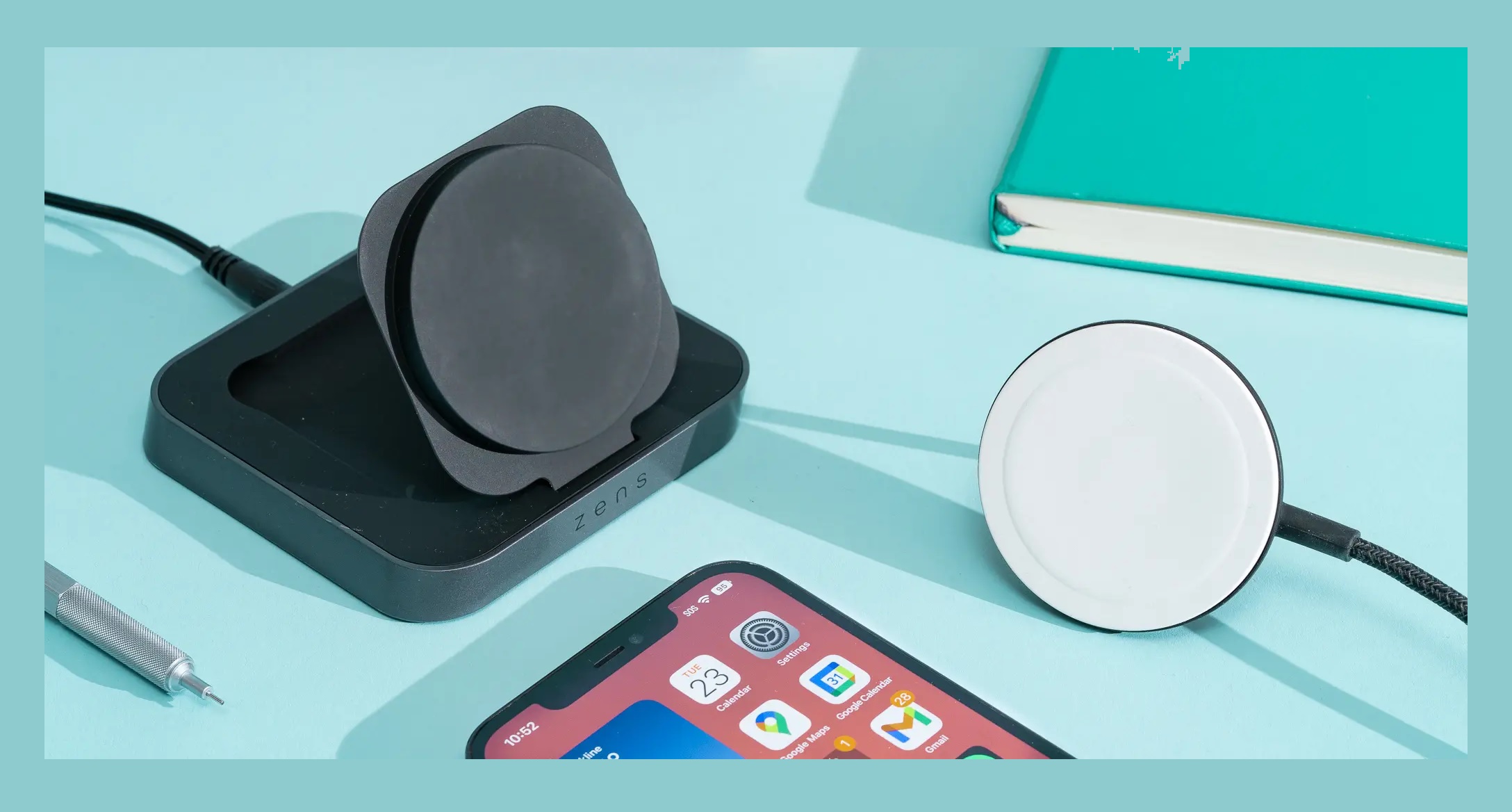
Why wireless charging pads are perfect for modern desks
A messy desk is more than just an eyesore. It slows you down, distracts you, and somehow always eats your charging cables at the worst possible moment. That is exactly why the wireless charging pad has become a must-have accessory for modern desks, especially in home offices and professional workspaces.
Instead of juggling cables, adapters, and power bricks, a single desk wireless charger lets you drop your phone down and get back to work. No plugging in, no fumbling around, and no cable clutter creeping across your desk like an unwanted houseplant.
Wireless charging has also grown up. Early Qi wireless charger models were slow and inconsistent. In 2026, fast wireless charger options deliver reliable performance, better heat management, and support for higher wattage standards like 15W wireless charging and Qi2 wireless charging.
For anyone building a clean, minimalist setup, a wireless charging pad for desk use is one of the easiest upgrades you can make. It keeps your phone powered throughout the day while maintaining a tidy, professional look.
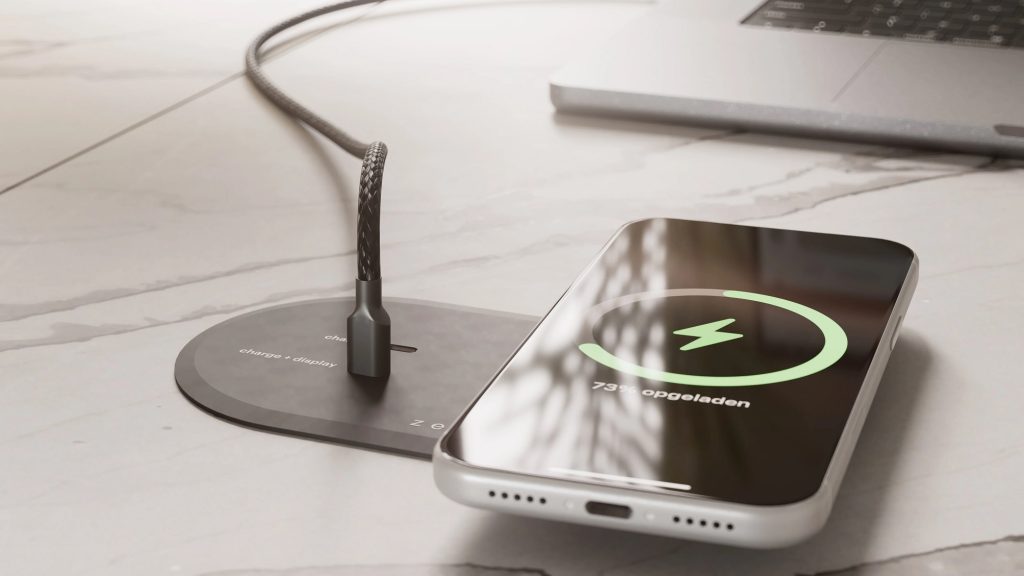
Qi vs Qi2 wireless charging: what actually matters for desk use?
If you have been shopping for the best wireless charging pad recently, you have probably seen Qi and Qi2 everywhere. While they sound similar, the difference matters more than most people realise, especially for desk setups where reliability is key.
What Qi wireless charging offers
Qi has been the global standard for wireless charging for years. Most phones, earbuds, and accessories support it, making any Qi wireless charger a safe choice for general use.
Qi charging is built around convenience. You place your device on the pad, and charging begins automatically. Modern Qi chargers are far more stable than early versions, offering consistent power delivery and improved safety features.
For desk use, Qi chargers work well if:
- You charge your phone intermittently throughout the day
- You do not need the fastest possible charging speeds
- You want wide compatibility with multiple devices
Why Qi2 is a big deal in 2026
Qi2 wireless charging is where things get interesting. Built with magnetic alignment in mind, Qi2 ensures your phone is perfectly positioned every time. This solves one of the biggest frustrations of older wireless charging pads, where a slight misalignment could slow or stop charging.
Qi2 also improves efficiency and heat control, making it ideal for office environments where devices sit on chargers for hours.
Key advantages of Qi2 for desks include:
- More reliable charging alignment
- Better thermal management
- Consistent 15W wireless charging support
- Reduced energy waste
Which should you choose for your desk?
If your phone supports Qi2, choosing a Qi2 wireless charger is a smart long-term investment. It offers better performance and fewer interruptions during the workday.
If not, a high-quality Qi wireless charger still delivers a solid experience, especially when paired with a well-designed desk charging pad that keeps your phone in place.
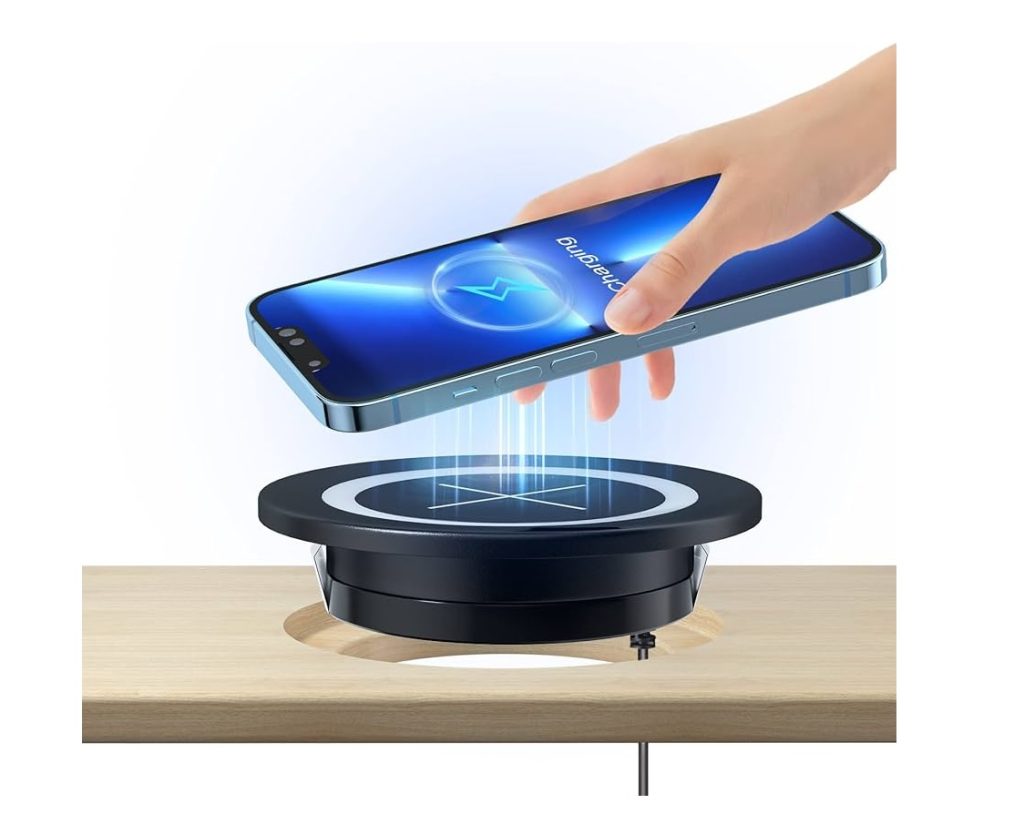
Fast wireless charging explained: is 15W really worth it for desks?
Fast charging sounds exciting, but when it comes to desk setups, speed is not always the main goal. The real question is whether a fast wireless charger actually improves your workday or simply looks good on a spec sheet.
How fast wireless charging works on desks
A 15W wireless charger delivers more power than older 5W or 7.5W models, allowing your phone to top up noticeably faster. This matters if you rely on short charging sessions between meetings or calls.
For desk use, charging usually happens in short bursts. You drop your phone down while working, pick it up for a call, then place it back again. In this scenario, faster charging ensures your battery level steadily climbs instead of hovering in place.
When 15W wireless charging makes sense
A higher wattage desk wireless charger is especially useful if:
- You spend long hours at your desk
- Your phone battery drains quickly during the day
- You want fewer interruptions from low battery alerts
Fast charging also helps future-proof your setup. Newer phones are designed to take advantage of higher wireless charging speeds, making a 15W wireless charger a safer long-term choice.
When slower charging is enough
If your phone sits on a charging pad all day, slower wireless charging can still meet your needs. It generates less heat and is easier on the battery over time.
This is why many of the best wireless charger options offer smart power management, adjusting charging speed based on temperature and battery level.
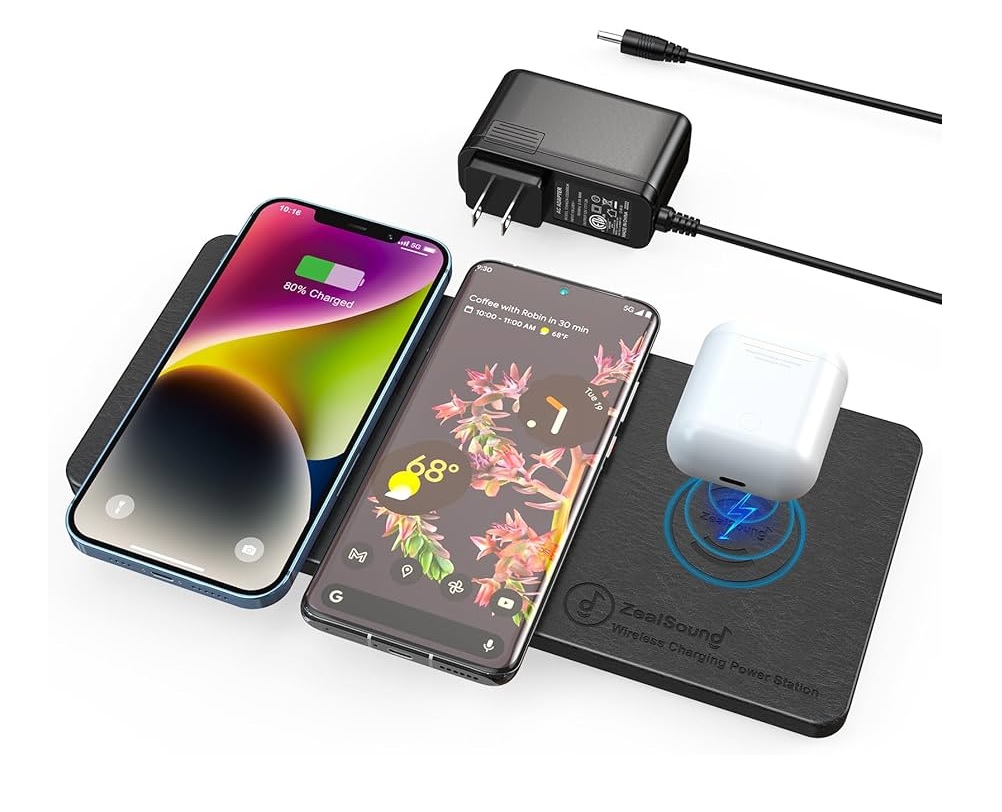
What makes the best wireless charging pad for a clutter-free desk?
Not all wireless charging pads are created equal. Some reduce clutter, while others quietly add to it with awkward shapes, bright lights, and cables that seem determined to escape your cable management tray.
The best wireless charging pad for desk use blends into your setup while doing its job reliably in the background.
Design that works with your desk, not against it
A good desk charging pad should sit flat, stay put, and avoid drawing attention to itself. Low-profile designs work best, especially for minimalist or professional workspaces.
Look for:
- Slim form factors that do not dominate desk space
- Non-slip surfaces to keep your phone aligned
- Neutral colours that match modern desks
A bulky charger defeats the purpose of a clean setup.
Stability and charging reliability
Desk chargers need to work every time. A slight bump should not knock your phone out of alignment. This is where well-designed coils and magnetic alignment really matter, especially with Qi2 wireless charger models.
Reliable charging means:
- No constant repositioning
- No random charging pauses
- Consistent power delivery throughout the day
Heat control for all-day use
Wireless charging generates heat, and poor heat management can slow charging or shorten battery lifespan. The best wireless charging pad options include internal cooling solutions or intelligent power adjustment to keep temperatures in check.
For office use, this matters more than raw speed.
Cable management still matters
Even though charging is wireless, power still comes from somewhere. A short, well-placed cable routed behind your desk keeps things tidy and out of sight.
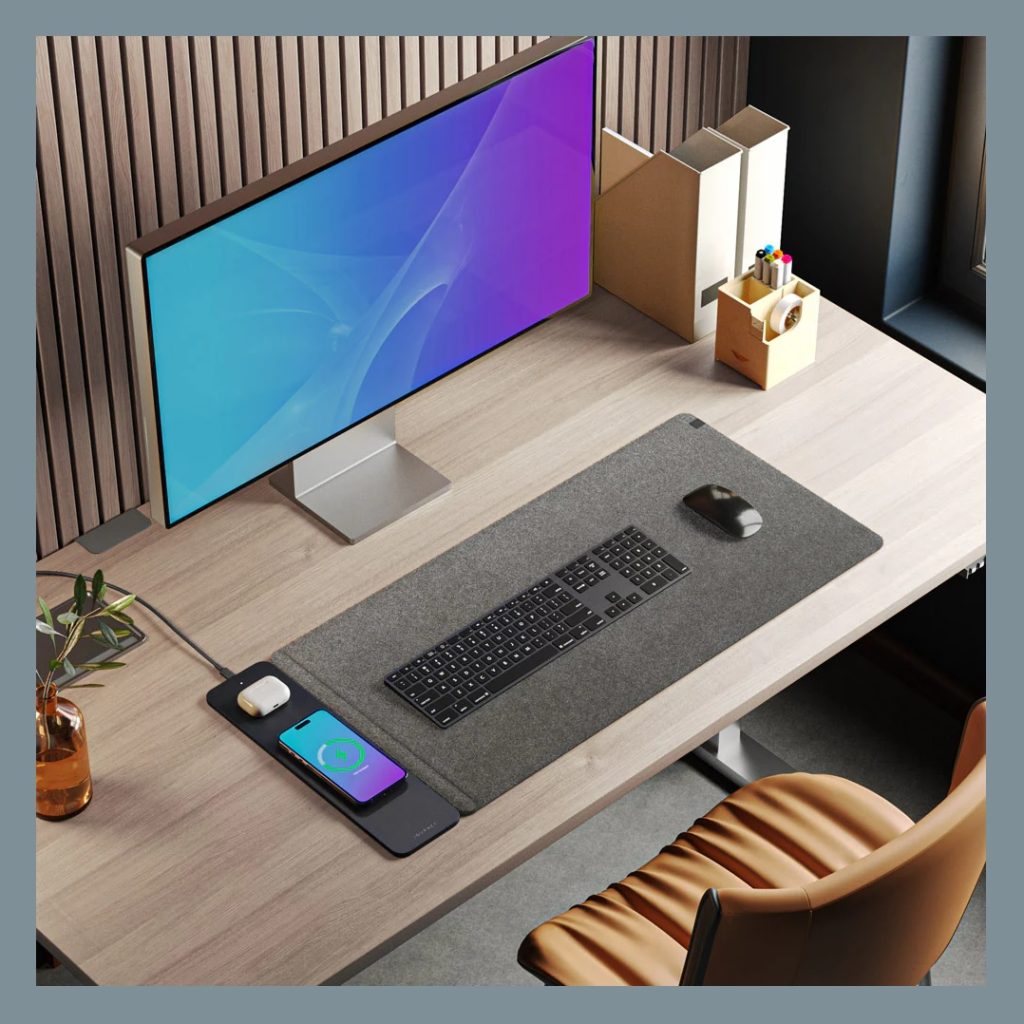
Best wireless charging pads for office desks in 2026
Wireless charging pads in 2026 are built with desks in mind. They are no longer just about charging a phone, they are about fitting into a work environment without adding visual noise or daily frustration.
Instead of chasing flashy features, the best wireless charging pad options focus on reliability, smart design, and all-day comfort for desk use.
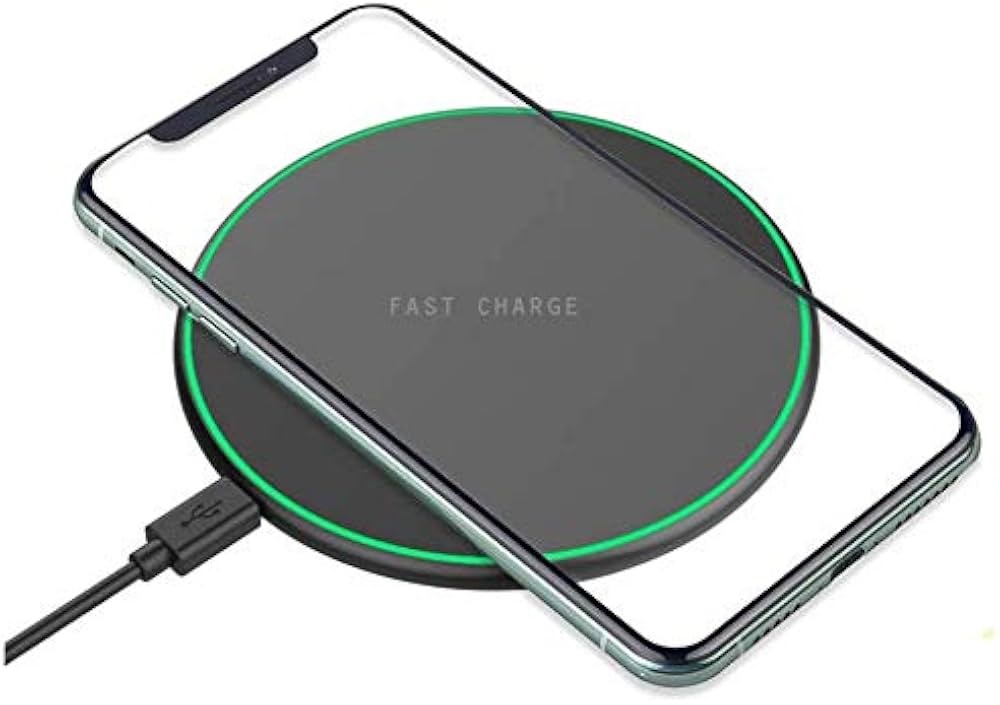
Slim single-device charging pads
If your desk setup is minimal, a slim wireless charging pad is often the best choice. These pads sit flush on the desk, take up very little space, and quietly keep your phone topped up while you work.
They are ideal for:
- Compact desks and home offices
- Users who want a clean, distraction-free setup
- All-day phone charging without cables
Many modern versions support fast wireless charging while maintaining a low-profile design that blends naturally into professional workspaces.
Magnetic charging pads for desk reliability
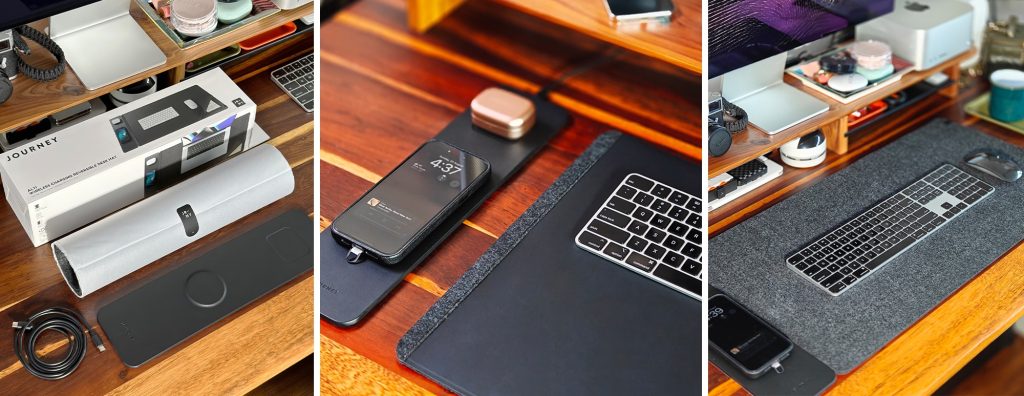
Magnetic charging pads have become a favourite for office desks, especially with the rise of Qi2 wireless charging. The magnetic alignment locks your phone into the optimal position, so charging starts instantly and stays stable.
These pads are perfect if:
- You move your phone frequently during the day
- Your desk gets bumped or adjusted often
- You want consistent charging without repositioning
For long workdays, this reliability makes a noticeable difference.
Desk charging pads for multiple devices
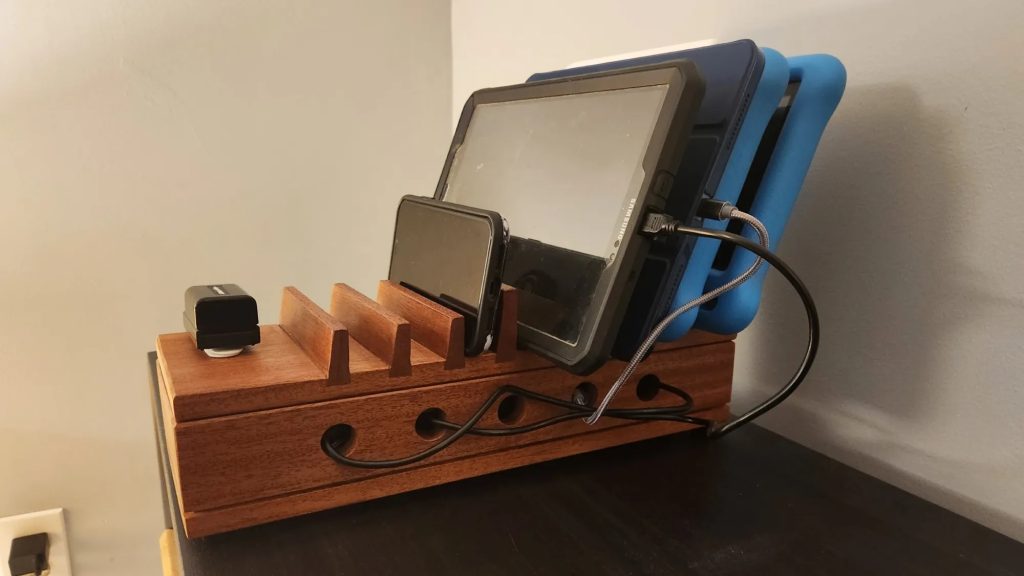
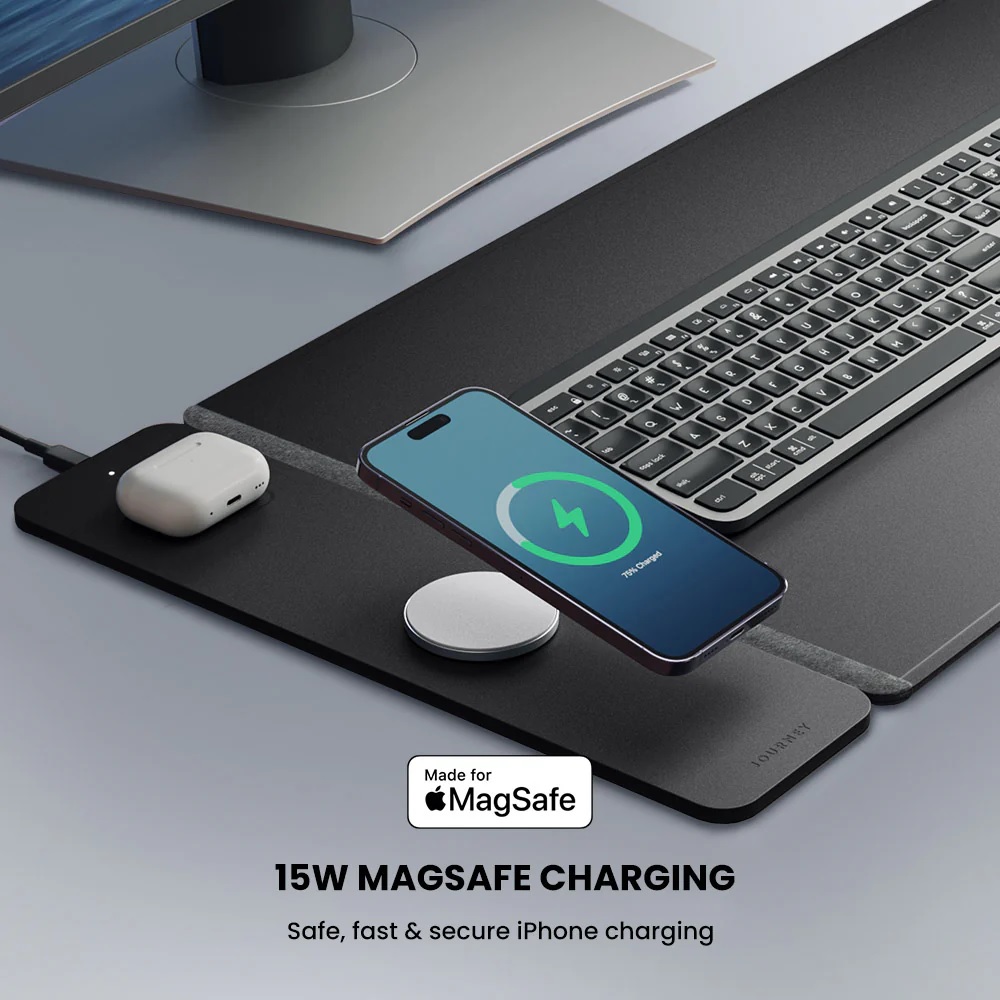
Some desks are command centres. If you juggle a phone, earbuds, and other accessories, a larger desk charging pad can replace multiple chargers with one organised surface.
These pads work best for:
- Professionals with multiple daily-use devices
- Reducing cable clutter across the desk
- Keeping everything charged in one dedicated spot
The best designs keep devices clearly separated, preventing the desk from feeling crowded or chaotic.
Wireless charging pads vs charging stands: which is better for desks?
Choosing between a wireless charging pad and a charging stand might seem minor, but it has a real impact on how your desk feels and functions throughout the day. Both options can keep your phone powered, yet they suit very different desk habits.
Why wireless charging pads work better for clean desks
A wireless charging pad is all about subtlety. It sits flat, blends into your desk, and does not demand attention. For clutter-free setups, this matters more than most people realise.
Charging pads are ideal if:
- You want your desk to look clean and minimal
- Your phone spends long periods resting on the charger
- You prefer a simple drop-and-charge experience
For office environments, pads often feel more professional because they stay out of the way and reduce visual distractions.
When a charging stand makes more sense
Charging stands keep your phone upright, making it easier to glance at notifications, take video calls, or use your phone as a clock or second screen.
They work best if:
- You frequently check notifications while working
- You attend video calls on your phone
- You want easy access without picking up the device
The trade-off is desk space. Stands are more visible and can add to visual clutter if not chosen carefully.
The desk-focused verdict
If your goal is a wireless charging pad for desk use that keeps things tidy and unobtrusive, a flat pad is usually the better choice. Charging stands are practical, but they work best on larger desks where space is not at a premium.
How to choose the best wireless charging pad for your desk setup
Choosing the right wireless charging pad is less about chasing specs and more about understanding how you actually use your desk. The best wireless charger for you should feel invisible during the workday while quietly doing its job.
Match the charger to your daily routine
Start by thinking about how often you pick up your phone. If it stays on your desk for long periods, a stable desk charging pad with good heat control matters more than maximum speed. If you are constantly in and out of meetings, faster wireless charging becomes more useful.
Ask yourself:
- Do I charge all day or in short bursts?
- Do I need fast top-ups or steady charging?
- Is my desk space limited?
These answers point you toward the right type of charger.
Check device compatibility first
Not all phones support the same charging speeds. Make sure your charger matches your phone’s capabilities, whether that is standard Qi or newer Qi2 wireless charging. A mismatch can lead to slower charging than expected.
Compatibility also matters if you plan to charge earbuds or other accessories on the same pad.
Focus on build quality and materials
A well-built wireless charging pad stays in place and lasts longer. Look for non-slip surfaces, solid materials, and a design that resists scratches and wear.
Cheap pads often work initially but lose efficiency over time, especially in daily office use.
Keep your desk layout in mind
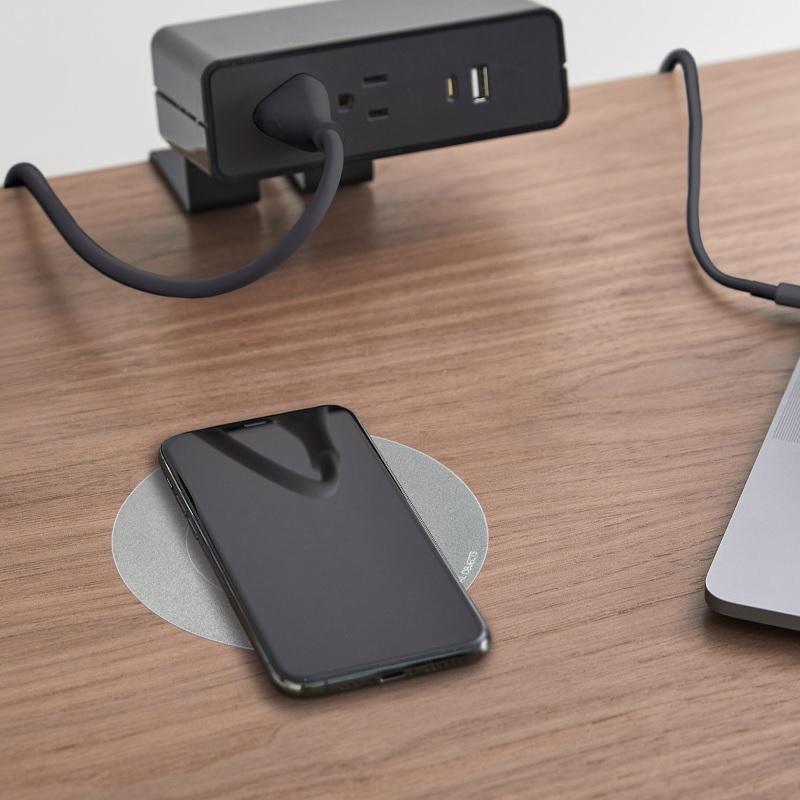
Cable placement matters, even with wireless charging. A pad with a short, well-positioned cable is easier to route behind your desk and helps maintain a clean look.
Common mistakes to avoid when using a desk wireless charger
Wireless charging pads are designed to simplify your desk setup, but small mistakes can quietly ruin the experience. Avoiding these common issues helps your desk wireless charger perform better and last longer.
Placing the pad in the wrong spot
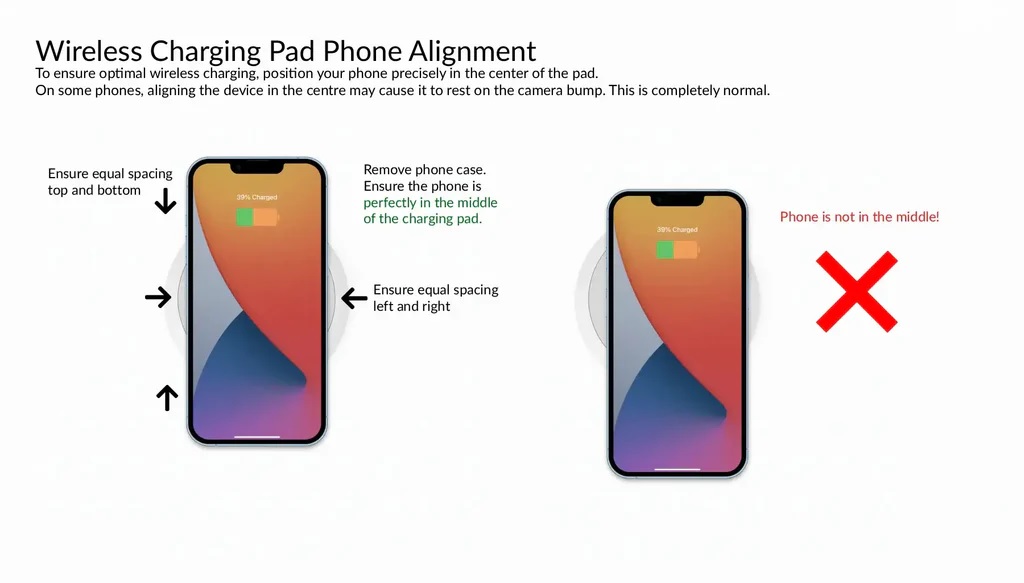
Where you place your charger matters more than you think. Putting it too close to your keyboard or mouse can lead to accidental bumps that interrupt charging.
A good rule is to place the pad in a low-traffic area of your desk where your phone can sit undisturbed.
Ignoring alignment issues
Not all pads have perfect alignment, especially older Qi wireless charger models. Slight misplacement can slow charging or stop it entirely.
If you frequently find yourself adjusting your phone, consider switching to a magnetic or Qi2 wireless charger for better reliability.
Using thick or metal phone cases
Some phone cases interfere with wireless charging. Thick materials or metal components can reduce efficiency or prevent charging altogether.
If your phone charges slowly, your case might be the hidden culprit.
Expecting wired-speed charging
Even the best wireless charger is designed for convenience, not replacing a wired fast charger entirely. For desk use, wireless charging works best as a steady power source rather than a rapid refill.
Final verdict: the best wireless charging pad for clutter-free desks
A clean desk is not about removing everything. It is about keeping only what earns its place. In 2026, a well-chosen wireless charging pad easily makes that cut.
For most desk setups, the best wireless charging pad is one that disappears into your workspace while delivering reliable, all-day charging. Flat designs with solid alignment, good heat control, and support for modern standards like Qi2 wireless charging offer the best balance between performance and simplicity.
If your desk is primarily for focused work, a slim desk charging pad keeps your phone powered without adding visual noise. For busier workdays and frequent phone movement, magnetic chargers provide consistency without constant repositioning. Multi-device pads make sense only if they replace multiple chargers, not if they overcrowd your desk.
The key takeaway is simple. The best wireless charger for your desk is the one that matches your habits, supports your devices, and keeps cables out of sight. When chosen well, wireless charging feels less like a feature and more like part of the desk itself.
FAQ
What is the best wireless charging pad for desk use?
The best option is a low-profile charging pad with stable alignment, good heat management, and support for modern Qi or Qi2 standards.
Are wireless charging pads safe for all-day desk charging?
Yes, high-quality desk wireless chargers include temperature control and power management to prevent overheating during long workdays.
Is a 15W wireless charger necessary for desk setups?
A 15W wireless charger is useful for faster top-ups, but slower charging is often sufficient for all-day desk use.
Can I charge earbuds on a desk wireless charger?
Most Qi wireless chargers support earbuds, but always check compatibility before buying.
Do wireless charging pads work with phone cases?
Most work with standard cases, but thick or metal cases can reduce charging efficiency.
